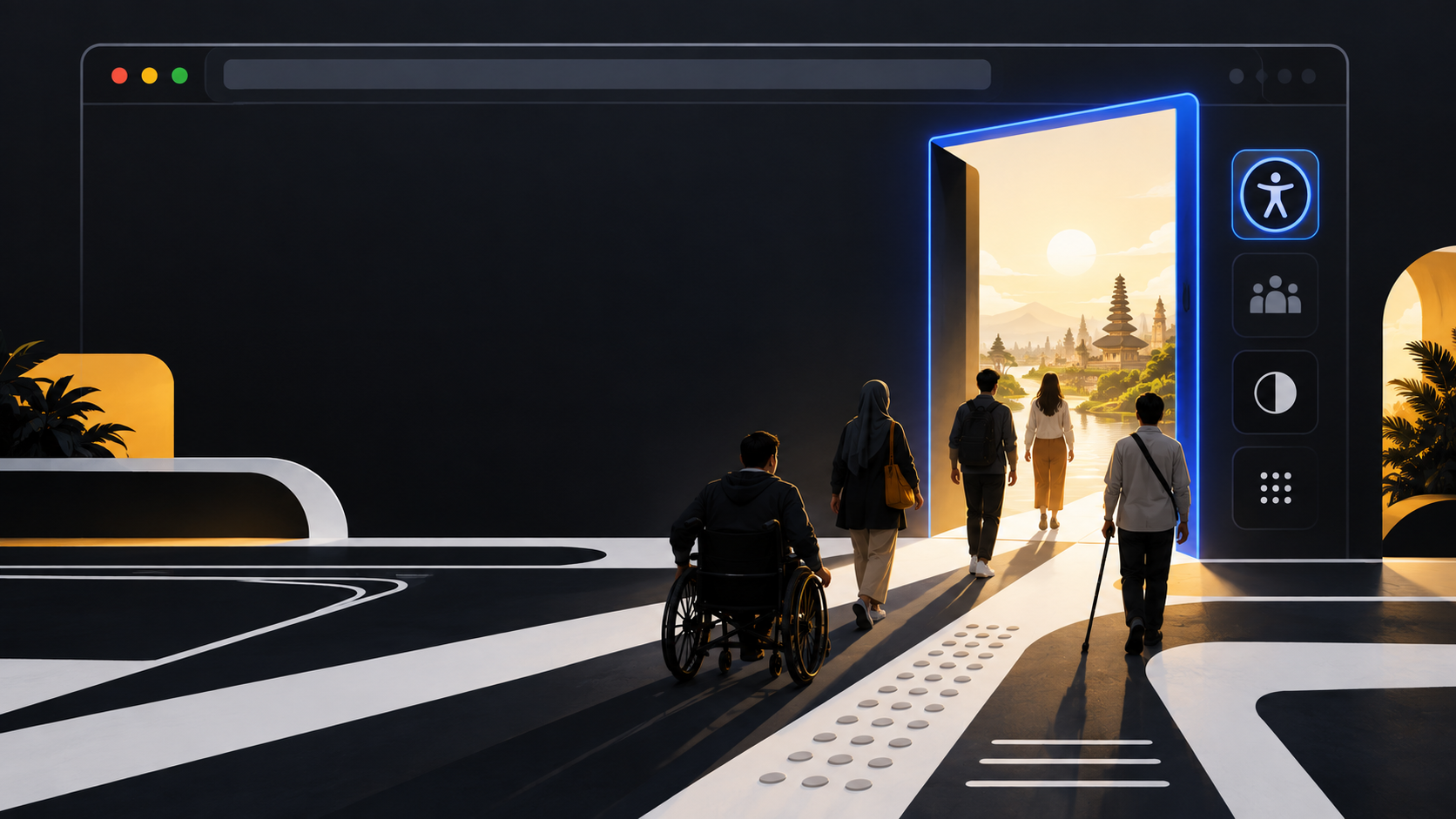
🧭 The customer journey starts before the customer arrives
A website can lose a customer before any product page, contact form, or checkout has a chance to make its case. The loss may happen when a screen reader cannot make sense of a menu, when a person using a keyboard cannot reach a booking button, or when a mobile control is too small to tap reliably. Those are not edge cases at the rim of a service. They are moments when the service has made itself unavailable.
Web accessibility means designing and developing websites, tools, and technologies so people with disabilities can perceive, understand, navigate, interact with, and contribute to the Web. W3C also points out that access improvements help people using small screens, different input modes, slow connections, temporary impairments, or difficult surroundings. The same clearer service that supports a person who cannot use a mouse can help someone with a broken arm. The same captions that support a deaf visitor can help a commuter in a noisy place.
That practical breadth changes the business question. The issue is not whether a team can add enough code to satisfy a review at the end. It is whether people can complete the reason they came: find a policy, compare an option, pay a bill, make an appointment, ask for support, or apply for a role. Every blocked task makes a promise on the site feel conditional.
“The power of the Web is in its universality. Access by everyone regardless of disability is an essential aspect.”
Tim Berners-Lee, as presented by W3C
The quote is often treated as a founding ideal. It is also a useful operating test. A universal service cannot depend on one kind of vision, one motor action, one device, or one pace of reading. Accessibility therefore belongs beside reliability, content quality, privacy, and customer support. It tells an organisation whether its digital front door works for the people it says it serves.
🔎 A compact snapshot of what good access protects
Good access protects the ability to get information and act on it without needing a particular workaround. It covers the whole route through a service, from first orientation to confirmation that a task is complete. A visitor needs to understand what a page is for, locate the right control, enter information, recover from an error, and know what happened next. A page that looks orderly but breaks at any of those points is not fully doing its job.
W3C groups WCAG 2 guidance under four principles: content should be perceivable, operable, understandable, and robust. These are useful as service questions rather than abstract labels. Can people obtain the information in a form they can use? Can they operate the interface with their available input method? Can they understand labels, instructions, and changes of state? Can the content work with browsers and assistive technologies rather than relying on a fragile visual arrangement?
A short review can expose surprising gaps. Is meaningful text available for non-text content? Do form fields have clear labels? Does a visible focus indicator show where keyboard input is going? Does a video provide captions where needed? Can a person identify an error and correct it? Are headings doing the work of explaining the page’s sections? These questions do not replace a full evaluation. They keep teams attentive to ordinary failures that customers meet every day.
- Perceivable: information is available beyond colour, sound, or a single visual cue.
- Operable: controls can be reached and used without a precise pointer or gesture.
- Understandable: labels, instructions, errors, and confirmations say what they mean.
- Robust: the underlying structure works with current browsers and assistive technology.

Accessibility protects dignity as well as task completion. People should not have to disclose an impairment, enlist another person, or retry a service repeatedly because a routine interaction was designed around somebody else’s default. It also protects the quality of decisions made by staff. Clear structure, readable content, labelled controls, and predictable behavior make a service easier to maintain and easier to explain when something goes wrong.
A customer does not experience an inaccessible navigation menu as a missed technical criterion. They experience it as a service that has stopped answering.
⌨️ Keyboard use reveals whether the site has a real front door
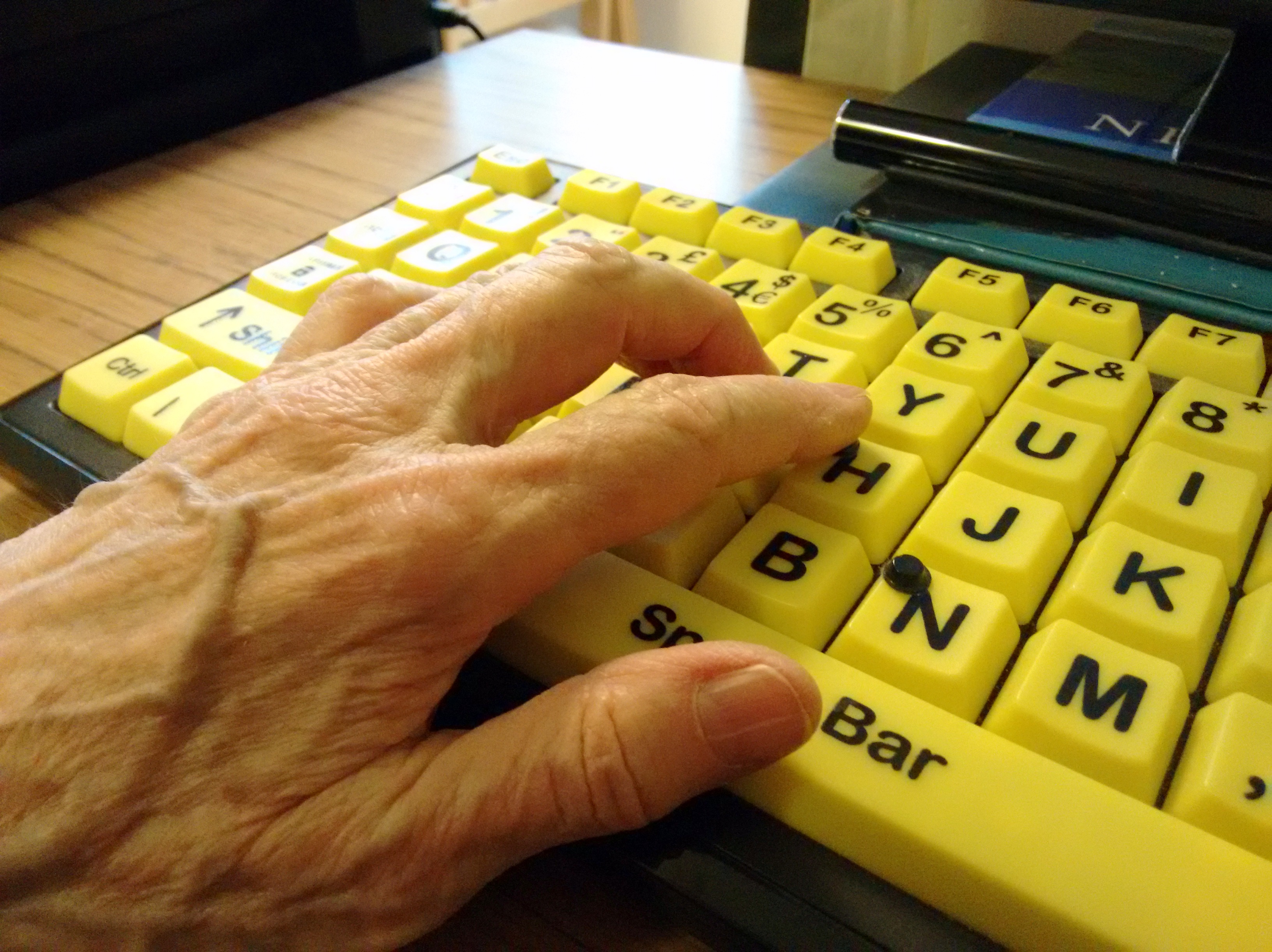
Keyboard testing is one of the fastest ways to see whether an interface has a usable entrance. Start at the top of a page, use Tab and Shift+Tab, and follow the visible focus. A visitor should be able to reach interactive items in a sensible order, tell where they are, activate a control, and move on without getting trapped. That modest exercise quickly reveals whether a page treats a mouse as a hidden requirement.
Keyboard access matters for people who do not use a mouse, including some people with physical disabilities and many screen reader users. It also exposes design decisions that a pointer can conceal: a custom button that is not actually operable, a menu that opens visually but leaves focus behind, a modal dialog with no clear route out, or a focus outline removed because it did not fit a visual style.
Focus is not decorative feedback. It is location information. When a person presses Tab, the interface must answer a simple question: where will the next action occur? A clear indicator, adequate contrast, and a sequence that follows the page’s purpose make that answer available. When focus jumps unpredictably or disappears, the visitor has to guess. Guessing is a poor substitute for navigation.
Test a complete task rather than a row of isolated links. Open the menu, select an item, fill a form, trigger an error, correct it, submit, and reach the confirmation. Watch what happens after dynamic updates. If a dialog appears, does focus move into it? When it closes, does focus return to a useful place? If an alert changes the page, can the user understand that change?
A keyboard pass is not proof that every need is met. It is a practical check on whether the service’s basic route is real. If the route fails without a pointer, the team has found a customer journey problem early enough to fix it.
🧱 Content and structure carry more weight than visual polish
A polished interface can still be hard to understand. Accessibility starts with the information architecture that sits beneath the visual layer: meaningful headings, descriptive links, labels connected to fields, instructions placed where people need them, and text that explains action and outcome. These choices give users orientation. They also give browsers and assistive technologies a structure they can communicate.
Headings are not merely large type. They signal topics and hierarchy. A page with a clear heading structure allows a person to understand its shape and move through it efficiently. Links need enough context to tell people where they lead. A row of identical “Read more” links forces a visitor to infer meaning from surrounding design. A link labelled with the destination or action carries its own purpose.
Forms reveal whether content and structure have been treated as part of the interface. A placeholder is not a durable substitute for a label. It disappears when a person starts typing and can leave the field’s purpose unclear. Instructions need to be available before the action they govern. Error messages need to identify the problem in terms the visitor can correct, instead of reporting only that something failed. When the service asks for information, it should make the request understandable.
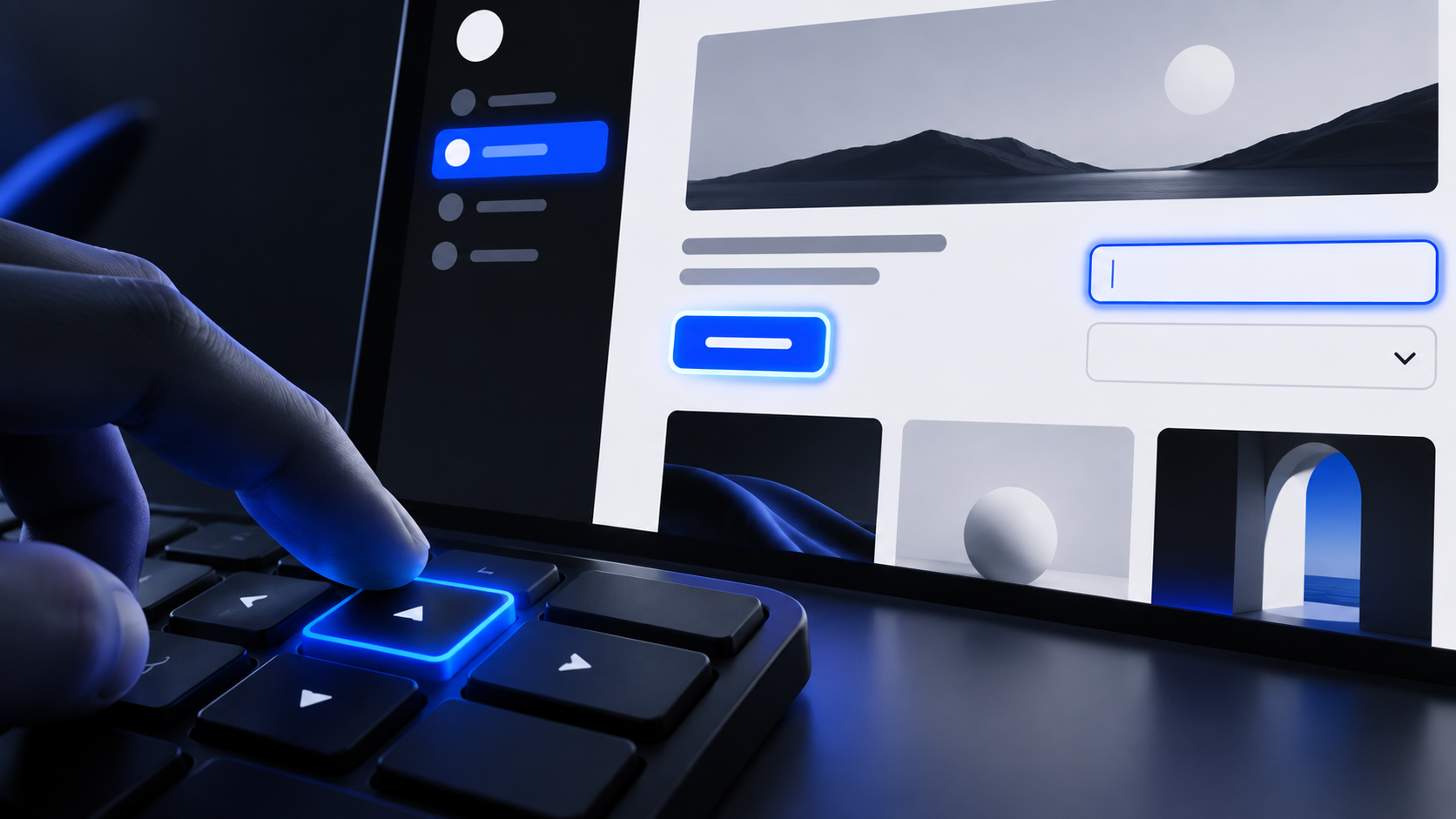
Structure also matters when the interface changes. A button should be recognisable as a button, a status update should be communicated, and a control’s name should match what it does. Adding ARIA attributes without understanding the underlying interaction can create a false description rather than an accessible one. Native elements often supply familiar behavior; custom components need equivalent behavior, name, role, and state when they replace it.
Visual polish remains valuable. Spacing, type, contrast, and hierarchy can make a service calmer and more legible. But a design cannot recover information that was never structured, or instructions that were never written. A good visual system should reinforce the page’s meaning, not become the only channel through which that meaning exists.
📱 Mobile access is not a smaller version of desktop access
Mobile use changes the conditions of interaction. A person may be on a small screen, using one hand, moving, coping with glare, or relying on touch rather than a pointer. Responsive layouts that simply compress desktop content can produce crowded controls, hidden context, and forms that are technically present but exhausting to complete.
W3C notes that controls that are small or too close together can be difficult for many people to use, especially on small mobile devices. Large enough activation areas and adequate separation help people with reduced dexterity. They also help people whose device cannot be held steady, people unfamiliar with the input method, and anyone trying to tap accurately while their attention is divided.
That makes touch-target decisions service decisions. A compact icon may look efficient, yet be hard to select. A label associated with a checkbox or option can enlarge the usable activation area. Clear labels reduce the need to decode an icon before acting. Separation prevents one intended action from becoming another. These details matter most at points where error is costly: deleting an item, confirming payment, choosing a date, accepting terms, or sending a message.
Mobile access also involves reflow and reading order. A page should retain its meaning when content wraps, zoom changes, or a layout shifts between viewports. Do not rely on a side-by-side relationship that disappears on a narrow screen. Keep headings near the content they introduce. Keep error feedback close enough to the field it concerns. Make sure essential instructions are not revealed only on hover, a state that touch users may never encounter.
Test on an actual small screen, not just a resized desktop browser. Move through a journey with touch, rotate the device, increase text size where the platform allows it, and check the essential actions again. The goal is not to make the desktop page fit. The goal is to keep the service understandable and operable under mobile conditions.
🧪 Test the experience, not just the code report
Automated checks are useful because they find certain issues quickly and repeatedly. They can flag missing accessible names, invalid ARIA use, language problems, and other detectable patterns. Lighthouse’s accessibility score is a weighted average of pass or fail audits. A failure on an audit receives no partial credit, and manual audits do not affect the score. That makes the score a useful signal, not a certificate of customer access.
W3C is explicit: no tool alone can determine whether a site meets accessibility standards. Knowledgeable human evaluation is required. Automation cannot reliably judge whether link text makes sense in context, whether instructions are understandable, whether focus moves usefully, whether a workflow is confusing, or whether a page works with the combinations of technology people actually use.

A sensible routine combines automated and human checks early and throughout development, when problems are easier to address. Run automated checks in a repeatable part of delivery. Then inspect representative pages and complete the key journeys manually. Use keyboard navigation. Review headings, labels, errors, and status changes. Check responsive behavior. Where possible, involve people with disabilities in research and evaluation so the team learns from real use rather than assumptions about it.
Sampling matters. A marketing page, a search result, a logged-in account area, a payment step, and a support form can share a design system while failing in different ways. Review templates, components, and task paths rather than testing one pleasant page and extrapolating. Re-test after changes to shared navigation, forms, content management templates, or third-party integrations.
Treat findings as defects with owners and deadlines. A report that lists barriers but does not connect them to work will age into a record of known exclusion. The useful outcome of testing is a changed experience: a repaired interaction, clearer content, a stronger component, and evidence that the route works after the fix.
🧾 Make accessibility part of ordinary business operations
Accessibility becomes reliable when it is attached to the places where ordinary decisions are made. It belongs in discovery, procurement, design, content production, development, quality assurance, launch, and maintenance. A last-minute specialist review can find problems, but it cannot cheaply redesign a service whose assumptions were settled months earlier.
Start projects by deciding which journeys matter, who needs to use them, and what accessibility requirements apply to the work. Include people with a range of abilities in user research where possible. Write acceptance criteria for the interaction itself: keyboard operation, visible focus, meaningful labels, error recovery, captions or alternatives where relevant, and behavior on small screens. These are outcomes the team can test, not aspirations left to interpretation.
Content operations deserve the same discipline as code. Editors need templates that encourage headings, descriptive links, alternative text where it is appropriate, and clear instructions. A publishing workflow that lets every new article introduce unlabeled media or broken heading hierarchy will steadily undo a careful launch. Training is useful, but it needs support from the tools and checks people use under time pressure.
Procurement can either reduce risk or import it. Ask suppliers how their product is evaluated, what standard and scope their claims cover, and how accessibility issues are reported and fixed. A vendor statement is evidence to examine, not a reason to stop testing the parts of the service that customers will actually use. Integrations, embedded widgets, document viewers, and payment flows all affect the journey.
Keep a living record of known issues, decisions, fixes, and residual limitations. For organisations that publish accessibility statements, candour about the current service is more useful than broad assurance. Operational ownership turns accessibility from a campaign into a maintained quality of service.
⚖️ Standards, legal context, and the danger of false certainty
WCAG 2 provides a shared technical standard for web content accessibility. Its guidance is organised under four principles and includes testable success criteria at levels A, AA, and AAA. Conformance is determined by meeting the applicable success criteria. This gives teams a common language for requirements and evaluation, but it does not turn a single score, audit, or badge into a universal promise.
Legal duties depend on jurisdiction, sector, organisation, service, and context. It is unsafe to treat one country’s rules as a worldwide rule, or to assume that a WCAG conformance claim answers every legal question. Teams should seek advice appropriate to their own obligations and record the standard, version, level, scope, and testing method behind any claim they make.
The United Kingdom offers a concrete example rather than a global template. GOV.UK states that public sector bodies covered by the Public Sector Bodies Accessibility Regulations 2018 must make websites and mobile apps perceivable, operable, understandable, and robust, meet WCAG 2.2 AA, and publish an accessibility statement. GOV.UK also places accessibility alongside obligations under the Equality Act 2010. Those requirements should not be casually extended to organisations or countries outside their stated scope.
False certainty appears in softer forms too. “We use an accessible platform” says little about the content and integrations added to it. “We passed Lighthouse” does not cover manual judgement. “We meet WCAG” is incomplete without saying what was tested and when. A clean audit can describe a point in time; a live service changes with releases, editors, suppliers, and customer behavior.
Standards are most useful when they sharpen accountability. They help a team specify work, test it consistently, discuss defects precisely, and avoid arguing from taste. The mistake is to confuse the map with the service. People need the service to work.
🛠️ The next decision is operational, not symbolic
The next useful move is to choose one important customer journey and make its accessibility visible in the work. Select a route that matters to the organisation and to the people using it: requesting help, registering, applying, booking, paying, changing account details, or finding essential information. Name an owner, define the expected outcome, and test it with automated checks and human review.
Then fix the barriers in the order they obstruct completion. A control that cannot be reached, a form that cannot be understood, or an error that offers no recovery deserves attention before cosmetic refinement. Check the repaired journey again with keyboard use, small-screen use, and the relevant assistive-technology considerations. Document what was checked, what changed, and what still needs work.
Build that same practice into the next release. Give designers, editors, developers, and testers a shared definition of done. Maintain components that preserve labels, focus, structure, and touch usability instead of asking every project to rediscover them. Review third-party additions before they become part of a customer’s route. Keep feedback channels open so barriers found in use reach someone who can act.
This is how accessibility becomes credible. Not through a statement alone, a perfect-looking score, or a one-off audit, but through a routine that notices exclusion and removes it. The website is a service. The decision is whether that service will work for everyone it asks to rely on it.
Sources: W3C, WCAG 2 Overview · W3C, Introduction to Web Accessibility · W3C, Evaluating Web Accessibility · W3C, Large Links, Buttons, and Controls · Chrome Developers, Lighthouse accessibility score · GOV.UK, equality and accessibility regulations


