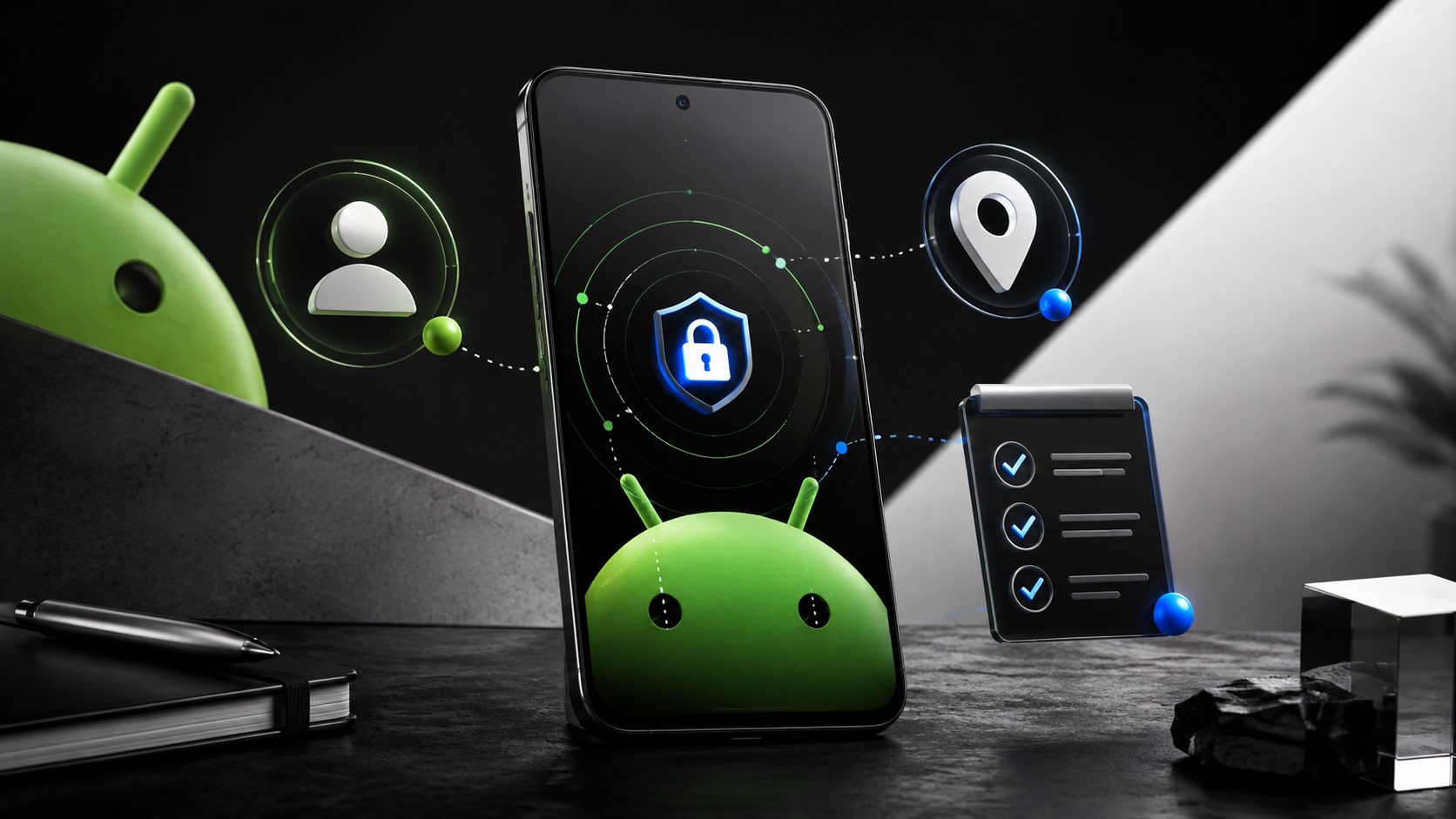
Android’s September 2026 feature drop is less about a new handset than the small points where a phone meets a working day: a passport put in a drawer, a customer note that several people must update, a screen used from the passenger seat. For Indonesian readers who run a small business from a phone, the useful question is not whether every feature arrives immediately. It is which settings, accounts, and habits are worth putting in order before it does.
Google announced the drop on 1 September. The headline features include remembered locations in Find Hub through Gemini, Motion Assist on Android 17, Guided vision in Gemini Live, collaborative Google Keep notes in Google Messages, and chat themes. Availability is conditional. Google repeatedly limits features by Android version, country, device and service availability. That matters more than a promotional list: a good setup makes an unavailable feature harmless rather than disruptive.
🧭 The update is a workflow check, not a shopping list
The September Android Drop groups five ideas that have different audiences. Find Hub’s remembered-items feature is intended for objects without a tracker, such as a passport or spare key. Motion Assist is for passengers who feel unwell while looking at a phone in a moving vehicle. Guided vision is an accessibility feature designed with blind and low-vision communities. Keep collaboration inside Messages is for shared notes. Chat themes are presentation.
A small team should not treat those as one compulsory package. Start with the work that already creates friction. If staff repeatedly ask where an event kit, backup phone, modem, key, or document is stored, a shared written inventory may be more reliable than a memory feature. If a family business coordinates stock through a busy group chat, a shared Keep list may reduce duplicate purchases. If someone travels as a passenger and needs to read a booking or route, Motion Assist is worth trying only when it becomes available on that person’s phone.
That distinction protects attention. Features which touch a Google account, camera, location, or group conversation deserve a deliberate owner. The most effective Android routine is usually boring: update the operating system, check backup and account recovery, review permissions, then test one new feature with non-sensitive data.
📌 What Google actually announced
Google says Android 16 and later devices, in countries where both Gemini and Find Hub are supported, will soon let a user ask Gemini to remember where an item was placed. The example is a passport in a bedroom drawer. The location can be saved in Find Hub, with an optional photo, then retrieved by asking Gemini or opening the remembered-items tab. “Soon” is not a delivery date and is not a promise that every Android 16 phone will receive it on the same day.
Motion Assist is described for phones using Android 17. It puts a subtle moving bubble overlay on the screen during a ride. Google says it can be started automatically, added to Quick Settings, and adjusted for shape, colour and opacity. Google’s Android Help describes the purpose plainly: it may help reduce motion sickness for a passenger. It should never be treated as a reason to use a phone while driving.
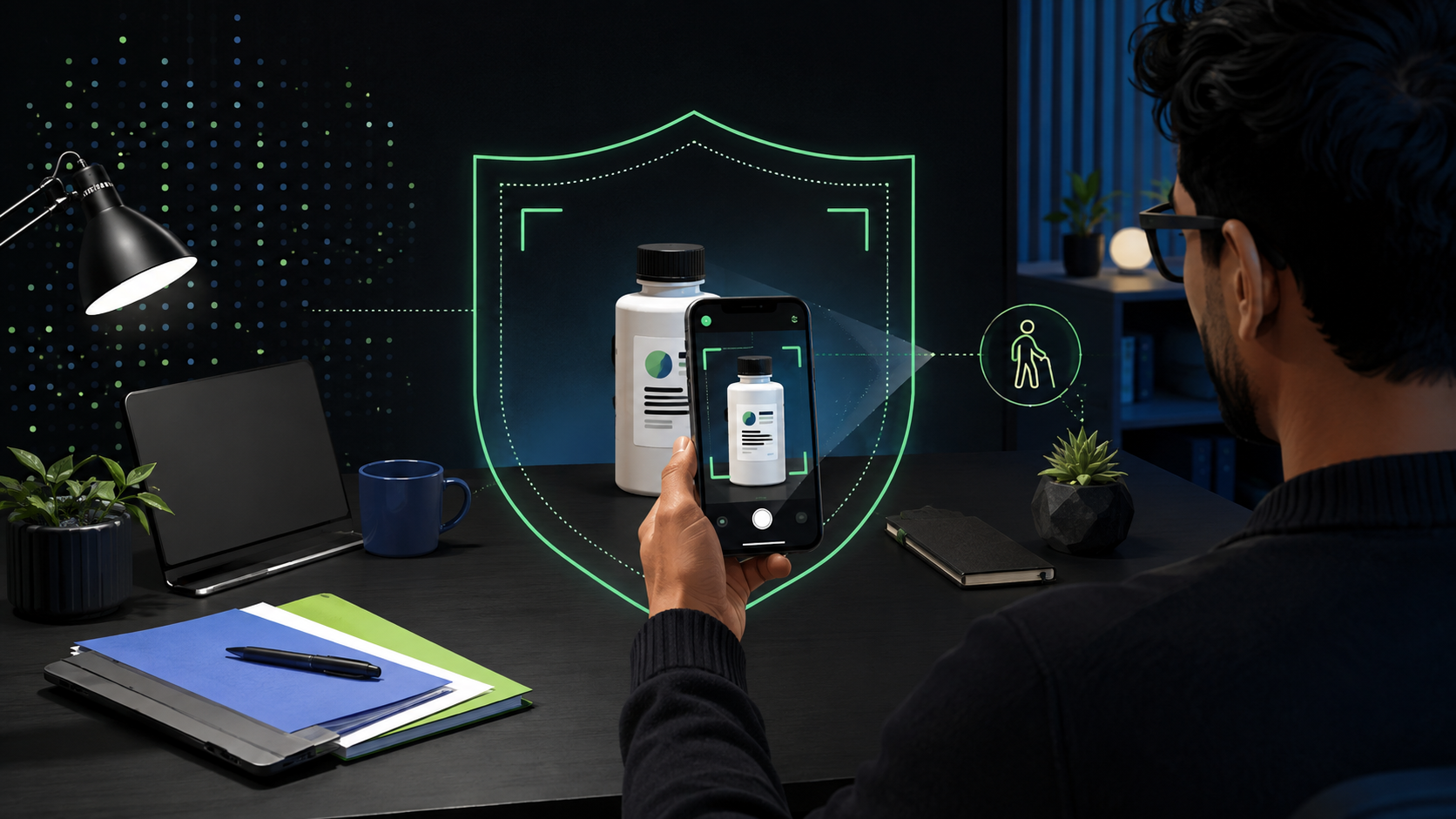
Guided vision is coming to Android 9 and later phones in countries where Gemini is available, according to Google. A user can share the camera in Gemini Live and receive spoken help with framing, text such as a dim menu, or household objects. It is designed with blind and low-vision communities. The service needs a camera view and a live interaction, so it deserves the same care as any other tool that can see private surroundings.
The remaining two updates live in conversations. Google says Google Messages can create and edit a Google Keep note or list inside a chat, while chat themes let a user choose a background and matching bubble colours. These are useful improvements, but neither changes the basic need to decide who may see a group’s information.
✅ A ten-minute readiness check before trying anything
The first job is to know what phone and account are in use. Open Settings, search for Android version, and install any pending security update when it is safe to do so. Then check which Google account is signed in. A business device signed into a former staff member’s account is a larger operational problem than a missing feature.
Use this short sequence before enabling a new feature:
- Record the Android version and device owner.
- Confirm the signed-in Google account and a recovery method.
- Test one low-risk feature with data that can be deleted.
Google’s Find Hub guidance says a device needs a signed-in Google Account, Location, and Find Hub enabled to be located. On many current devices, the path is Settings > Security > Find Hub, then confirm Allow device to be located. The exact labels can differ by manufacturer. Do not turn on a setting merely because an article lists it; read its options on the phone in front of you.
For offline finding, Google documents settings under Settings > Google > All services > Find Hub > Find your offline devices. Options can include no network, busy places only, or everywhere. They involve encrypted recent locations and participation in a crowdsourced network. A screen lock is important: Google says a PIN, pattern, or password is needed for some offline-finding options. For a shop phone, use a lock that the responsible person can manage, and keep recovery details outside the device.
Finally, check account recovery. Backup codes, an authenticator, or a physical security key can matter when the phone itself is the second-factor device. Google’s help notes that losing the device can otherwise complicate access. This is not glamorous maintenance, but it is the part that makes a lost-phone plan credible.
🗂️ Remembered locations are not an inventory system
Find Hub’s new remembered-items concept is appealing because it handles objects that are not tagged. Still, it is best used as a personal recall aid, not as the only record of a business asset. A spoken instruction such as “remember the spare key is in the back drawer” can be wrong, stale, overheard, or entered under the wrong Google account. An optional photo can reveal more than intended: a room layout, labels, other keys, mail, or a location that should not be shared.
Set a narrow rule before testing it. Use it first for a low-risk item owned by the person signed in, such as a travel adapter. Do not record keys to premises, cash storage, customer documents, identity documents, passwords, alarm codes, or anything whose location would create a security risk. If a business needs a real asset register, put it in an access-controlled system with an owner, date, and audit trail.
There is also a privacy boundary between finding a phone and recording a location. Find Hub already supports finding devices, accessories and tracker tags. Google says its network uses end-to-end encrypted location information for offline finding. That does not mean every saved note should be treated as safe to disclose. Review who can unlock the phone, who knows the Google account password, and whether the device is shared before storing sensitive context.
A practical test has a clear exit. Add one harmless item, retrieve it later, then delete it if the feature does not fit the routine. That gives a team evidence from its own device without turning a new convenience feature into a permanent data store by accident.
🚐 Motion Assist belongs to passengers, with modest expectations
Motion sickness while looking at a screen is a familiar mismatch: the eyes see a fixed page while the body senses a vehicle moving. Google says Motion Assist adds visual bubbles that move with the ride, intended to bridge that gap. The company frames it as help to reduce motion sickness, not a medical treatment and not a guarantee.
For a business owner or staff member, the safe use case is specific. A passenger might need to check a delivery address, read a booking confirmation, or follow a shared list during a trip. If Motion Assist appears on an Android 17 phone, add its Quick Settings control, try it on a short familiar ride, and stop if the overlay is distracting. Start with default appearance before changing colours or opacity. The control is a comfort option, not a productivity target.
The driver rule is simpler: do not use the phone. A feature that makes a screen easier to look at is not a licence to look at it behind the wheel. Teams that rely on navigation should prepare routes before departure, use appropriate hands-free guidance where legal, and assign any message handling to a passenger or wait until stopped.

Availability remains the limitation. Google says to try it on Android 17, while support guidance explains how to use it once available. Manufacturer software and staged service rollouts can delay a feature. If it is absent, do not install unknown apps that claim to reproduce it or grant an overlay permission without understanding the developer and privacy policy.
👁️ Guided vision can be useful, but protect the camera view
Guided vision is the most consequential feature in the drop for accessibility. Google says Gemini Live can describe what is in front of the camera, and voice feedback can help a user reframe, pan across a space, or centre an object. The stated examples include fine print, a dimly lit menu and household objects. Its audience and design intention deserve respect: this is not a novelty filter.
For work, it may help a person examine a label, orient a document, or identify an object when ordinary visual access is difficult. It is not a substitute for professional advice, a safety inspection, or a final check on a legally important document. A live camera description can be mistaken, incomplete, or unavailable. If the result controls a payment, medicine, contract, identity, or safety decision, use an independent verification method.
The privacy rule is concrete. Before sharing a camera, clear customer names, addresses, QR codes, financial details, passwords, private screens, and documents from the frame. Avoid using it near a whiteboard, a delivery manifest, or an open laptop. Explain the tool to anyone whose space might enter the view. The phone may be personal, but the people and information around it may not be.
Accessibility settings should also be owned by the user who needs them. Google says Guided vision can be added to Accessibility shortcuts or enabled from TalkBack or Gemini app settings. Do not change another person’s assistive configuration just to test a launch announcement.
📝 Shared notes inside Messages need a named owner
Google’s Keep integration lets a chat create a note or list and allows the group to edit it. That can be genuinely useful for a grocery list, event supplies, content approvals, or a small handover list. Its convenience comes from staying in the conversation where the request arose.
Convenience is not governance. Before a team uses it for business work, answer four questions: which chat receives access, who owns the note, what information is appropriate, and where is the final record kept? A temporary shopping list is different from a customer order list. A group chat can contain people who should not see every change, and chat membership can shift over time.
Keep sensitive order details, customer addresses, invoices, credentials, and personal data out of a casual group note unless access has been intentionally designed for that purpose. Use the chat-linked note for a lightweight checklist, then move final work into the team’s approved system. Name items precisely, add a date when relevant, and delete temporary material when the task ends.
This is also a chance to reduce double entry. One person should mark the list complete, not five people independently report it in chat. A shared note is valuable when it establishes a single current version. It is less valuable when it becomes another place where the truth might be out of date.
💬 Chat themes are visual, not a security boundary
Custom backgrounds and bubble colours can make it easier to tell one conversation from another. For personal chats, that is largely a matter of taste. For a business phone, a restrained visual convention can help staff distinguish a supplier group, an internal operations group, and a customer-facing thread at a glance.
Do not let that visual clarity become false confidence. A theme does not authenticate a sender, protect a screenshot, change who belongs to a conversation, or confirm that a payment message is legitimate. The same scam checks still apply: verify unusual requests through a trusted channel, do not share one-time codes, and do not accept a display name as proof of identity.
If a team adopts themes, make the convention simple. Use high-contrast choices that remain readable, avoid backgrounds containing confidential information, and keep customer-facing chats professional. Test readability in bright light. The better choice is often the one that makes a long thread easier to scan, not the one with the most decoration.

Google labels this part of the drop as a way to personalise chats. That is exactly how it should be assessed. It can improve orientation. It cannot replace account security, clear roles, or a documented customer-service process.
🔐 The security work that should happen alongside the update
New Android features arrive alongside a broader security context. Google’s May Android security update described protections against suspicious app behaviour, SMS forwarding abuse and financial-call spoofing. Those protections may vary by country, bank and device, yet the operating lesson is universal: keep the system current and be cautious when a call or message asks for money or credentials.
For a small business, make a short monthly device check part of operations. Confirm system updates and Play system updates. Review installed apps, especially anything with accessibility, notification, screen-overlay, SMS, or device-administrator access. Remove apps no longer used. Check that the Google account has a recovery method that is not stored only on the phone. Review who has the screen-lock code for shared devices.
When a staff member leaves, remove their account and access through the proper offboarding process, do not merely change a chat theme or rename the device. When a phone is replaced, test Find Hub and backup recovery before wiping the old one. When a phone is lost, use Find Hub to locate, secure, or erase it according to Google’s documented process, and change business credentials from a trusted device.
The September Drop does not eliminate these tasks. It makes them more relevant. Features that remember, see, locate and collaborate are most useful when the account and device underneath them are already under control.
⚖️ Limits, rollout gaps and a sensible adoption order
The limitations are explicit. Remembered items require Android 16 or newer and countries where Gemini and Find Hub are supported. Motion Assist is for Android 17 phones. Guided vision is coming to Android 9 or later where Gemini is available. Google Messages and Google Keep features can also vary with app version, account, region and staged rollout. An article about the features cannot tell a reader whether a particular Indonesian handset has received each switch today.
That is why the right adoption order is narrow. First, update the system and record the Android version. Second, verify the signed-in account, recovery methods, screen lock, Find Hub and backup. Third, choose one low-risk feature that matches a real task. Fourth, document whether it actually helps. Fifth, decline to add sensitive data merely because a new interface makes it easy.
For a web studio and its clients, the same discipline applies beyond Android. A new tool is not automatically a new process. The useful improvement is the one that reduces a specific error or delay while keeping ownership, access and customer trust intact.
🎯 Start with the phone you already have
The most practical result of Android’s September update may be a better audit of the device already in a pocket. Find Hub prompts a check of recovery and location settings. Motion Assist reminds teams to distinguish passenger use from driving. Guided vision raises questions about camera privacy and accessibility. Shared notes and chat themes expose how quickly informal conversations become operating systems.
Do the small maintenance work first. Then test only the feature connected to an actual problem, with harmless data and a clear owner. If it is unavailable, leave the phone stable and wait for Google’s rollout rather than chasing unofficial substitutes. Keep a dated note of what was tested, which account owned the test, and how to reverse the setting. That modest record is useful when devices change hands or a staff member needs to repeat the setup. A business does not need every new Android feature. It needs a phone whose account, updates, data and handovers are reliable when a customer is waiting.
Sources: Google, “September Android Drop” (1 September 2026), Android feature page, Android Help on Find Hub and Motion Assist, and Google Security Blog (URLs recorded in the article source set).


