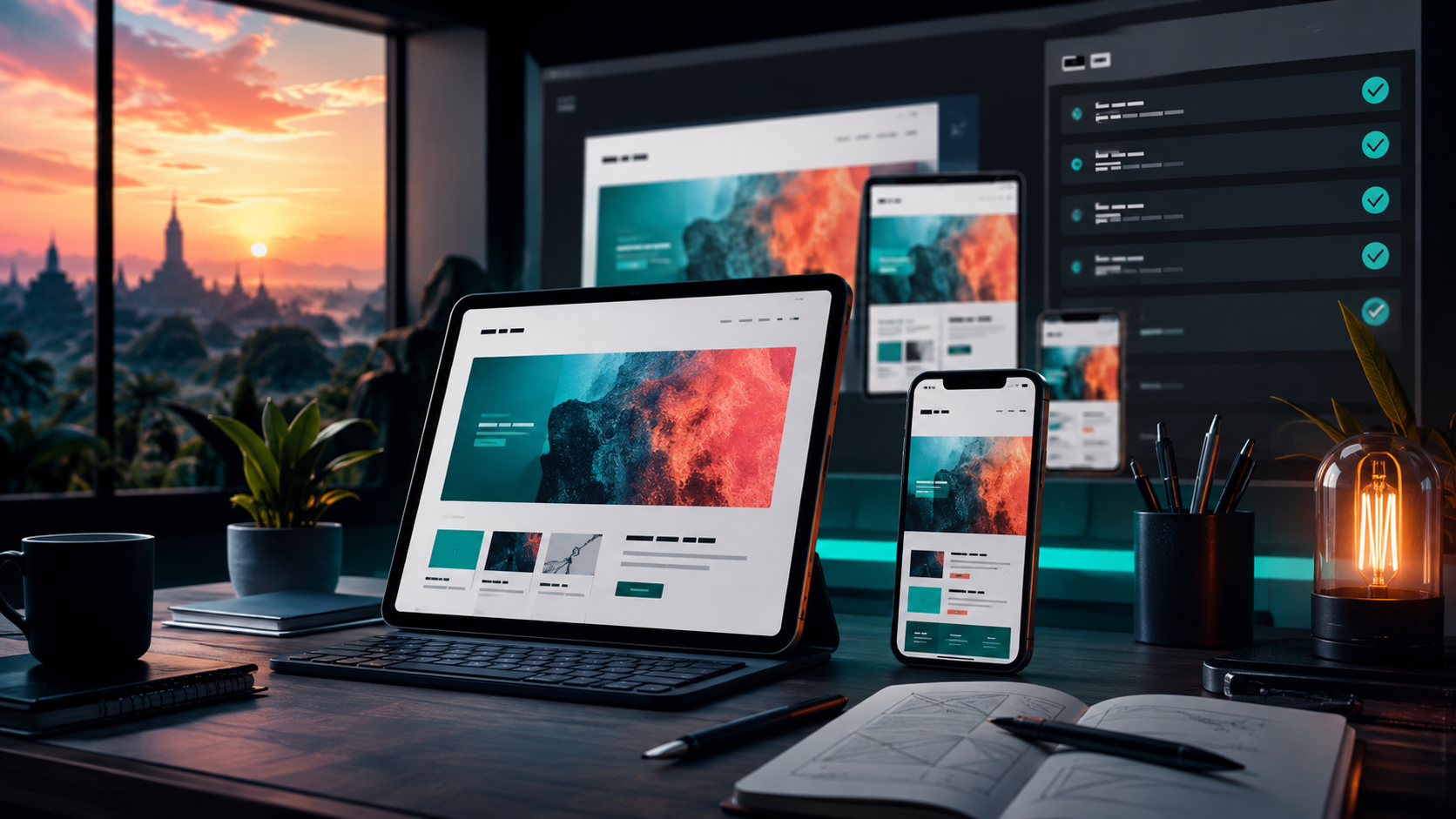
Apple has scheduled a special event for September 9 at 10 a.m. Pacific Time. That is a useful date for Indonesian product teams, but it is not a product specification. Until Apple makes announcements on stage or in its newsroom, the disciplined response is preparation: make sure a site, an app listing, and the people responsible for them can absorb change without treating rumor as a requirement.
For a small studio or business, Apple’s September event affects more than an upgrade decision. New device sizes, a new iOS generation, browser changes, and public attention can expose weak forms, unreadable pages, inaccurate screenshots, or a support process that assumes everyone uses the same phone. The sensible goal is not to predict Apple’s announcements. It is to make the digital work already in production sturdier before the attention arrives.
🗓️ What Apple has actually confirmed
Apple’s developer news page invites viewers to a special Apple Event on September 9 at 10 a.m. Pacific Time. Apple’s newsroom also lists the September event. For Indonesia, that time falls in the early hours of September 10: 1 a.m. WIB, 2 a.m. WITA, and 3 a.m. WIT. Teams do not need to stay awake to do useful work. They need a clear owner for the first review the next morning.
Everything beyond the event’s date, time, and official viewing channels needs a different label. A report, an analyst expectation, a leaked image, and a retailer listing are not Apple documentation. They can help a buyer decide what to watch, but they should not trigger a website redesign, a campaign promise, or an expensive procurement decision.
That distinction matters because September coverage encourages a familiar mistake. A product team starts changing assets around an assumed display, a presumed camera, or a rumored software feature. Then the announcement differs, the work must be undone, and the actual compatibility checks are delayed. A preparation plan works better when it uses facts that already exist: the current Apple platforms, the existing site, the published support guidance, and the announced event.
🧭 The practical question for Indonesian teams
The useful question is not “Which device will Apple announce?” It is “What would a visible platform change reveal about our customer journey?” A storefront, booking flow, portfolio, membership page, or service dashboard is judged on the device in a customer’s hand. That includes the browser’s viewport, touch target size, keyboard behavior, network quality, language, and accessibility settings.
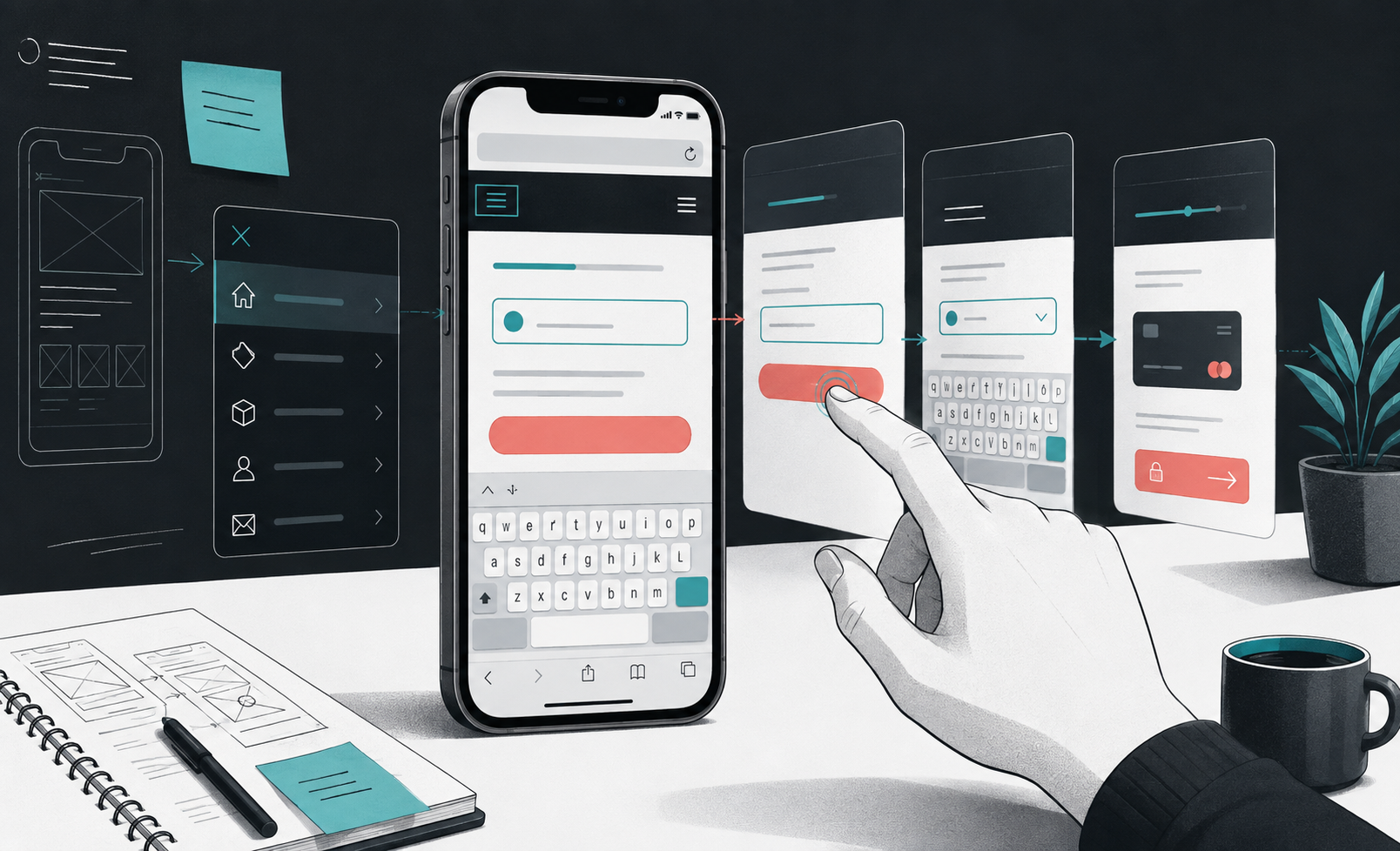
A web studio can frame the event as a short operational checkpoint. Assign one person to read Apple’s official release material after the event. Assign another to compare the live site on current iPhone and iPad hardware or their available simulators. Decide in advance what counts as a defect: a blocked checkout, an invisible menu, text clipped by a dynamic browser bar, a payment button hidden by the keyboard, a broken deep link, or a page that becomes too heavy on mobile data.
This is a narrower task than a redesign. It produces evidence, a small issue list, and a decision about priority. It also stops the team from equating novelty with urgency. A new feature can be interesting without being relevant to a customer’s ability to contact, buy, read, or complete a form.
📱 Start with the phones customers already use
New products create attention, yet a website’s current audience usually arrives on devices that have been in use for years. Apple’s security release index illustrates the range of supported software branches and hardware. Its August 2026 entries include updates for current iPhone and iPad models as well as iOS 18.7.10 for iPhone XS, iPhone XS Max, iPhone XR, and seventh-generation iPad. Apple also says the newest available iOS release offers the strongest security protections, while updated iOS 15 through iOS 26 devices are protected against the web attacks discussed in its support guidance.
The operational lesson is modest but important. Do not test only on the newest device in the office. Test the live task on at least one current iPhone, one older supported iPhone where available, and an iPad when the site expects tablet traffic. Use real customer tasks rather than a visual tour:
- find a service or product from a search result;
- open the contact or order flow;
- enter realistic Indonesian names, addresses, and phone numbers;
- dismiss the keyboard and return to the page;
- complete the final confirmation without zooming or guessing.
Record the operating-system version, browser version, device class, network condition, and exact page URL with each issue. A screenshot alone rarely tells a developer whether the problem is layout width, Safari behavior, an embedded provider, a stale cache, or account-specific data.

🌐 Treat Safari as a production browser
Safari is not a decorative final check after a site works in a desktop Chromium browser. For many Apple customers it is the production browser. Its mobile interface changes available vertical space as the address bar moves. The on-screen keyboard changes the viewport. Permission prompts, payment sheets, cross-site tracking settings, and link handling can change what a visitor experiences.
A focused Safari pass should examine the first screen, navigation, search, forms, consent controls, embedded maps, chat widgets, payment redirects, and return URLs. Test portrait and landscape only where the task calls for it. Test with larger text if the customer audience includes older users or dense service information. Check that focus remains visible when navigating a form and that an error message identifies the field and the next action.
This is not an argument to make every site identical in every browser. Browser engines differ, and a feature may have a documented fallback. The standard is more practical: a customer must be able to understand the offer and complete the intended task without encountering a silent dead end. If a visual effect is optional, omit it on a browser that cannot render it reliably. If payment or login depends on it, solve it before publishing.
Apple’s developer site is a useful primary reference when platform-specific behavior matters. Its documentation and release notes are more reliable than a social post about a beta. When a team finds a regression, reduce it to a reproducible sequence before deciding whether the cause is the website, an embedded vendor, or the operating system.
🧪 Separate a pre-event audit from beta testing
Apple’s June platform announcement said new software features would be available for testing through the Apple Developer Program, with a public beta following through the Apple Beta Software Program, before general availability in the fall. That creates two different jobs that are often blurred together.
The first job is a production audit. It uses stable, customer-facing software and asks whether the live service works today. It can be performed by any team with access to appropriate devices. The second job is compatibility testing on beta software. It asks whether a future platform release introduces a specific regression. Beta findings are valuable, but they are not proof that every customer will see the same issue. Beta builds can change before release.
Keep the environments separate. Do not put a beta operating system on the only phone that receives customer calls, handles a store’s authentication, or approves bank transactions. Do not use a beta browser to certify a public checkout. If a team has a spare test device, label it, keep its account data limited, and record its build number. If it does not, a stable-device audit remains worthwhile.
A simple decision table helps. A confirmed failure on a stable public release gets a production priority. A failure only on a beta gets a tracked compatibility issue with a reproduction note. A rumor gets no engineering ticket. That order protects both time and credibility.
🔒 Security updates belong in the same routine
The event may dominate the calendar, but a small team should not let it displace software maintenance. Apple’s security releases page exists precisely so users can identify current updates and the associated advisories once Apple publishes them. Apple explains that it does not disclose, discuss, or confirm security issues until an investigation has occurred and patches or releases are generally available.
That policy gives a useful boundary for public communication. Do not amplify a vague claim about an Apple vulnerability as though it were an emergency. Check Apple’s security release index and the specific advisory. Then decide whether the devices used for business access have a supported update available.
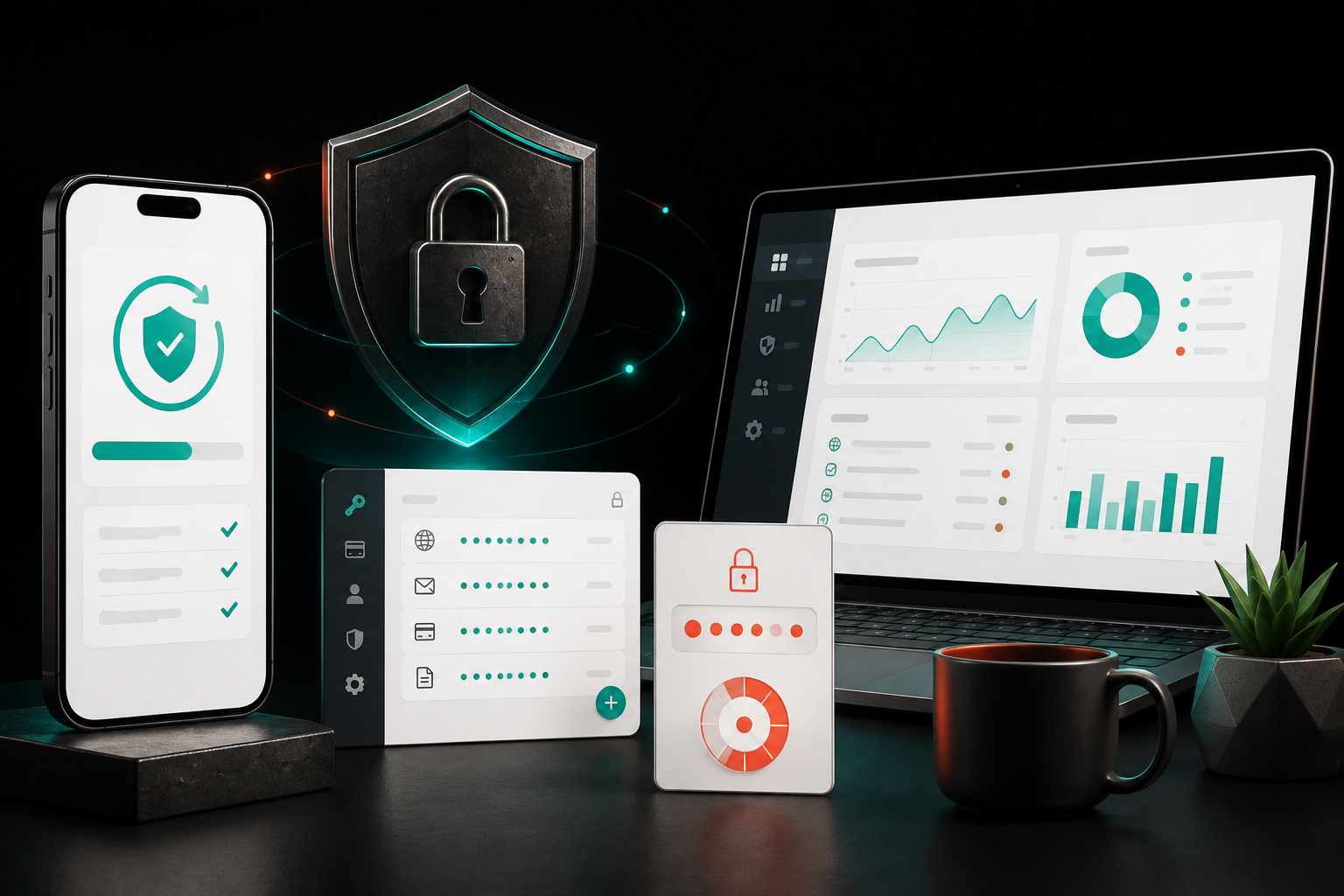
For a web business, the phone is often an administrative device. It receives email reset links, two-factor prompts, customer messages, domain notifications, analytics alerts, and payment confirmations. The maintenance checklist should therefore include more than the website:
- update supported operating systems after a backup and a practical review window;
- confirm that key staff can still reach their password manager and authentication codes;
- review which personal devices retain administrator access to the site, domain, social accounts, and payment tools;
- remove access when a contractor or employee no longer needs it;
- keep recovery contacts and recovery codes in a controlled, documented location.
No event announcement replaces these basics. A polished new device does not reduce the risk of a shared administrator account or an outdated recovery phone.
🧩 Check the web stack, not just the front page
A front page can look perfect while a real customer journey fails three clicks later. The event checkpoint should include the services that sit behind the interface: form providers, email delivery, payment gateways, appointment tools, analytics tags, consent platforms, embedded video, and customer chat.
Begin with an inventory. List each external service, the page where it appears, the account owner, the fallback if it fails, and the person who can change it. Then test the paths that cross domains. A customer might leave the site for payment, authenticate with an account, return to a confirmation page, and receive an email. A problem in any handoff can look like a website problem to the customer.
Use a test transaction where the provider permits it. Avoid placing real customer information in a trial environment. Confirm the success route, cancellation route, expired-session route, and duplicate-submission behavior. If the service sends email, check the inbox and spam placement. If a form uses a CAPTCHA or anti-bot rule, verify that it does not block legitimate mobile users.
For Indonesian businesses, it is also worth checking copy and locale assumptions. Does a phone field accept Indonesian numbering patterns? Does an address form fit local administrative names? Does a date picker avoid an ambiguous month/day format? Does the confirmation page state what happens next in language the buyer can act on? These are product decisions, not merely browser details.

📐 Make responsiveness measurable
“Responsive” is often used as a compliment, not a test result. Turn it into observable checks. At each selected device width, confirm that the primary action is visible without a hunt, body text can be read without horizontal scrolling, controls are large enough to operate by touch, and images do not push the task below the fold without a reason.
Do not use one screenshot as the acceptance criterion. Scroll. Open the navigation. Rotate only if useful. Trigger validation. Visit a shared link in a private browsing session. Compare a first load on mobile data with a repeat visit. The exact targets depend on the site, but the point is consistency: use the same journey before and after any change.
Performance deserves a separate note. A large launch image, an autoplaying third-party widget, or a font chain can make a page feel slow even when the server is healthy. Browser developer tools and field metrics can help identify suspects, but they do not replace a real mobile check. A user with limited connectivity experiences the total page, not the team’s intended design system.
The most useful output is a short, ranked list. Mark blockers that prevent a key action, high-priority defects that cause serious confusion, and polish items that can wait. Attach evidence and a proposed owner. A long list without a ranking becomes a document that no one acts on.
🧷 Prepare content and support before the announcement
If the event changes a platform that matters to the audience, marketing and support will face questions before engineering finishes its first review. Prepare a small internal brief, not a speculative public campaign. It should contain the confirmed event link, the time converted for the team, the official sources to monitor, the site areas to check, and a plain answer for customers: “We are reviewing official information and will update relevant guidance when Apple publishes it.”
Avoid promising compatibility with an unannounced product. Avoid using event artwork as though it were a product endorsement. Avoid setting a countdown that implies the business has privileged information. These choices can make a small company look less careful at the moment it wants to look reliable.
A better content response starts after official material is available. Summarize only confirmed details. Link to Apple’s source. State which details affect the business’s own service, if any. If there is no practical consequence, say that too. Publishing nothing is better than turning a product event into generic noise.
⚠️ Limits of a one-day checklist
A short audit cannot prove universal compatibility. Device models, operating-system versions, browser settings, accessibility needs, network conditions, and third-party services create too many combinations. A test can show that a named path worked on a named setup at a particular time. It cannot guarantee every future visitor will have the same result.
Nor does Apple’s event establish a release date for every software feature or a business need for every announced product. Official availability varies by country, model, language, and service. Treat regional availability and pricing as facts to verify from Apple’s local store or local support material, not assumptions copied from a United States announcement.
There is also a capacity limit. Small teams should not attempt to test every screen in one morning. Start with revenue, contact, and account-recovery journeys. Then add the pages with the most traffic or the highest support burden. A reliable narrow test is more useful than a sweeping checklist completed from memory.
🔎 Watch the evidence after release
A compatibility check should continue after the first morning. Watch support messages, form-completion rates, payment failures, error monitoring, and browser breakdowns for a defined period. A jump in one signal is a prompt to investigate, not proof that a platform update caused it. Compare the change with campaign traffic, outages at a third-party provider, and any deployment made by the team.
Keep the first response reversible. Pause a new widget, roll back a recent stylesheet, or switch to a documented fallback when evidence identifies a customer-facing break. Avoid broad changes based on a single report. Ask for the device, OS version, browser, page, and the last action taken. This makes it possible to identify patterns without asking customers to become unpaid testers.
If a vendor owns part of the flow, send a precise report rather than a general complaint. Include the reproduction, timestamps with timezone, and the business impact. Keep a customer-facing fallback ready where possible: a direct contact route, a manual order channel, or an alternative booking path. A resilient service gives customers a way forward while the technical cause is being checked.
A good event review also leaves behind more than a chat thread. Create one shared page with the date, official sources, devices checked, journeys checked, findings, screenshots, and the decision made for each finding. The page should distinguish a confirmed fault from a question that needs more testing. That distinction keeps support, design, and development from working from different versions of the story.
For each defect, write the smallest useful reproduction: start page, action, expected result, actual result, and whether it occurs on stable software. Add the business consequence in plain language. “The submit button is covered after typing an address on an iPhone” is easier to prioritize than “mobile CSS issue.” If no defect appears, record that too. A dated, bounded pass is evidence of care, not a promise of permanent compatibility.
For client work, agree on the response path before the event. A minor visual adjustment may fit regular maintenance. A checkout failure needs an owner, a vendor contact, and a decision window. A platform beta anomaly may need monitoring rather than a rushed public change. The goal is to reduce surprise, not to turn every Apple announcement into emergency work.
✅ The morning-after plan
When the event is over, follow a sequence that keeps evidence ahead of excitement.
- Read Apple’s official newsroom and developer materials. Save the links used for internal decisions.
- Write down only changes that could affect the audience, the web stack, or a current project.
- Run the preselected customer journeys on stable devices first.
- Create reproducible tickets for confirmed failures, including device, OS, browser, URL, and steps.
- Decide whether a customer-facing note is necessary. If it is, use confirmed facts and a link to the primary source.
- Schedule beta testing separately when a new operating-system build is available and a spare device exists.
The event is useful because it gives teams a date to revisit habits that should exist all year: test the live journey, maintain access securely, document third-party dependencies, and communicate only what can be verified. A studio does not need to predict Apple’s next hardware cycle to make its own work more dependable. It needs a site that still does its job when the platform news has moved on.
Sources: Apple Newsroom, Apple Developer, and Apple Support materials accessed September 5, 2026.


