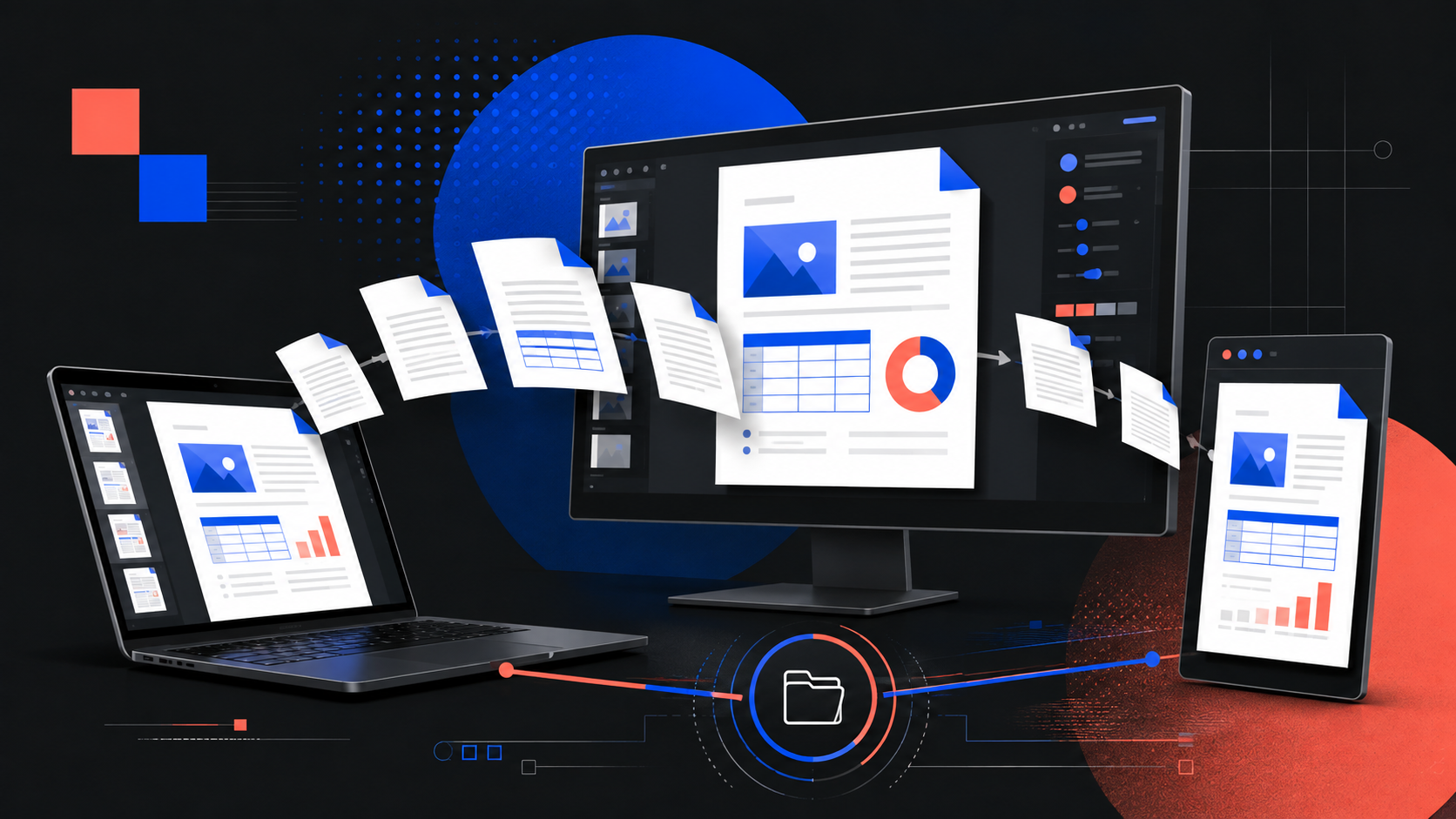
LibreOffice 26.8 arrived on 26 August with a release note that matters to anyone who sends documents across a small team: better output is useful only if the file remains usable when it reaches somebody else. The Document Foundation’s new major version puts its effort into typography, writing systems and document exchange. Those are practical concerns for a studio, a school, a nonprofit, or a business that still needs a proposal, price list, report, slide deck or spreadsheet to survive the trip between devices and software.
For Indonesian web teams, the release is less a reason to replace a working office suite overnight than a reason to make document handling deliberate. LibreOffice 26.8 is available for Windows, macOS and Linux in 120 languages. It is the current feature branch. The Foundation says organisations working in production may prefer the 26.2 maintenance branch, which receives fixes without the same pace of change.
🧭 The decision behind this release
LibreOffice 26.8 is a major release, not a routine security patch. The Document Foundation says development began in December 2025 and involved 206 contributors, including 155 volunteers. Its stated focus is the typographic quality of documents, support for writing systems, and fidelity when documents are exchanged with other office suites.
That framing is useful because “new office software” can conceal three different jobs. One is authoring a new document. Another is opening an old or externally supplied file without changing what it means. The third is exporting something that a customer can read without asking which app made it. A business rarely gets to choose only one. The proposal may start in Writer, arrive as a DOCX, acquire comments from a client using Microsoft 365, and leave as a PDF. The spreadsheet may be maintained locally but handed to an accountant who uses another program.
The release does not promise perfect compatibility with every proprietary feature. It does, however, make several targeted changes to preserve information or make layout behaviour more predictable. That is a better basis for an upgrade discussion than a vague claim that one suite “replaces” another.
- Use 26.8 for a controlled pilot when new features solve a known document problem.
- Keep a stable production version for templates that are tied to a deadline.
- Test actual customer files, not only a blank document and a simple table.
- Export final outward-facing documents to PDF when the recipient needs a fixed layout rather than an editable source.
The release is also explicit about what it does not contain. The Foundation says LibreOffice 26.8 has no generative AI features, does not transmit documents to remote services for processing, and does not require network access to function. That statement is about the suite’s design, not a guarantee that every extension, cloud drive, operating-system backup or email route is private. Teams still need to understand where they save and share files.
✍️ Paragraph layout changes what readers see
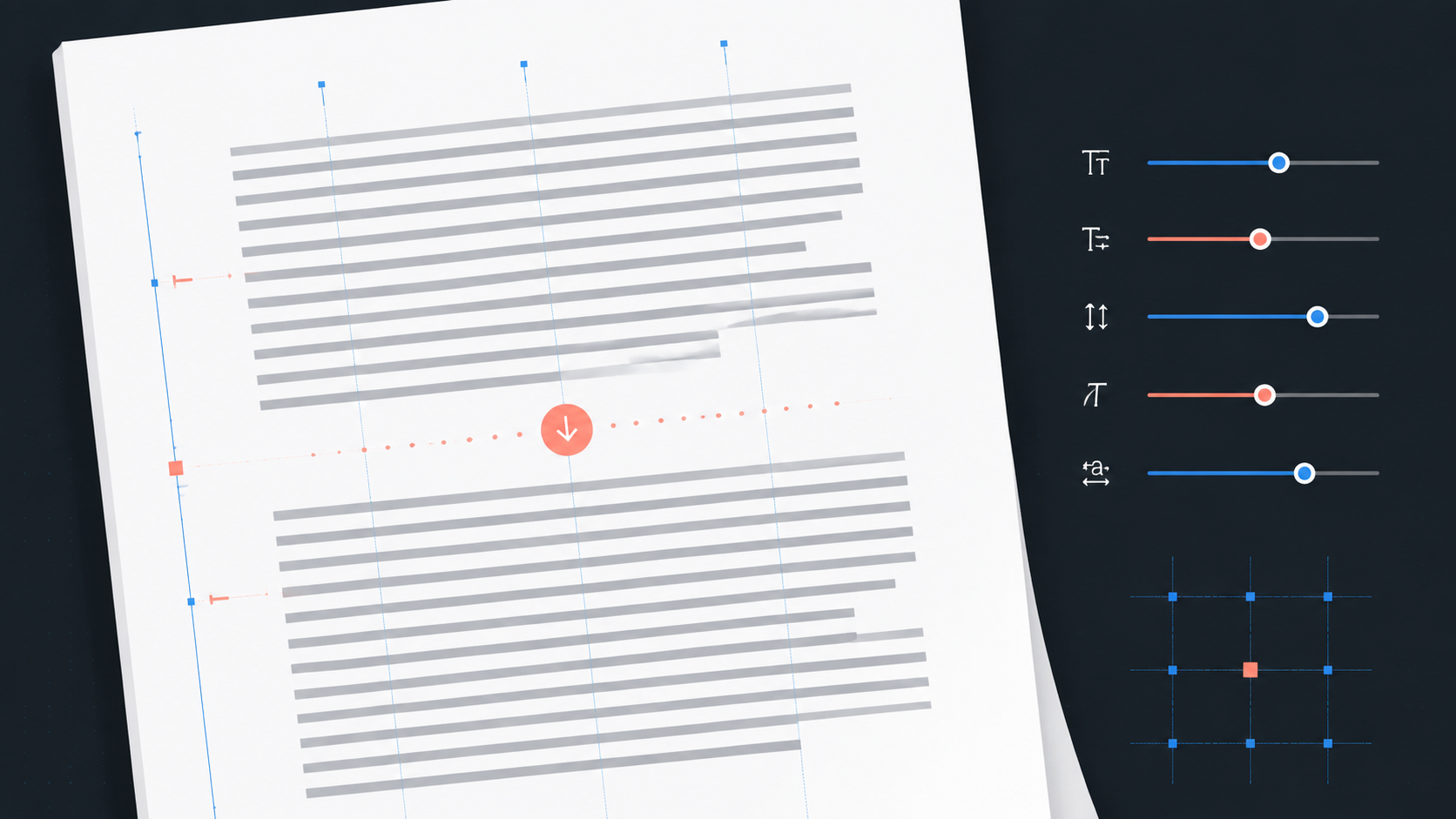
Writer gains a Paragraph Composer that balances word spacing across a paragraph rather than treating each justified line in isolation. That sounds like a specialist feature until a team prepares a multi-page proposal, catalogue, report or training handout. Justified paragraphs can produce distracting rivers of white space or sharply uneven gaps. A layout system that considers more than one line can improve the page without a designer manually adjusting every paragraph.
It should not be treated as a magic formatting switch. Text quality still begins with a sensible line length, a readable typeface, real paragraph breaks and a hierarchy that readers can scan. A poorly structured document with headings made by enlarging body text will remain difficult to edit. A template with forced spaces or repeated tabs can break when the font, page size or recipient software changes.
The useful test is concrete. Take a document that has already caused layout complaints. Duplicate it. Turn on the new composer only where appropriate, then inspect the first page, a dense middle page and the final page. Compare line endings, hyphenation, tables, page breaks, headers and footers. Export both versions to PDF and look at them at normal reading size. If the change improves a real deliverable without creating a new review burden, retain it in the template.
LibreOffice 26.8 also adds native support for OpenType variable-font variations. Variable fonts can expose axes such as weight, width or optical size in one font file. That can help a brand system maintain more consistent type choices, but it does not make every installed font variable or every recipient’s software equivalent. A web studio should keep the distinction clear: a font that works in a document may have separate web licensing, embedding and loading requirements.
For client work, the safest typography rule remains modest. Use fonts with a clear licence, document the chosen family and fallback, avoid using local font availability as a hidden requirement, and proof the final PDF. If a client must edit the source, send a version they can open and a short note identifying fonts, page size and expected office-suite version.
🌐 Better handling for complex and bidirectional text
The most consequential changes in 26.8 are not necessarily the most visible in a Latin-script document. Writer now detects paragraph direction automatically when a document or plain text is opened or pasted. Line wrapping places end-of-line spaces according to paragraph direction. Bidirectional control characters can be displayed with other formatting marks. Resize handles are intended to behave correctly in right-to-left and vertical CJK documents.
This work matters when a document contains more than one writing direction. A staff member may paste an Arabic name, Hebrew quotation, URL, product code or English phrase into a document whose main language is Indonesian. A small error in direction can make punctuation appear on the wrong side, split a line in an unexpected place, or make an object awkward to reposition. The error may not be obvious to a reviewer who cannot read the affected script.
Automatic detection reduces a manual step; it should not replace review. Treat text direction as a document property worth checking when the material includes Arabic, Hebrew, Persian, Urdu, mixed-script content or vertical East Asian text. Turn on formatting marks during proofing. Ask a reader who knows the script to inspect names, quotations and numerals before publication. Do not “fix” a strange-looking line by deleting invisible characters unless you know why they are present.
Calc also sets cell direction automatically when right-to-left text is typed into an empty cell. In Math, named functions and operators for N’Ko and Adlam have been added. These changes will not be relevant to every Indonesian office, but they point to a wider lesson: language support is part of document correctness, not decoration added after the business logic is finished.
For a studio working with multilingual clients, create a short intake check. What languages and scripts appear in the deliverable? Who approves spelling? Does the final output need to be editable? Which application will the recipient use? A two-minute check at the start is cheaper than recovering a layout after a client has circulated it.
🔁 OOXML exchange needs an honest workflow
The Foundation says LibreOffice 26.8 adds rudimentary import and re-export support for newer OOXML “chartex” chart types. It can preserve the underlying definitions for chart types such as Box and Whisker, Funnel, Pareto, Sunburst, Treemap and Waterfall when a file is opened and saved, even where the chart cannot yet be rendered or edited in LibreOffice.
That is a preservation feature, not a promise that every chart can be modified safely. It is still significant. A spreadsheet can contain one specialised chart among ordinary tables and formulas. If a tool silently discards the chart’s definition, a later editor may not notice until the file is returned to its original author. Keeping the definition intact gives the team a better chance of returning the document without destructive change.
The right operational question is not “Does LibreOffice support DOCX or XLSX?” It is “What happens to the features our client actually uses?” Build a small compatibility pack from real files, with permission: a proposal containing tracked changes and comments; an XLSX file with formulas, pivots and charts; a deck with images and speaker notes; and a document that uses the brand fonts. Remove confidential content before using the pack for testing.
Open each file in the current production application and in 26.8. Do not save over the original. Compare rendering first. Then make one harmless edit, save a copy, reopen it in the application the client uses, and compare again. Record outcomes by feature: acceptable to read, safe to edit, must export to PDF, or must remain in the originating application. This becomes a usable team policy rather than a generic compatibility argument.
A fixed-format PDF remains the sensible final handoff for many outward-facing documents. It does not replace an accessible source file where that is required, and it does not solve faulty content, but it avoids accidental reflow when the reader’s font set, printer settings and office suite differ from yours.
📊 Calc and presentations get quieter practical gains
Writer gets much of the attention in a document-focused release, yet a small business may spend more time in Calc and Impress. LibreOffice 26.8 adds calculated fields in Calc pivot tables, a shuffle command for ranges, and a border control that remembers recently used styles. The release notes also describe improvements to line breaks in referenced cells and to the visibility of XLSX form controls in Navigator.
No single one of those changes should trigger an organisation-wide upgrade. Together, they justify a focused test for teams whose work depends on repeating spreadsheet routines. A pivot-table calculated field can change how a report is assembled. A remembered border style may reduce repetitive formatting. Better navigation can make a complicated workbook less opaque. The test remains the same: use a copy of a real workbook, compare totals before and after, and ensure that any recipient-dependent feature survives the return path.
Impress and Draw gain support for multiple page sizes within one document and presentation sections in Impress. Custom slide names can appear alongside numbers, and bundled template variants include 16:9 and 4:3 versions. These are ordinary production concerns. A deck often begins in a widescreen room but ends as an image-based social handout, a printed board, or an older projector format. Sections can help a presenter navigate a long deck; multiple page sizes can help a designer avoid rebuilding an entire file for an exceptional page.
Still, presentation reliability comes from rehearsal. Test the exported PDF, the original deck, embedded media and fonts on the actual display path. If the deck will be shared externally, package the PDF and any separately licensed assets. Never assume that a computer with a similar operating system has the same fonts, codecs or display scaling.

♿ Accessibility is a document requirement
LibreOffice 26.8 includes accessibility-related work. Writer tables now report row and column indices according to ARIA specifications, and the special-character selector is keyboard navigable. Those details are not a substitute for accessible authoring, but they should prompt a team to look at its own templates.
A document becomes harder to use when visual appearance is its only structure. A heading that is just bold large text may look right but provide no navigable hierarchy. A colour-only warning can disappear for a reader with low vision or in a black-and-white printout. A table with no clear headers forces a screen-reader user to infer relationships row by row. Images without meaningful alternative text leave a gap in the document’s information.
For common business documents, a compact checklist is enough to begin:
- Use actual heading styles and keep their order logical.
- Give tables a clear purpose, simple headers and no unnecessary merged cells.
- Write alt text for an image when it carries information. Mark decorative elements appropriately rather than describing visual noise.
- Check contrast and do not use colour alone to signal a state.
- Use descriptive link text instead of a pasted raw address where the reader needs context.
- Export to PDF and inspect the reading order, links and searchable text.
Accessibility checks are also quality checks. They reveal fake headings, inconsistent labels and screenshots used where selectable text would be better. A document that is easier to navigate is usually easier to maintain when the next staff member inherits it.
🛠️ A safe pilot takes less time than a repair
The Foundation positions 26.8 as the current release for people who want new features, while pointing production environments toward the 26.2 maintenance branch. That distinction gives a small team a practical rollout model. Do not let every device auto-upgrade at once simply because a new version exists. Pick a pilot group with documents representative of daily work and a rollback path.
Start with an inventory. List recurring deliverables: invoices, quotations, contracts, reports, brochures, budgets, project plans, slide decks and export-ready PDFs. Identify which ones travel outside the organisation and which rely on macros, extensions, proprietary templates, unusual fonts, tracked changes or complex spreadsheet features. The high-risk files are the ones to test first.
Next, define success before opening the software. A test can fail because a chart changes, because a customer cannot edit the returned file, because a PDF loses links, because an extension is absent, or because a template has a new default alignment. “It opened” is not enough. Save screenshots or PDFs of the current output and compare the pilot output page by page.
Then decide by document class. A simple internal brief may move to 26.8 immediately. A monthly client report can move after two clean cycles. A legal template or financial workbook with macros may remain in the existing approved tool until a person responsible for that workflow signs off. Version control and file naming matter here: keep the original, use a dated test copy, and never let a pilot save directly over the only source file.
The release changes the default alignment for new documents from left alignment to start alignment. That is a sensible internationalisation choice, but it can affect assumptions in a template. It is exactly the sort of small default that a pilot catches before a team sends a batch of documents.
🔒 Local processing does not remove sharing risk
LibreOffice’s local-first design gives organisations a clear option for drafting documents without a built-in generative service or mandatory network connection. The Foundation states: “Documents are not transmitted to remote services for processing, and no component of the suite requires network access to function.” That is a useful property for confidential drafts, client records and work done with unreliable connectivity.
But confidentiality follows the whole workflow. A locally edited file may be synchronised by a cloud folder, attached to an email, copied into a chat application, printed in a shared office, or backed up by the operating system. A person can also install extensions with their own data practices. The right message to a client is precise: the suite’s core design is local, while the business must separately govern storage, sharing, accounts and add-ons.
For a small web team, make those boundaries visible. Keep client files in the approved storage location. Set who may share final files externally. Use access-controlled folders rather than sending the only master through multiple chat threads. Check extension permissions and remove tools nobody owns. Decide when a document should be a PDF, when it must remain editable, and how long drafts are retained. None of those rules require a large compliance program; they require named decisions.
The absence of an embedded generative feature is also not a verdict on every AI tool. It is a product boundary. If a business uses another service for transcription, translation, summarisation or drafting, it should assess that service on its own terms, including account controls, data retention, customer consent and human review.
🧪 Limits that should stay visible
LibreOffice 26.8 is not a universal compatibility layer. The new OOXML chart work preserves certain chart definitions but does not mean every chart can be rendered or edited. The Foundation also notes a change that can affect old documents: Gentium Basic and Gentium Book Basic are no longer bundled, so documents that specify them can fall back to another typeface unless the fonts are installed separately.
That font detail has a direct operational implication. Before upgrading machines used for branded templates, open representative files and compare line breaks, page counts, headers, tables and the last page. A font fallback can turn a two-page quotation into three pages or push a signature block onto a separate sheet. The fix may be as simple as installing a permitted font, updating a template, or finalising the deliverable as PDF. It should be a deliberate fix, not a surprise discovered by a customer.
The release also renames Safe Mode to Troubleshoot Mode and removes obsolete Java applet configuration and the OfficeBean SDK example. These changes are unlikely to affect ordinary office work, but they reinforce the value of documenting bespoke dependencies. If a workflow depends on an old macro, extension or Java component, identify the maintainer and test it before adopting a new major release.
No article can determine whether 26.8 is right for a particular organisation. The relevant facts are local: file types, partner requirements, regulated records, support capacity and the cost of a failed handoff. A disciplined pilot turns those facts into an answer.

✅ The useful outcome is a tested document route
LibreOffice 26.8 is a substantial open-source office-suite update with a clear emphasis on text layout, multilingual correctness and safer document exchange. For Indonesian teams, the practical opportunity is not a headline about features. It is a chance to tighten the route from draft to client.
Install it on a pilot device. Test the documents that actually leave the business. Keep originals intact. Compare output in the recipient’s software. Use PDF for fixed final layouts. Check fonts, scripts, accessibility and sharing paths. If the result is clean, roll out by document class instead of by enthusiasm.
A good document workflow is quiet. The recipient reads the proposal, spreadsheet or deck without discovering which tools were involved. LibreOffice 26.8 can help with that outcome, but the team earns it through testing and a clear handoff policy.
Sources: The Document Foundation’s LibreOffice 26.8 announcement and release notes; LibreOffice download and release information; official LibreOffice 26.8 feature video; LibreOffice release plan; and The Linux Kernel Archives’ release documentation for the broader open-source release cadence context.


