
Linux 7.2 reached mainline on 16 August, and kernel.org listed 7.2.2 as the current stable point release on 28 August. That is useful news, but it is not an instruction for every Indonesian small business to replace the kernel underneath a working server this afternoon.
The practical issue is more basic. A website, store, booking system, or internal application is usually operated through a Linux distribution. Its kernel is packaged, tested, signed, and supported on the distribution’s schedule. Kernel.org itself says that if a version string contains text after the dash, such as a vendor build suffix, the machine is running a distribution kernel and should use the vendor’s support channel.
For teams that build and run web services, Linux 7.2 is a timely reason to tighten a maintenance habit that should already exist: know what kernel is actually running, know who supplies updates, stage important changes, and retain a route back if a deployment goes wrong.
🧭 The useful takeaway before touching a server
- Linux 7.2 is the current mainline release. Mainline is where new features first land, not a universal production recommendation.
- Linux 7.2.2 is a stable update in that series. Stable releases carry selected bug fixes that already exist upstream.
- Most production machines should receive their kernel through Ubuntu, Debian, RHEL, AlmaLinux, SUSE, or another chosen distribution. Do not replace that package casually with a tarball from kernel.org.
- A restart is often required before a newly installed kernel is actually running. A successful package update and a completed reboot are different facts.
- The business value is not the version number. It is a repeatable patching record, a tested restart window, and an owner who can answer what changed.
🧩 What Linux 7.2 is, and what it is not

The Linux project uses several release lanes. Kernel.org describes release candidates as pre-releases aimed largely at developers and enthusiasts. Mainline is maintained by Linus Torvalds and receives new features. After a mainline release, fixes can be backported into its stable series. Longterm branches are maintained for a longer period and accept important fixes rather than feature work.
That vocabulary prevents a common mistake in infrastructure conversations: treating “latest” as one thing. Linux 7.2 is mainline. Linux 7.2.2 is a stable point release for that line. Linux 6.18, 6.12, 6.6, 6.1, 5.15, and 5.10 are listed by kernel.org as longterm branches, each with a projected end-of-life date. A distribution may use one of those lines, backport fixes, add configuration choices, and assign its own package version.
A web studio should therefore ask two questions, in order. First, what does the application host run today? Second, which party owns the update path for that host? The answer may be a cloud provider’s managed image, a managed hosting company, an internal operations team, or a Linux distribution repository. “Linux 7.2 exists” does not replace either answer.
The major version number also does not signal a special compatibility threshold. Kernel.org’s release FAQ says the number before the dot is incremented when the number after the dot becomes too large; it has no other meaning. A plan built on a vague belief that a 7.x kernel must be radically different from 6.x is weaker than one built from the distribution advisory, application logs, and a staging test.
🔄 Why stable updates deserve attention
Kernel.org says stable updates are released as needed, usually about weekly. The project’s stable-kernel rules set a deliberately narrow bar: a fix or equivalent must already be in mainline, be obviously correct and tested, and address a real problem such as a crash, hang, data corruption, security issue, hardware quirk, build error, or significant user-visible performance issue. Cosmetic cleanups do not qualify.
That policy matters because the kernel is the layer that manages hardware, memory, processes, filesystems, and networking beneath a web stack. A small business may never compile it, but its application still depends on it every time a virtual machine accepts an HTTPS connection, stores a database write, or runs a scheduled backup.
It does not follow that every stable point release has equal urgency for every machine. Relevance depends on the affected hardware, driver, configuration, and security advisory. A fix for a device driver absent from a cloud VM is not the same operational event as a fix for a component in active use. The responsible response is to read the vendor’s advisory and change log, identify exposure, then apply the vendor-supported update inside an agreed maintenance process.
“It must either fix a real bug that bothers people or just add a device ID.”
The sentence comes from the Linux kernel project’s stable release rules. It is concise, but it should not be over-read. The rule describes what upstream accepts into a stable tree. It does not promise that a particular distribution package contains every upstream update immediately, nor does it tell an organization when to reboot. Those are decisions in the distribution and operations layers.
🏢 Distribution support is the production boundary
Most companies do not run a kernel downloaded and compiled from kernel.org. They run a distribution kernel. Kernel.org explicitly advises users who see a suffix after the dash in uname -r to use their distribution vendor’s support channels. That is not bureaucracy. The distribution package ties the kernel to its boot configuration, signing approach, modules, security advisories, repository, and support lifecycle.
Consider the difference between these two version strings: 7.2.2 might describe a source release from kernel.org, while a version with an Ubuntu, Debian, or enterprise vendor suffix points to a packaged build. The second tells an operator that the package manager and vendor documentation are the right places to inspect before making a change.
For a small web team, this turns maintenance into an ownership question:
- A managed platform may patch the host kernel itself. The customer should still understand the provider’s maintenance notice and availability commitments.
- A virtual private server generally leaves the guest operating system to the customer. Someone must review updates, set a maintenance window, and verify recovery.
- A bare-metal server adds firmware, storage controller, network adapter, and bootloader considerations. The change record needs to be more careful.
- A local developer laptop should not silently become the test environment for a production kernel rollout. It can be useful for compatibility checks, but it is not a substitute for representative staging.
The goal is not to make every small team operate like a large enterprise. It is to remove ambiguity. A website that depends on one administrator’s memory has no reliable maintenance process, even if it has never had an incident.
🧪 Test the service, not just the package manager

A package manager’s success message answers one narrow question: were files installed? It does not prove that the new kernel is booted, that services returned, or that a customer can complete the journey that produces revenue.
Before a planned kernel update, write a short service test. For a company website, it may include loading the home page, submitting a contact form, receiving its notification, opening the checkout flow, and checking the administrative dashboard. For an API, it may include a health endpoint, authenticated request, database read and write in a safe test context, background job queue, and error monitoring. For a server that hosts several client sites, include a representative path for each critical application rather than checking only the landing page.
A staging environment is valuable when it resembles production in the parts that matter. It should use the same distribution family, similar web server and runtime versions, equivalent extensions, and a restored but safely anonymized dataset where relevant. A staging server that has no scheduled jobs, no storage integration, and no real reverse proxy may still catch basic boot failures, but it cannot prove the production workflow.
After the update, confirm the running kernel with uname -r, then run the service test. Inspect system and application monitoring for a defined period. Record the previous kernel version, the installed version, the reboot time, who performed the check, and any deviations. These notes make the next update faster and help a different person respond if the original operator is unavailable.
🧯 Design rollback before the maintenance window
A maintenance plan is incomplete if it says only how to move forward. Kernel upgrades often work smoothly, yet a rollback path remains worth preparing because the costs of being unable to boot or serve traffic are high compared with the effort of writing down the recovery steps.
Start with backups that match the service. Filesystem snapshots can help, but a database needs a tested, restorable backup. Application assets, environment configuration, DNS records, and deployment secrets need their own protected recovery arrangements. A backup that has never been restored is evidence of an intention, not evidence of recovery.
Keep the previous known-good kernel boot entry available when the distribution supports it. Confirm who has console access if SSH becomes unavailable. For hosted infrastructure, identify the provider’s recovery console and the account that can use it before the window begins. If a load balancer or second instance exists, decide whether traffic can be drained or shifted. If there is only one server, decide honestly what downtime is acceptable and tell the people responsible for customer communication.
Rollback also needs a decision trigger. Examples include failure to boot, a service health check that fails after a fixed troubleshooting period, repeated application errors that were absent before the change, or a material regression in latency. Avoid improvising that threshold while users are waiting. The decision maker, the support contact, and the recovery steps should be documented first.
📅 A small-team maintenance rhythm
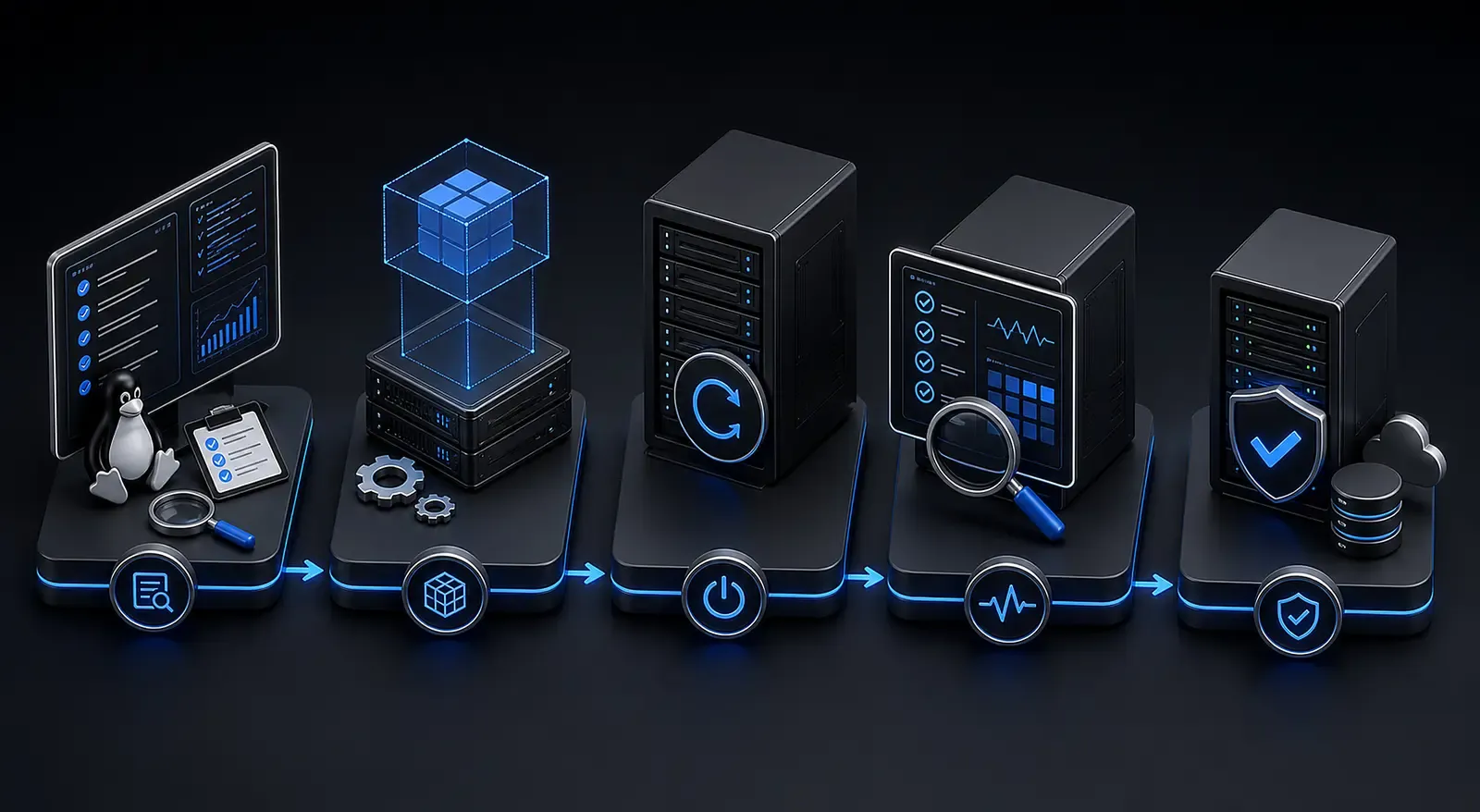
Kernel.org says new mainline kernels normally arrive every nine to ten weeks. That cadence is useful context, but it should not dictate a production calendar. Distribution advisories and the business’s risk tolerance should do that.
A workable rhythm for a small team can be modest. Once each week, review the operating system’s pending security updates and managed provider notices. Once each month, choose a maintenance window, install updates that need a reboot, run the prewritten service test, and record the outcome. When a vendor issues a high-severity advisory that affects the deployed configuration, shorten the cycle and handle it through the same checklist rather than through a panicked, undocumented change.
Use a simple register with these fields: system name, owner, distribution and release, current running kernel, update source, last patch date, reboot required, backup checked date, staging result, production result, and follow-up. A spreadsheet is sufficient if it is current and accessible to the people who need it. A ticket system is better when it already fits the team’s work.
The schedule should distinguish between applying packages and restarting machines. Many systems can accumulate a new kernel on disk while continuing to run the old one for days. This creates a false sense of completion. Report both facts: update installed, and version actually booted.
🔐 Security is a workflow, not a version chase
A kernel update can close a security issue, but security maintenance has several moving parts. The operating system vendor may package a fix on a different timetable from upstream. A cloud image may have its own maintenance behavior. Containers share the host kernel, so updating a container image does not update the host kernel beneath it. An application dependency scanner cannot establish the kernel version of a virtual machine by itself.
This is why an inventory matters. List where workloads run, who administers the host operating system, and how updates arrive. Add the monitoring contact who would notice an outage. For each critical service, state whether the host is customer-managed, provider-managed, or unknown. “Unknown” is a useful temporary answer because it directs a real question; pretending otherwise leaves an unowned risk.
Do not turn public vulnerability headlines into blanket claims that every Linux server is exposed. Match the advisory to the distribution version, package build, feature configuration, and deployment. Likewise, do not dismiss a patch because the business has not seen an incident. The stable process exists to deliver fixes for real defects. A quiet server still needs a maintenance owner.
🖥️ The extra caution for web hosting stacks

Web services add dependencies around the kernel: reverse proxies, TLS certificates, application runtimes, databases, cache services, queues, cron jobs, storage mounts, and observability agents. The upgrade risk is often less about the kernel code itself than about discovering a fragile assumption at restart.
Check which services are enabled at boot and whether they return automatically. Verify disk space before updating, especially on small virtual machines where old packages and logs compete for capacity. Confirm that a database is healthy after reboot, that the web process can reach it, and that the application has its required environment variables. If an external object store, payment gateway, or email service is central to the customer journey, test the integration with a harmless path where possible.
For agencies and studios, client communication belongs in the plan. State a maintenance window in local time, name the affected service, describe the expected customer-visible impact without exaggeration, and provide a way to report trouble. Afterward, report the measured result. This is more credible than claiming “zero downtime” when no traffic or health evidence was checked.
There is also a useful division between a routine update and an emergency response. A routine window has time to test staging, notify stakeholders, and observe the service after restart. An emergency may narrow that time because an advisory identifies a material risk. Even then, preserve the essentials: establish the affected systems, save the current state, make a tested update through the supported channel, reboot when required, and check the actual customer paths. Speed without a record can turn a security fix into an unexplained outage.
Use measurements that fit the service. A brochure site may need an uptime probe, page-load check, and form delivery check. A store may need a successful payment sandbox transaction, stock lookup, and order-notification check. A membership product may need sign-in, session renewal, and a protected-page check. These tests should be short enough to run every time. The point is to catch the dependency that fails only after a restart, not to recreate an entire quality-assurance programme during maintenance.
Finally, separate production access from everyday convenience. The person who can reboot a server should use an account with appropriate protection and should not be the only person who knows how access works. Keep the recovery procedure somewhere available when the primary host is unavailable, but protect sensitive credentials. That combination of documented process and controlled access is often more valuable to a small team than an elaborate dashboard that nobody reviews.
A useful rehearsal does not need to interrupt customers. On a staging host, restart the service stack and time the recovery. Confirm that monitoring notices the deliberate interruption and that the alert reaches a person who can act. Practice opening the provider console, selecting the previous boot entry where that is supported, and retrieving the small set of logs needed to explain a failed boot. Record what was unclear. The purpose is not to create a dramatic disaster exercise; it is to remove avoidable surprises from a routine maintenance night.
Treat configuration as part of the service test too. A reboot can expose a missing mount, an expired credential, a process that was started by hand rather than enabled at boot, or a firewall rule that was never captured in the intended configuration. Checking these details after a planned restart is cheaper than discovering them during an unrelated outage. When a test finds a weak point, fix the process and rerun the check. Do not merely add a note that somebody should remember next time.
For client-facing sites, agree in advance on the evidence that closes a maintenance window. It could be a monitoring check, a successful form submission, a logged-in page, and a database or queue health signal. The exact set will differ by service. What matters is that the person approving completion can see it, rather than inferring success from a server that answers a ping.
Review the maintenance record at least once after the first successful cycle. Remove a test that no longer reflects the application, add a check that caught a real issue, and update contact details when roles change. This small review keeps the checklist tied to the service instead of becoming an abandoned document. It also creates a useful baseline: the team can compare the next restart with a known good result rather than relying on recollection.
⚖️ Limits of the Linux 7.2 story
This article does not recommend compiling Linux 7.2 from source for a production website. Kernel.org provides source archives, signatures, documentation, and the mainline tree, but those materials serve many audiences, including kernel developers and people who need a specific upstream build. They do not erase the support relationship with a distribution.
It also does not claim that Linux 7.2.2 fixes a specific problem on a given Indonesian server. Kernel relevance is environment-specific. The correct evidence is the distribution security advisory and package change log for the machine in question, followed by a controlled test.
Longterm does not automatically mean “best” either. Kernel.org lists projected end-of-life dates, but distributions make their own packaging and support choices. Choose a supported operating system release that fits the application, provider, and maintenance capacity. Then follow that support channel consistently.
✅ The question to ask on Monday morning
Linux 7.2 is a useful prompt because it separates upstream news from operational work. The reliable question is not “Should we install the newest kernel?” It is “Can we show which supported kernel runs our important services, when it was last patched and rebooted, and how we would recover if the next change failed?”
If the answer is no, begin with the inventory and one tested maintenance window. If the answer is yes, keep the record current and treat the next distribution advisory as a routine task rather than an emergency. The version number will change again. A disciplined path from update notice to verified service is what protects the business.
One final practical habit helps: keep the maintenance note with the service, not in a private chat or a single person’s notebook. A future operator should be able to identify the owner, the supported update channel, the last known-good boot, and the exact test that established the service was healthy. That is a small record, but it turns routine work into continuity.
The record should also say when the next review is due and where to find the distribution advisory that triggered the change. Those two details stop a completed task from disappearing into a backlog and give the next operator a starting point grounded in evidence. Include the maintenance window's observed duration as well. It makes future client communication more honest and helps the team decide whether its current approach still fits the service.
Sources: https://www.kernel.org/ ; https://www.kernel.org/releases.html ; https://docs.kernel.org/process/stable-kernel-rules.html ; https://docs.kernel.org/admin-guide/README.html ; https://git.kernel.org/pub/scm/linux/kernel/git/torvalds/linux.git/tree/?h=v7.2 ; https://kernelnewbies.org/Linux_7.2


