🧭 The release note that changes the operating model
Safari 27 is easy to misread as a long list of platform additions and bug fixes. WebKit’s own framing invites a different interpretation. The release notes say they have never been this long, then document work across SVG, HTML tables, forms, media, rendering, security, and web APIs. That scope matters because a browser release of this kind does not merely add features for teams to try later. It shifts the conditions under which existing production assumptions are safe.
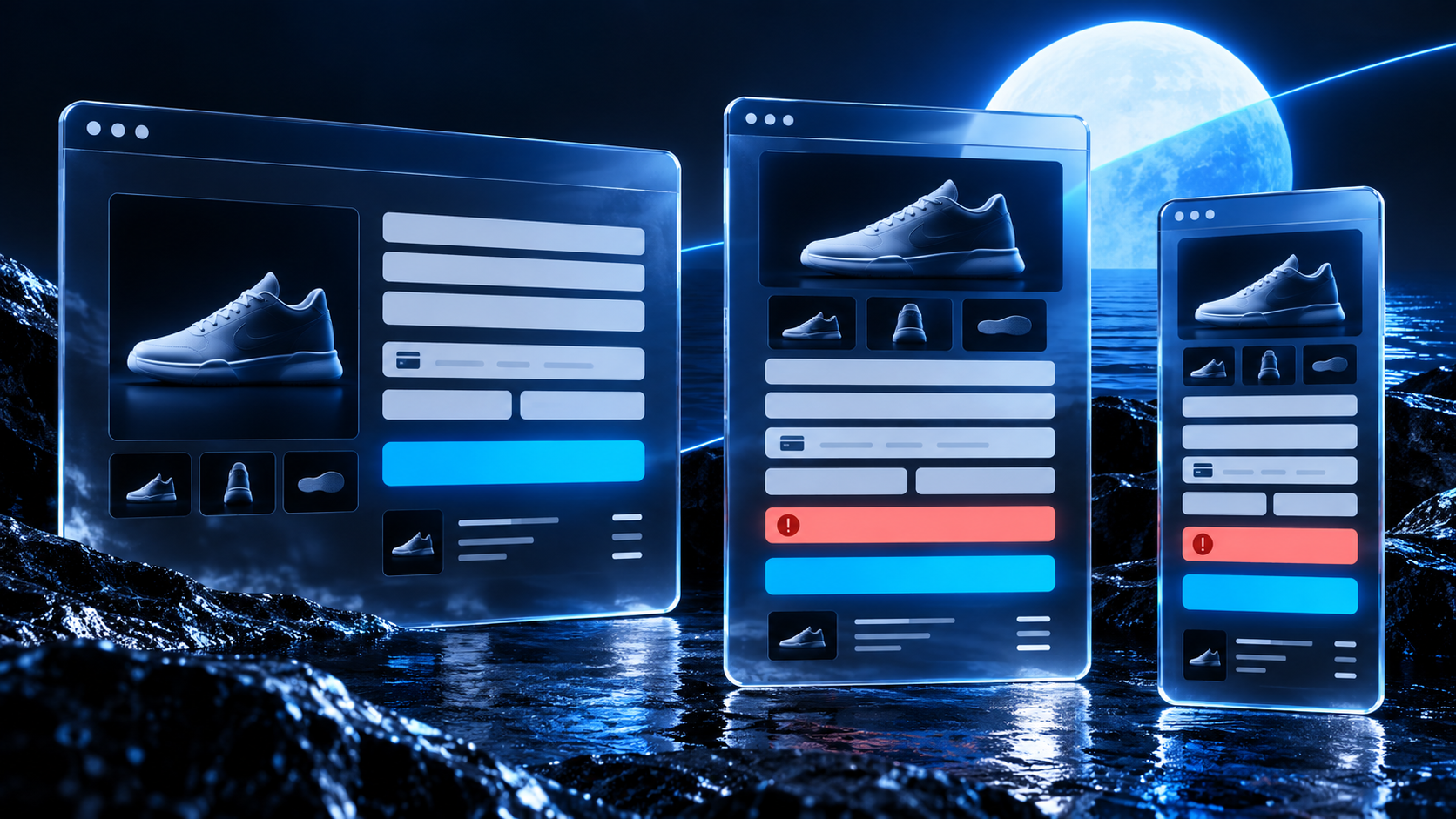
For a product organisation, browser diversity is an operational risk: the chance that a customer’s route through a purchase, sign-in, booking, upload, or account task differs materially because their browser is a distinct implementation of the web platform. The risk is not confined to a page that visibly breaks. A form can submit only after a mouse action that a touch user never makes. A keyboard focus indicator can disappear. A media control can act differently. A security policy can report or enforce a rule differently from the browser used during development. Each is a product failure before it becomes a test failure.
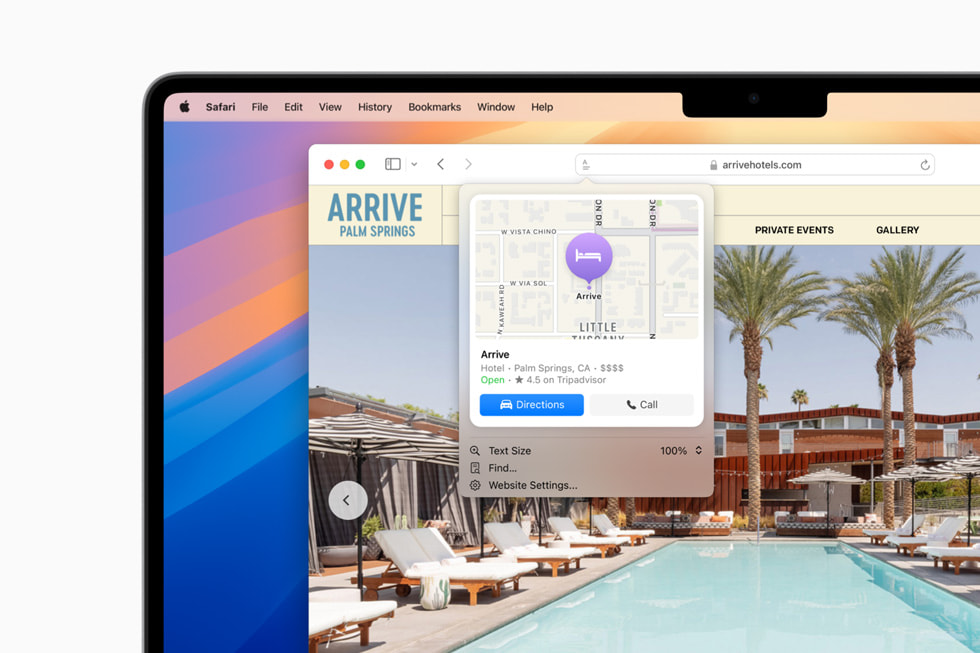
Safari 27’s changes make the point unusually clearly. WebKit lists 66 SVG fixes alone, says the SMIL animation engine received an end-to-end review, and describes a systematic pass over HTML tables. The resolved issues include corrections to form events, CSS rendering, WebVTT cue handling, encrypted-media content-type checks, right-to-left fixed-position rendering, Content Security Policy behavior, navigation API behavior, and DOM details. A team need not use every named API for this list to matter. The release is evidence that web compatibility is sustained work at the seams between specifications, implementation, device input, and real pages.
That is why browser coverage belongs in product planning. Treating it as a final quality-assurance sweep assumes the intended experience already exists and only needs confirmation. In practice, the supported browser and device set shapes what can be designed, what can be shipped safely, how a fallback is written, what telemetry should reveal, and which incident has an owner. The earlier those decisions are made, the less likely a late test produces an expensive architectural exception.
This field guide uses Safari 27 as an industry case study, not as a scorecard against any browser. Firefox 156 offers the complementary lesson: it changed how @supports reports the non-standard ::-webkit-scrollbar pseudo-element, even while retaining site-specific behavior for some rules. That is a precise reminder that a feature-detection result is part of the contract a site relies on. It is not a generic assurance that an engine will imitate another engine’s family of proprietary behavior.
The practical question is therefore not, “Does our site work in Safari?” It is: which customer-critical capabilities do we promise across our supported environments, what evidence proves each promise, and what happens when a browser release alters the implementation beneath it?
🔍 Find the product paths that carry the risk
Start with journeys, not browsers. A browser matrix full of version numbers can look diligent while concealing the work customers actually need to complete. The useful unit is a capability path: a named user, a device context, a browser family, and a measurable outcome. “Guest completes checkout with a discount code and a payment handoff on iPhone Safari” is a path. “Safari smoke test passed” is not.
Inventory the routes where failure changes money, access, compliance, or support volume. For a commerce product, that usually includes browsing, search, cart changes, address validation, payment redirects, order confirmation, account recovery, and returns. For a publisher, it includes consent, subscriptions, video playback, reader settings, sharing, and accessibility controls. For business software, add authentication, file transfer, permissions, data entry, export, and long-lived sessions. Put the route owner beside each path. Compatibility cannot be owned only by a central test team when the failure affects a product team’s conversion or retention metric.
Then state the observable success condition. “Page renders” is too weak. A sign-in path may require a password manager to fill fields, an error to be announced, a keyboard user to reach recovery, and a redirect to preserve the intended destination. A media path may require captions to remain usable when the viewport changes. WebKit’s Safari 27 notes include a fix to prevent WebVTT from displaying cues larger than the viewport. That is not trivia for a service that promises captioned content. It is a cue to include captions, viewport changes, and the device’s actual controls in the acceptance condition.
The next move is to identify dependency boundaries. Some teams own the HTML and CSS but not identity, payments, embedded maps, analytics, a chat widget, a CDN image service, or a feature flag platform. Browser-specific behavior may surface at any of those boundaries. Safari 27 includes a correction to Encrypted Media Extensions so support is checked for the full content type, including codecs, rather than just the MIME type. A streaming product should read that as a reason to test the full delivery chain: manifest, codec selection, license exchange, player errors, captions, controls, and fallback messaging.
A compatibility map should distinguish a cosmetic difference from a broken outcome. The former may deserve a backlog item. The latter needs an explicit prevention or recovery path. The distinction makes prioritisation less theatrical. A one-pixel variation in a decorative gradient should not compete with a form that cannot report validation errors to a screen reader.
Use real traffic and customer commitments to choose the initial environments, but do not let raw share erase consequential cohorts. Safari means macOS and iOS, with different interaction patterns and operating-system release cadence. Firefox means desktop and Android contexts, with its own implementation choices. Chrome and Edge are distinct browsers even where they share an engine, and embedded webviews can impose another set of constraints. Baseline names Chrome, Edge, Firefox, and Safari on desktop and mobile as its core browser set. That is a helpful common vocabulary, not a substitute for a product’s support policy.
The result should fit on one page per journey: supported contexts, key inputs, dependencies, expected evidence, fallback behavior, owner, and the last successful run. It gives engineering, product, design, support, and accessibility specialists the same object to inspect when a browser update lands.
🧱 Design with a support boundary, not a favorite engine
A support policy must be specific enough to change a decision. “Modern browsers” leaves every difficult question to the moment an incident arrives. Name supported browser families, operating-system ranges where relevant, critical device classes, and the commitment level for each. A team may promise full task completion for a defined set, best-effort reading access for another, and a clear unsupported notice only where a requirement cannot be met. The policy should be public where customers need it and operational where teams build against it.
Baseline is useful in this work because it separates feature maturity from the vague label “modern.” Its “Newly available” stage means a feature is supported by all core browsers and therefore interoperable. “Widely available” arrives 30 months after that newly interoperable date. Before that, a feature has limited availability. Those labels make a better design conversation: can this interaction depend on a limited-availability feature, or must it have an equivalent path using an older, established primitive?
The answer should depend on the task, not on fashion. A decorative enhancement may be acceptable when it quietly fails to a plain presentation. A payment confirmation, medical intake form, government service, or password reset deserves a conservative base path. Build that path with semantic HTML, conventional controls, usable focus behavior, predictable error handling, and server-side validation. Add modern features as improvements that do not remove the original route to completion.
This is progressive enhancement in operational terms. It means a browser that lacks a feature still receives a complete enough experience to meet the product promise. It also means a browser that implements a feature differently does not get pushed into an accidental dead end. Safari Technology Preview 252, the development channel preceding the production release, illustrates why teams should watch the details. It added support for named-feature() in @supports conditions, CSSConditionRule.supports, the unprefixed user-select, and CSSMediaRule.matches, while also resolving issues in line clamping, subgrid columns, SVG behavior, Web Inspector, WebAssembly, and WebGL. A support check can become available. Its behavior and surrounding layout can still deserve direct testing.
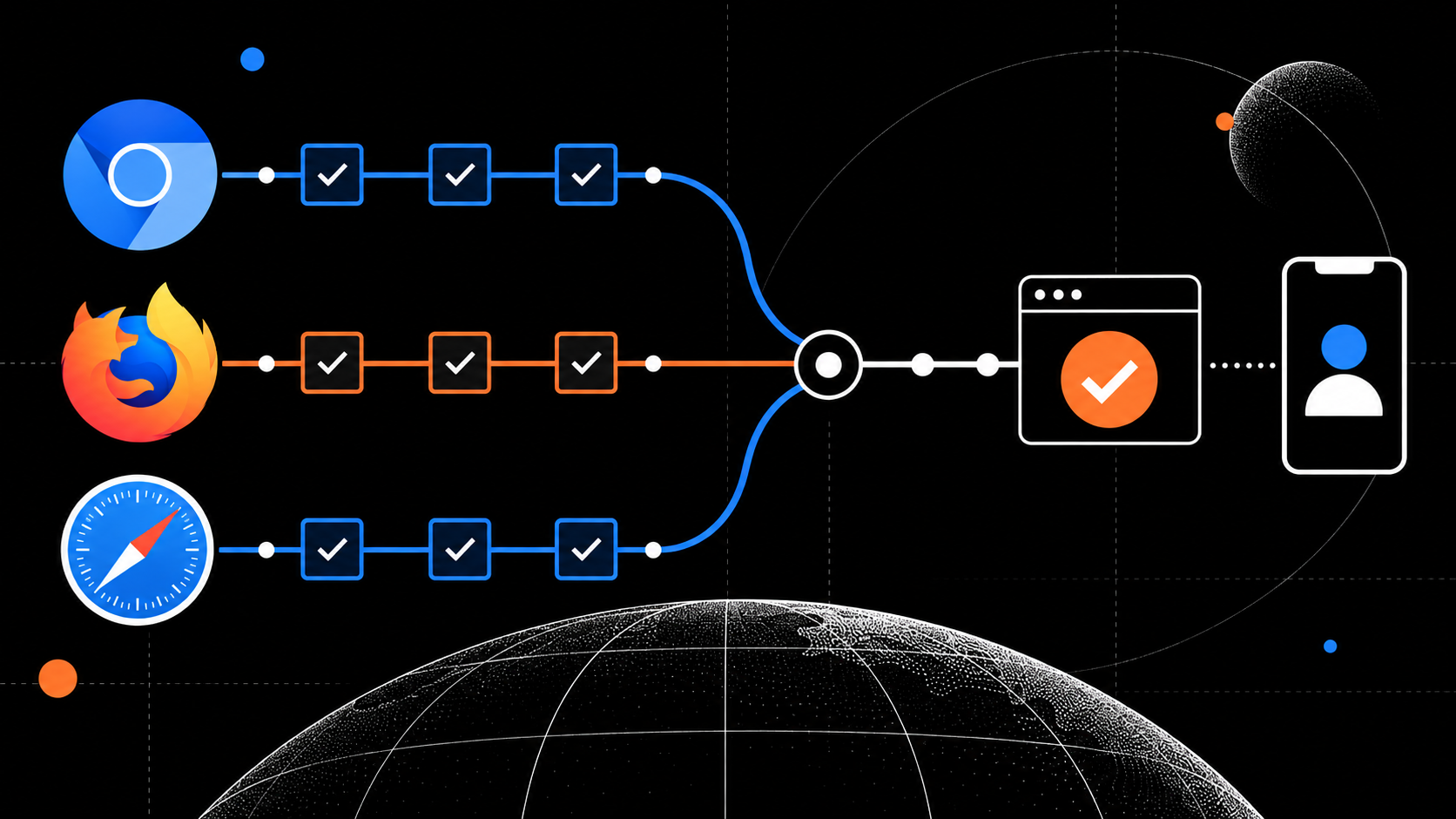
Avoid browser detection as the default design tool. MDN’s content-negotiation guidance explains that browsers send headers such as Accept, Accept-Encoding, and Accept-Language, and that servers can identify which request headers influenced a response with Vary. It also warns that a server has incomplete knowledge of browser capabilities, while increasingly precise headers add entropy and fingerprinting concerns. User-Agent is sometimes used to select a representation, MDN says, but this is not always good practice. That is a useful boundary: negotiate representations such as image formats or encodings when the protocol and cache policy support it, but do not use a browser-name branch as a substitute for resilient application behavior.
A media service can offer alternatives through standard HTML markup and tested server configuration. An application can test a capability where a test is reliable, then choose a bounded enhancement. Both can retain a functional default. The test must check the thing the product needs, not a nearby proprietary token. Firefox 156’s ::-webkit-scrollbar change is the cautionary case. Firefox reports that selector as unsupported in @supports on every site because declaring it supported led sites to infer support for a whole pseudo-element family that Firefox does not support. A compatibility strategy based on brand names or imitation signals is fragile by construction.
Put the policy in the definition of done. Any new dependency should declare its Baseline status, the browsers and versions it was tested in, its non-support behavior, and the user-visible consequence if it fails. That short record turns browser diversity into a design constraint before implementation hardens around a single test environment.
🧪 Turn compatibility from a release ritual into evidence
A credible test program has layers because no single tool sees the whole problem. Static checks can flag a use of a risky API. Unit tests can establish local behavior. Component tests can exercise states quickly. Browser automation can cover repeatable critical flows. Real-device tests reveal input, viewport, keyboard, media, browser chrome, and operating-system interactions that an emulated screen often cannot reproduce. Production monitoring catches the combinations nobody placed in a laboratory.
Tie these layers to the capability map. A checkout test should not stop at the cart. It should use the intended browser, enter an address, navigate validation, preserve values on error, return from a payment provider, and confirm the final state. An accessibility test should include keyboard order, visible focus, name and role exposure, error announcements, zoom or text resizing where applicable, and the effect of motion or reduced-motion settings. Test actual user input, not only programmatic clicks.
The W3C’s September 2026 notice says WCAG 3.0 remains a Working Draft and directs readers to the introduction for its background, timeline, and current status. That status matters. Teams should not claim WCAG 3 conformance from a draft. They can, however, use the continuing work as a reminder that accessibility is an ongoing quality discipline. The stable obligation is more immediate: verify that people can operate the product in their supported browser and assistive-technology contexts. Browser compatibility and accessibility are frequently the same incident viewed from two directions.
Choose test data that exposes real behavior. Long names, invalid dates, right-to-left strings, slow networks, an expired session, a denied permission, a missing image, a delayed API response, and a small viewport all make assumptions visible. Safari 27 fixed an issue in which fixed-positioned elements in right-to-left layouts could lose their contents while the document scrolled on iOS. A generic happy-path test would not reliably find that. A journey designed around a right-to-left user and a mobile scroll interaction might.
Run a small, owned compatibility suite on every change that touches a critical journey. Run a broader cross-browser regression suite on a release candidate and after meaningful browser releases. The point is not to execute every test in every browser for every commit. It is to place the high-value evidence close enough to the change that a regression has a clear owner and a short feedback loop.
Record artifacts that make a failure diagnosable: browser and operating-system version, device model where relevant, viewport, network condition, feature flag state, console output, screenshots, trace or video, request identifiers, and the exact steps taken. A screenshot without the browser version is often a story without a cause. A passing automation run without a record of what it covered is only a signal, not proof.
Safari 27 includes Safari MCP, a new debugging path that WebKit says can expose page-level information to compatible tooling. That does not eliminate the need for device testing. It makes it easier to build an evidence loop around it.
The quote marker above represents the Safari 27 release note statement by Jen Simmons and WebKit co-authors: “Safari MCP provides access to the DOM, network requests, screenshots, and console output.” Used carefully, those outputs can shorten the gap between a report from Safari and a reproducible diagnosis. They should be attached to a named task and a privacy-conscious debugging process, not collected indiscriminately from customers.
🛠️ Build the release routine around change, not surprise
Browser releases are external dependencies. Treat them with the same discipline used for a payment SDK, an operating-system update, or a new identity-provider behavior. Assign a person or small rotation to watch stable-release notes and preview notes for the supported browser families. Their task is not to turn every entry into a ticket. It is to match changes against the capability map and decide whether a targeted test, a dependency update, a documentation revision, or no action is warranted.
Safari 27 provides several clear matching prompts. A product that uses complex tables should review table layouts because WebKit describes fixes around percentage-sized children and min-height and max-height in absolutely positioned tables. A product with advanced selectors should examine any reliance on :has() because the release includes an invalidation-performance improvement. A product that uses CSP reports should test them because WebKit corrected report-only frame-ancestors violations that had been ignored rather than reported. A team using navigation interception should review different-port behavior after the NavigateEvent.canIntercept correction.
This is not a claim that every application is broken before upgrading. It is a triage method. Each release-note item becomes relevant only when it intersects a shipped capability, a dependency, a known support issue, or a planned feature. The review is brief when the map is good. Without the map, the same review becomes a vague and expensive request for someone to “check Safari.”
Create a release-change record with five fields:
- Change: Link to the browser note and name the feature, behavior, or fix.
- Exposure: Identify the product path, component, vendor dependency, or explicit statement that is affected.
- Decision: Test now, monitor, change code, update support text, or accept no action with a reason.
- Evidence: Link the relevant automated run, real-device result, trace, screenshot, or incident report.
- Owner and expiry: Name who owns the decision and when it must be reviewed again.
Preview channels should feed discovery, not production assumptions. Safari Technology Preview 252 shows why. Its notes contain changes that later help teams anticipate where WebKit is moving, such as support-query additions and SVG resource support. Preview behavior is valuable for early testing and bug reports. It is not evidence that the released browser population has the feature, nor a reason to ship an essential path without a fallback.
Maintain a compatibility budget. It can include engineering time for routine device checks, a small set of maintained physical devices, cloud coverage where it adds value, and time to remove workarounds once browsers converge. A budget makes support deliberate. Otherwise, compatibility work only receives attention during an outage, when the cost includes customer frustration, support handling, and rushed changes.
When an issue does escape, classify it by broken promise rather than browser brand. “Cannot apply discount on touch input” gives a product team a path to reproduce and fix. “Safari bug” is too broad to learn from. Record whether the gap arose from unsupported capability, incorrect feature detection, divergent implementation, vendor code, stale operating system, test coverage, or an unclear product policy. Over time, that taxonomy identifies the places where the delivery process needs repair.
📱 Test devices as customer environments, not tiny desktops
Mobile Safari is not desktop Safari in a narrow viewport. Its browser chrome, touch input, software keyboard, permissions, media behavior, viewport handling, orientation changes, and operating-system integration can determine whether a task is possible. The same principle holds for Firefox on Android and browsers embedded inside other applications. A responsive layout is necessary, but it is not a complete mobile compatibility strategy.
Build a compact real-device set from actual customer contexts. Include at least one current iPhone and one device at the lower end of the supported operating-system range if the policy includes it. Add Android and desktop contexts based on the audience. Keep the list small enough that it is used every release and explicit enough that people know what it represents. A dusty cabinet of unowned devices is not a test program.
Use a physical device when the outcome depends on direct manipulation, keyboard geometry, address-bar changes, camera or file-picker handoff, audio or video controls, biometric or password-manager flows, system share sheets, or return navigation from another app. Browser emulation can accelerate layout inspection and basic regression work. It cannot always reproduce the surrounding environment where mobile product failures occur.

Test the edge conditions people meet on a phone. Rotate during a form. Scroll while a sticky control is visible. Open the keyboard on the final field. Move focus through a dialog. Return from a payment or identity handoff. Increase text size. Change language and direction. Turn on reduced motion. Deny a permission, then retry. Lose connectivity after a form begins. These checks sound ordinary because they are ordinary. That is precisely why their failures are expensive: customers encounter them without knowing they are unusual test cases.
Safari 27’s right-to-left fixed-position rendering fix offers a concrete example. A team may have a sticky “Continue” button that appears correct in a left-to-right desktop screenshot. The product promise is not “the button looked correct in one screenshot.” It is “a person can continue after scrolling, in the language and device context we support.” That promise needs a test that makes the failure possible.
Media needs the same treatment. WebKit’s changes to HDR photos with gain maps concern a rendering-pipeline improvement rather than a new API. It may be irrelevant to a text-centric application, but it matters to services that publish or transform imagery and expect consistent presentation. WebKit also lists fixes around video cues, fullscreen return behavior on iPad, audio volume when an element connects to an AudioContext, and codec-aware EME support. Products using those paths should test the customer outcome, not merely inspect whether the video tag exists.
Use device sessions to check accessibility with the same seriousness as visual layout. Can users see where keyboard focus is? Can a control be reached when the page is zoomed? Does the order of interaction make sense? Can a caption stay in view? Can an error be recovered from without a pointer? Can I cancel a motion-heavy interaction? Can content that is direction-sensitive stay intact while scrolling? The answers are product evidence.
Can I Use remains useful as a quick support table, particularly when combined with Baseline and a local support policy. Its current :focus-visible entry, for example, shows support in Safari 15.4 and later, Firefox 85 and later, and current Chrome versions, while also displaying historical gaps and notes. That information can guide a decision, but it does not prove a project’s focus styling is visible, correctly applied, and usable on the supported devices. Only the product test can do that.
📋 Make compatibility visible in the team’s daily tools
Compatibility becomes a late surprise when its evidence sits outside normal product work. Put it in the places where decisions already happen: design reviews, pull requests, release checklists, incident reports, analytics dashboards, and support playbooks. The goal is not bureaucracy. It is to keep a known operational risk legible before it turns into customer harm.
In design review, ask which browser capabilities the proposed interaction requires and how the task completes if an enhancement is unavailable. In code review, require a note for a new API or CSS feature: Baseline status, support target, fallback, test added, and any browser-specific caveat. In release review, show the capability paths exercised, the environments covered, outstanding risks, and the rollback or recovery plan. These are smaller asks than a full cross-browser audit after the interface is complete.
Instrument outcomes rather than collecting browser strings for their own sake. A dashboard can segment failed form submissions, payment return failures, media errors, and JavaScript exceptions by browser family, major version, operating system, device class, and feature-flag cohort, subject to privacy and data-minimisation rules. The alert should be tied to a meaningful change in an outcome. A rise in a generic console warning may be noise. A rise in failed account recovery for a supported browser is a customer incident.
When the server varies a response, make the cache behavior inspectable. MDN notes that Vary tells caches which request headers affected content negotiation. If an image service changes representation based on Accept, or a route chooses a language representation, engineers need to be able to see the response headers and confirm cache keys behave as intended. This is where browser diversity reaches operations: a correct local decision can still produce the wrong result when a cache stores or reuses it incorrectly.
Avoid treating Accept-Language as a declaration of user intent. MDN cautions that it is not recommended to change and a site cannot trust it to reflect the user’s actual intention. A site should let people choose and change language rather than trap them in an inferred version. This is also a compatibility principle: do not turn an imperfect browser signal into a product decision that is hard for the customer to reverse.
Support teams need a short reproduction intake that respects customers’ time. Ask for browser and operating-system version, device type, exact task, expected and actual result, timestamp, screenshots if appropriate, and whether private browsing, content blockers, managed-device policy, or a network condition may be involved. Do not tell customers to “use another browser” as the first response when their environment is in the support policy. That turns a product commitment into a workaround.
Use the same record after the fix. State the affected path, the environments confirmed, the evidence, and what changed in the prevention routine. If the fix is a temporary workaround, set a review date and remove it when the relevant support boundary changes. Browser-specific code that remains after its purpose is forgotten becomes the next compatibility hazard.
🎯 The practical reset: ship promises, measure proof
Safari 27 is not a reason to panic-test every page. It is a reason to stop pretending browser diversity is an exception that appears near launch. The release’s breadth, from SVG and tables to forms, media, rendering, CSP, navigation, and DOM behavior, demonstrates how many layers sit between a specification and a customer completing a task. Firefox 156’s careful change to @supports reporting shows why superficial compatibility signals can mislead. Baseline supplies a shared way to discuss adoption maturity. MDN supplies protocol limits that discourage overconfident browser inference. W3C’s current WCAG 3 notice reinforces that accessibility standards work is ongoing, while usable access remains an immediate responsibility.
The operating model is straightforward, even if it requires discipline. Define a support boundary. Map critical capability paths. Design a complete base experience. Use enhancements with a declared fallback. Test the actual task across the environments that matter. Watch browser release and preview notes for intersections with shipped work. Preserve evidence. Monitor outcomes in production. Give every gap a product owner and a retirement plan.
A team that does this will still encounter browser defects and platform changes. The difference is that the organisation will know which promise is at risk, which customer context is affected, what evidence exists, and who decides the next action. That is a much better position than a late-stage compatibility scramble triggered by a screenshot from a browser nobody had planned to test.
The most useful next step is modest. Pick one high-value journey this week. Write its capability map, name the supported contexts, run it on a real Safari device and at least one other browser family, capture the evidence, and compare the result with the release notes for the dependencies it uses. Then put that map into the next feature review. Repeating that routine makes browser diversity part of how the product is made, rather than a condition discovered after customers have already found it.
Sources: https://webkit.org/blog/18325/webkit-features-for-safari-27-0/ · https://webkit.org/blog/18304/release-notes-for-safari-technology-preview-252/ · https://developer.mozilla.org/en-US/docs/Mozilla/Firefox/Releases/156 · https://developer.mozilla.org/en-US/docs/Web/HTTP/Guides/Content_negotiation · https://web.dev/baseline · https://www.w3.org/WAI/news/2026-09-10/wcag3 · https://caniuse.com/


