
Ubuntu 26.10 is not a production operating system yet. Canonical’s own release notes call Stonking Stingray a development release scheduled for October 2026. That distinction matters more than the playful codename. For a small web team, a pre-release is useful only when it helps answer a narrow question before the answer can disrupt a client site, a deployment machine, or a staff laptop.
The immediate reason to pay attention is concrete. Canonical’s Kernel Team says Linux 7.2 has been selected as the target version for Ubuntu 26.10. Kernel.org lists 7.2 as a current release line, while Ubuntu’s public schedule puts the mandatory beta on September 24 and the final release on October 15. Those dates create a short, practical test window.
This is not a case for installing a new kernel everywhere. It is a case for making operating-system change testable: one machine, one workload, one rollback route, and a written record of what happened.
🧭 What has actually been announced
Canonical’s announcement says that Linux 7.2 is the target kernel for Ubuntu 26.10. “Target” is the operative word. A target is not the same as a promise that every image, package flavour, driver combination, or installation path is ready today. The announcement itself says the team will provide regular updates on integration during the development cycle.
The calendar is equally specific. Feature Freeze and Debian Import Freeze were set for August 20. The User Interface Freeze is September 10. Kernel Feature Freeze and Documentation String Freeze arrive September 17. Beta Freeze follows on September 21, the mandatory beta on September 24, Kernel Freeze on October 1, and the planned final release on October 15.
Those milestones are useful because they change the kind of question a tester should ask. Before the beta, a regression report may concern a moving target. Near the final freeze, the question becomes whether a known workflow remains reliable on a release candidate. Neither phase justifies putting a client-facing production server on a development release.
A small team should resist a familiar shortcut: reading “Linux 7.2” as an instruction to upgrade its existing Ubuntu LTS machines. Ubuntu packages its own kernels and support policy. The version inside a distribution, the upstream mainline release, and a manually installed mainline build are different things with different support expectations.
📅 The window that matters
Ubuntu’s published dates provide a disciplined order of work. The first week should be spent selecting a disposable or reversible test target. The week before the beta is a good time to inventory dependencies: VPN client, Wi-Fi chipset, dock, external display, printer, browser profiles, SSH keys, local development containers, build tools, and the backup destination.
After the mandatory beta arrives, repeat a small set of tests rather than browsing for novelty. Can the device boot normally? Does networking reconnect after sleep? Does the external display return at its expected resolution? Does the browser open the staging site and developer tools? Can the team run its normal build and deploy to a non-production target? Can it restore a file from backup?
The final-release date is not a deadline for every business to migrate. It is the end of one upstream release process. Production timing should follow the team’s own maintenance window, the supported release it has chosen, and evidence gathered from a staging environment.
🧱 Three kernel paths that should not be confused
There are three paths in this story. First, upstream Linux. Kernel.org describes mainline as the tree where new features arrive, with releases roughly every nine to ten weeks. After a mainline release, stable maintainers backport bug fixes in stable point releases. Longterm lines have a different maintenance purpose.
Second, the Ubuntu kernel supplied through a supported Ubuntu release. That is normally the appropriate path for a workstation or server that needs distribution integration, routine package updates, and a supportable change record. A team should use the distribution’s documented upgrade path, not substitute a number found in an upstream announcement.
Third, an Ubuntu mainline build. Ubuntu’s Mainline Build Status page is unusually direct: the kernels are not supported, are not appropriate for production use, and do not receive security updates. That makes them a specialist diagnostic tool, not a clever way to jump ahead of a supported update.
The practical consequence is simple. If a laptop has a hardware issue that may be kernel-related, a mainline build can help isolate a report in a controlled test. It should not silently become the kernel that runs the agency’s deployment machine for months.
🧪 Build a test that can fail safely
Good testing starts with a testable claim. “Try Ubuntu 26.10” is too vague. “On this spare laptop, boot Ubuntu 26.10, connect to office Wi-Fi, run the project’s containerized build, open the staging site in two browsers, and restore a deleted test file” is a useful plan.
Use a non-client account where possible. Copy no production database and no live customer export just to see whether a desktop works. A reduced test project, scrubbed sample data, and staging credentials with limited scope are safer and often reveal the same operating-system problem.
Record the baseline before changing anything. Capture the existing Ubuntu release, installed kernel, device model, disk encryption state, free storage, active VPN version, browser version, and the exact project commands that currently pass. Save the current backup or snapshot first. If a failure occurs, the team needs a comparison point, not a memory of what “seemed normal.”
The test should include failure behavior. Disconnect and reconnect the network. Reboot after an update. Suspend and wake the laptop. Try a recovery boot. Confirm that an external drive can be mounted and that a copied file has the expected checksum. The goal is not to punish a pre-release. It is to discover whether the team can recover calmly.
🔒 Backups are the admission ticket
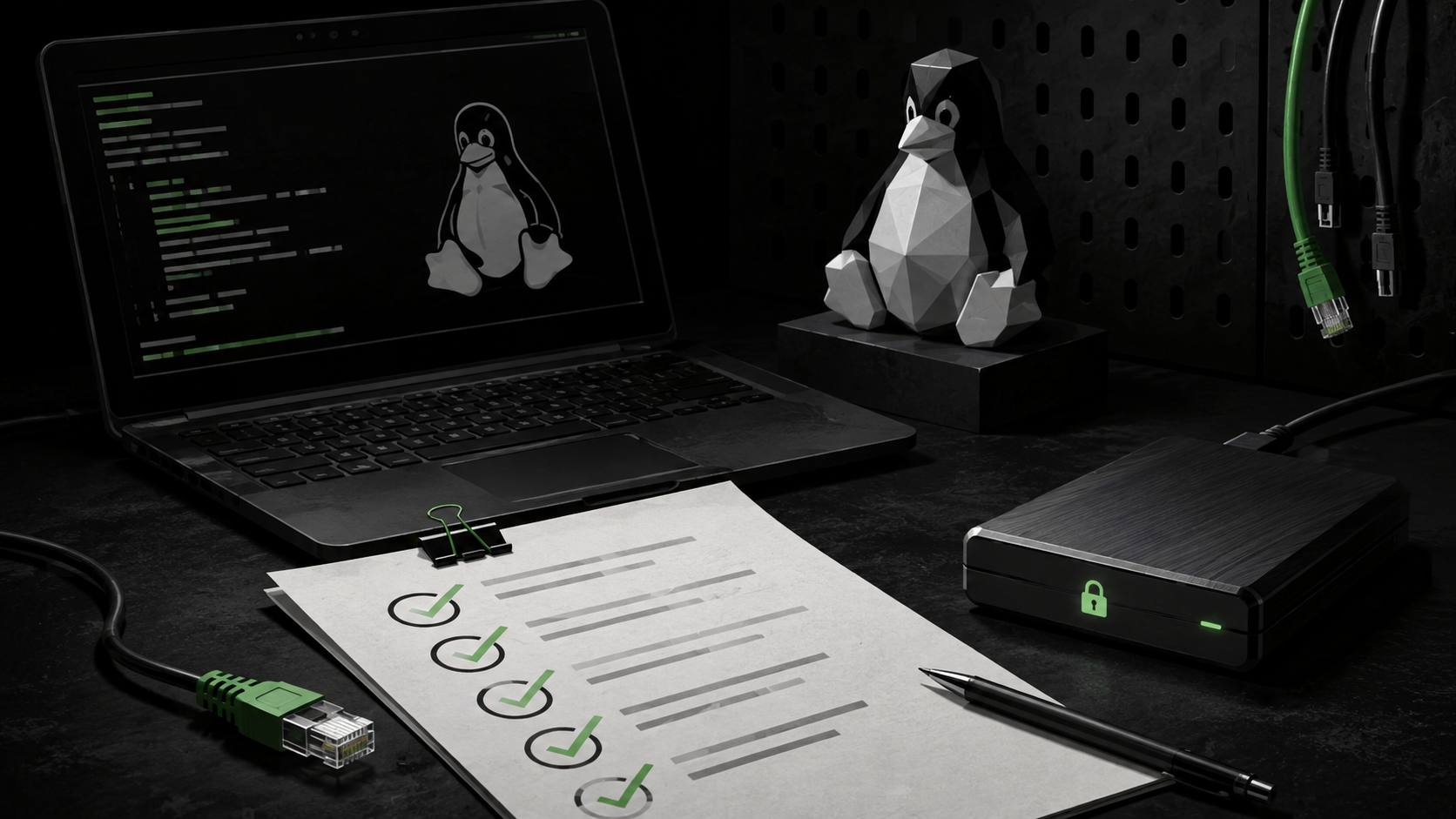
An upgrade plan without a restore test is a hope, not a plan. Before touching an operating system, make at least two checks: that the backup job completed and that a file can be restored somewhere readable. If the business uses encrypted backups, verify that the recovery key or recovery procedure is accessible to the person running the test.
For a developer workstation, separate the things that are easy to reinstall from the things that are not. Packages and editor extensions are usually reproducible if the setup is documented. SSH keys, password-manager recovery material, local certificates, unpushed branches, browser profiles, and client assets may not be. Inventory those first.
For a server, do not equate a disk snapshot with an application recovery plan. A useful restore test includes the configuration, data, secrets-handling procedure, and a way to confirm the application serves the expected response after restoration. If a team cannot restore its staging service, it has learned something worth fixing before changing the operating system.
🌐 Why web teams should test beyond the terminal
A kernel update can look perfect in a terminal while changing the environment around a web workflow. Laptop power management affects remote calls. Graphics drivers affect screen sharing and external displays. DNS or VPN behavior affects a deploy. Certificate-store changes or browser packaging can alter local testing. Container runtimes depend on kernel interfaces, filesystems, networking, and security controls.
That does not mean every update is dangerous. It means the validation list should mirror real work. A compact runbook might include:
- Log into the password manager and the organization’s identity provider.
- Connect through the approved VPN and reach a staging host over SSH.
- Pull the repository, install dependencies from the lockfile, and run the ordinary test command.
- Build the production-like bundle and compare the expected output or checksum.
- Open the staging site in the browsers the team actually supports.
- Run an accessibility smoke check, responsive viewport check, and a payment or form test that uses a sandbox.
- Deploy only to a designated staging environment and confirm the health endpoint and rollback command.
This list is deliberately ordinary. The best upgrade test is not a benchmark screenshot. It is the work that would become expensive if it stopped working on a weekday morning.
🖥️ Hardware and driver questions need evidence
The Ubuntu Kernel Team discussion contains a useful reminder that packaging and signing work can affect availability during a release cycle. One update notes that kernel packages needed to migrate together because of NVIDIA updates. Another describes build and signing issues. These are not reasons to speculate about a specific device. They are reasons to avoid treating an early image as a guarantee for every driver stack.
On a test machine, list the hardware that has caused trouble before: discrete graphics, unusual Wi-Fi adapters, Bluetooth audio, docks, touchpads, biometric readers, card readers, and multi-monitor setups. Test each one with a short observation, not a blanket verdict. “External monitor wakes after suspend at 2560 by 1440” is actionable. “Graphics fine” is not.
If a bug appears, preserve the conditions. Note the image date, package versions, hardware model, steps, expected result, actual result, and relevant logs. Then report through the channel Canonical names for the phase, such as Launchpad or the Ubuntu Kernel discussion. A reproducible report is far more useful than a complaint that a release is broken.

🧰 A small-team rollout sequence
A small studio does not need enterprise bureaucracy to manage a release. It needs a sequence that prevents one person’s experiment from becoming everyone’s outage.
Start with one voluntary test device or virtual machine. Give it a clear label and a bounded purpose. Keep production credentials out of it unless they are temporary, restricted, and necessary for a staging test. Run the checklist. Write down pass, fail, and unknown results.
Next, decide whether the finding requires action. A failed Bluetooth test on a spare laptop may be irrelevant to a server-only deployment. A broken VPN connection is a stop sign for a remote team. A container failure may require a project-level workaround or a delayed upgrade. The conclusion should be proportional to the evidence.
Only then set a production evaluation date. That date can be after the final release, after a supported Ubuntu update lands, or after a vendor resolves a driver issue. The important part is that the decision is recorded: who tested, what was tested, what was not tested, what backup was checked, and how to revert.

🧾 Turn the test into a change record
A test that produces only a verbal impression is difficult to use three weeks later. Keep a small record in the repository, the team wiki, or the ticket that initiated the work. It does not need to become a formal compliance document. Its value is that another person can see the boundary of the experiment without reconstructing it from chat messages.
Start with the date, device or virtual-machine identity, Ubuntu image or release channel, installed kernel version, and the person who ran the test. Then list the acceptance checks in the order they were performed. For each check, use a plain result: pass, fail, blocked, or not tested. Add a short note only where it changes the decision. A failed browser extension that the team does not use in production should not carry the same weight as a failed SSH connection to staging.
Separate observations from conclusions. “The laptop did not reconnect to the office Wi-Fi after suspend on this image” is an observation. “Do not evaluate Ubuntu 26.10 on staff laptops until this is retested on the next image” is a conclusion. Keeping those statements distinct prevents a temporary pre-release issue from being retold as a permanent fact about Ubuntu, or a single successful trial from being treated as broad compatibility proof.
The record should also name the rollback. If the test device uses a removable drive, say where the known-good installer is stored. If it is a virtual machine, note the snapshot name and whether it was taken before the first boot. If it is a spare laptop, record the recovery media, disk-encryption recovery material, and whether the original disk was preserved. A rollback plan is useful only when the person carrying it out can locate what it refers to.
For work that touches a website, include a narrow application result. The deployment itself may be deliberately limited to staging, but the note can say whether the project installed from its lockfile, whether the test suite completed, whether the built site rendered as expected, and whether a rollback command was exercised. Avoid putting secrets, client data, or full internal hostnames into a general test note. The aim is reproducibility with appropriate access control.
This record has another benefit: it gives the team a reason to stop. Once the planned checks are complete, new experiments should be a new test with a new purpose. Pre-release testing can expand endlessly when there is no definition of done. A bounded record turns the release calendar into a manageable maintenance task rather than a stream of speculative updates.
Decide who owns the next step.
Small teams often share devices and deployment duties informally. That makes it especially important to say who may turn a test result into a production change. The person who enjoys trying a new release is not automatically the person accountable for a client deadline, backup restoration, or vendor support request.
Assign three small responsibilities. One person runs the test and captures the evidence. One person reviews whether the checklist matches the work the team actually performs. One person authorizes a maintenance window after considering the supported release, the test outcome, and the rollback plan. In a two-person studio, one person can hold more than one role, but the decision should still be visible rather than assumed.
Vendor dependencies deserve the same clarity. A hosting control panel, endpoint-security tool, VPN client, graphics driver, or device-management service may publish its own supported-platform statement. That statement is more relevant to an operational decision than a broad claim from an online forum. If a required vendor has not documented support for the release being evaluated, record the gap and decide whether staging evidence is sufficient or whether waiting is safer.
Communication to clients should be proportionate. There is usually no reason to announce an internal test. If planned maintenance could affect a service, communicate the approved window, expected effect, fallback contact, and the fact that the change can be reversed. Do not promise zero risk. A clear scope and a tested recovery path are more credible than a promise that an operating-system update cannot cause disruption.
The same restraint applies after a test passes. Passing one workstation and one staging deployment means those checks passed in that environment. It does not prove that every employee laptop, production server, or customer integration will behave identically. Expand only when the next target has a reason to be included and a recovery route of its own.
A useful decision log also sets a review date. Check the release notes again before changing a supported machine, because a beta observation can be obsolete by the final image. That final review should confirm both the technical result and the business timing, owner, rollback readiness, vendor status, documented recovery contact, and an explicit go-or-no-go decision.
🔎 Check results in the right context
A test result matters only when its context is clear. Before marking a check as passed, a team should confirm that the device, network, account, and application versions represent the decision it intends to make. A build test on a personal laptop over a home connection, for example, does not automatically answer whether a deployment from an office device through a VPN will work. Both can be useful, but they answer different questions.
Keep the test boundary narrow at first. Choose one active project that is safe to run against staging. Use the same Node version, container runtime, browser, and command-line tools used in the normal workflow. If a project dependency changes while the test is under way, record it. Without that note, a failure can be misread as an operating-system problem when the trigger was an application package update.
Browser checks should be concrete as well. Open the home page, a key form, the staff sign-in area, and one flow that uses a third-party service in sandbox mode when available. Test the viewports used in normal quality assurance, rather than merely confirming that one tab opens. For a site that uses local cache or a service worker, make one check after clearing the cache so an old result does not hide a new failure.
Do not ignore the condition of the test device. Nearly full disk space, a weak battery, a slow external drive, or unstable Wi-Fi can create symptoms unrelated to Ubuntu 26.10. Record those basic conditions so the result does not acquire false certainty. If the device appears unreliable before the test begins, repair it or choose another target rather than trying to interpret every error.
When the result is unclear, “unknown” is better than “pass.” That status honestly identifies the next task: repeat the check on a new image, consult vendor documentation, or test another device. A team does not need to turn uncertainty into a verdict. The purpose of the test is to reduce the risk of a production decision, not to prove that a development release is perfect.
⚠️ Limits of the current information
There is a limit to what the public announcements establish. Canonical has named Linux 7.2 as the target for Ubuntu 26.10, but the release notes still identify 26.10 as in development. The public schedule can change, and the exact package state varies by image and update channel. The Kernel Team discussion also shows that integration and signing work can move over time.
No article can certify a particular laptop, server, GPU, hosting image, or application stack. The relevant evidence is local: the supported release channel, the actual package versions, the hardware, the project’s dependencies, and results from a reversible test.
Nor should a team confuse a kernel test with security maintenance. Ubuntu’s own mainline dashboard warns that manually installed mainline kernels do not receive security updates. Security posture still depends on the supported release, timely package updates, credential handling, exposure management, and a recovery plan.
✅ The decision to make before October
Ubuntu 26.10’s planned October 15 release is a useful calendar marker, not an order to change production. The sensible task for a small web team is smaller: prepare one reversible test, write its acceptance checks, prove the backup can restore, and keep the result.
If the test passes, the team has a cleaner basis for later maintenance. If it fails, it has found the problem where it belongs: away from a live client site. That is the real benefit of tracking a development release. It turns an operating-system change from a leap of faith into an observed decision.
Sources: Ubuntu 26.10 release notes and schedule; Canonical Kernel Team announcement; kernel.org release documentation; Ubuntu Mainline Build Status, accessed September 3, 2026.


