USB-C Is Finally on the Laptop: Why Your Charging Drawer Is Still Not Simple
On 28 April 2026, the European Union’s common-charger rules reached laptops. A new laptop sold in the EU now belongs to a more familiar charging world: USB-C is the harmonised charging receptacle for the covered category. That is a meaningful change for anyone who has collected proprietary bricks, barrel plugs and near-identical cables that fit nothing else.
But a USB-C-shaped port is a beginning, not a complete answer. It does not, by itself, state how much power a laptop can take, whether a charger and laptop can negotiate the needed power, or what data capability a cable carries. The drawer is smaller in theory. In practice, the labels, the charger’s port limits and the cable’s rating still decide whether a desk setup works as intended.
This is a field guide to reading those signals without turning a common connector into a promise it never made. It separates the legal requirement from the USB specifications, then turns both into a cautious routine for choosing, testing and keeping charging equipment.
🔌 The rule that arrived at the laptop
The deadline matters because it is specific. The European Commission says the common-charging requirements have applied to laptops since 28 April 2026. For the other covered portable device groups, including mobile phones, tablets, cameras, headphones, headsets, portable speakers, handheld game consoles, e-readers, earbuds, keyboards, mice and portable navigation systems, the date was 28 December 2024.
The legal change is often compressed into the phrase “everything has USB-C now.” That phrase is convenient, but it is broader than the rule. The Commission describes USB-C as the common port for the covered devices. It also says the requirements harmonise fast-charging technology, allow a device to be sold without a new charger, and require better visual and written information about charging characteristics. Those are four connected measures. They are not a declaration that every electronic product, every country or every use of the USB-C plug has become identical.
For a buyer, the key phrase is “new laptops sold in the EU.” The rule is a condition on products placed on that market after the applicable date. It is not a command to replace an older laptop, a legacy charger or an existing cable. It is not proof that a particular second-hand item is covered. It is also not a universal requirement that automatically follows a laptop outside the EU market. The sensible first step remains ordinary product checking: read the model’s charging information and the information supplied with the product.
The Commission’s aim is practical. A harmonised port should let consumers charge a covered device with a USB-C charger regardless of brand, while the fast-charging rules are intended to prevent producers from unjustifiably limiting a device’s charging speed and to make the speed the same when a compatible charger is used for that device. The policy also supports unbundling, so consumers can buy a new device without automatically receiving another charger.
That rationale has a material dimension. The Commission estimates that reducing production and disposal of new chargers can reduce electronic waste by 980 tonnes each year, and says consumers could save at least €250 million a year on unnecessary charger purchases. A separate Commission explainer says discarded and unused chargers account for about 11,000 tonnes of e-waste annually. These are policy estimates, not a guarantee that any household will immediately buy fewer accessories. They do, however, explain why the law focuses on reuse and information rather than simply mandating a particular charger in every box.
The important boundary is scope. “Harmonised charging” is attached to covered devices and the legal requirements that apply to them. It does not mean every USB-C product is in scope, every cable is equal, or every charger has the same capabilities. The rule narrows a compatibility problem. It does not erase compatibility as a category.
Treat the shape of the port as a shared physical language, then ask what the devices can actually say through it.
The best consumer benefit is not a promise that one charger will do every job at maximum speed. It is the ability to begin with a common USB-C connection, supported by product information, and avoid buying a charger merely because a new device arrived with a different plug.
⚡ A port shape is not a power contract
The most persistent charging mistake is treating USB-C as a wattage. It is not. USB-C identifies a connector system. USB Power Delivery, usually written USB PD, is a power-delivery specification that operates with and builds on the USB ecosystem. A product can have a USB-C connector without automatically providing every USB PD capability.
USB-IF describes USB PD as a specification for more flexible power delivery alongside data over a single cable. That sentence contains the practical lesson. The power arrangement has to be supported by the equipment involved. The charger needs to offer a suitable power option. The laptop needs to request and accept it. The cable needs to be appropriate for the intended connection. A connector alone cannot establish those facts.
Start with the laptop’s own charging information. The Commission says producers must provide visual and written information about charging characteristics, including the power the device requires and whether it supports fast charging. This is the most relevant source for a buyer because it describes the individual device rather than a generic USB-C ideal. If its stated requirement is lower than the output available from a charger, that does not turn the charger into the laptop’s requirement. If the information calls for a higher capability than the charger offers, the common plug has not solved the mismatch.
Then examine the charger as a multi-port device, not as a single large number printed on the box. The Commission’s new external-power-supply page explains that, for the Common Charger logo, the displayed power value represents the maximum power a single USB Type-C port can provide. That is a useful reading rule: a value should be connected to a port and to the conditions stated by the charger, rather than treated as a vague total for every socket at once. When several devices are connected, consult the charger’s supplied information about its ports before expecting any one laptop to receive the same result it would receive alone.
The phrase “compatible charger” deserves the same care. The Commission uses it in explaining harmonised fast charging. Compatibility is not just physical insertion. It concerns the device’s charging characteristics and the charger’s offered capability. A USB-C charger can be physically suitable yet insufficient for the laptop’s stated needs. Conversely, a more capable charger does not compel a laptop to draw its maximum possible output. USB PD is designed around flexible power delivery and device requests, rather than a one-way assumption that a charger must force its highest rating into anything connected to it.
USB PD Revision 3.1 widened the formal ceiling. USB-IF says the revision, announced in 2021, enables delivery of up to 240W over a full-featured USB Type-C cable and connector. Before that update, USB PD was limited to 100W through a 20V, 5A USB Type-C cable solution. The later specification introduced fixed 28V, 36V and 48V levels that enable up to 140W, 180W and 240W, respectively. It also includes an adjustable-voltage-supply mode, allowing the powered device to request intermediate voltages from 15V up to the charger’s maximum available fixed voltage.
Those figures are important, but they are ceilings inside a complete system, not a shopping shortcut. “PD 3.1 can reach 240W” is accurate only when the power supply, the powered product, the full-featured USB-C cable and the connection’s negotiated capabilities are appropriate. It does not mean every USB-C charger, laptop or cable can deliver 240W. It does not mean a 240W-labelled cable creates 240W from a lower-rated charger. It does not mean a laptop that needs less should be judged inferior. It names an upper capability of the specification when the whole chain supports it.
One further point makes this less mysterious. USB PD can support power direction that is not fixed. USB-IF notes that the product with the power, whether host or peripheral, can provide it. The specification also describes system-level power management and the possibility for hubs to participate in power arrangements. That flexibility is useful, but it means a desk with a monitor, dock, laptop and charger has more roles to inspect. Ask which product is connected to the wall supply, which port is intended to charge the laptop, and what each product’s documentation says it supports.
The practical habit is simple: identify the laptop’s required power, identify what the selected charger can provide from the specific port in the current setup, and treat the cable as a separate component with its own label. This is less glamorous than “one cable for everything,” but it turns a vague promise into a checkable decision.
🧵 The cable is an active part of the answer
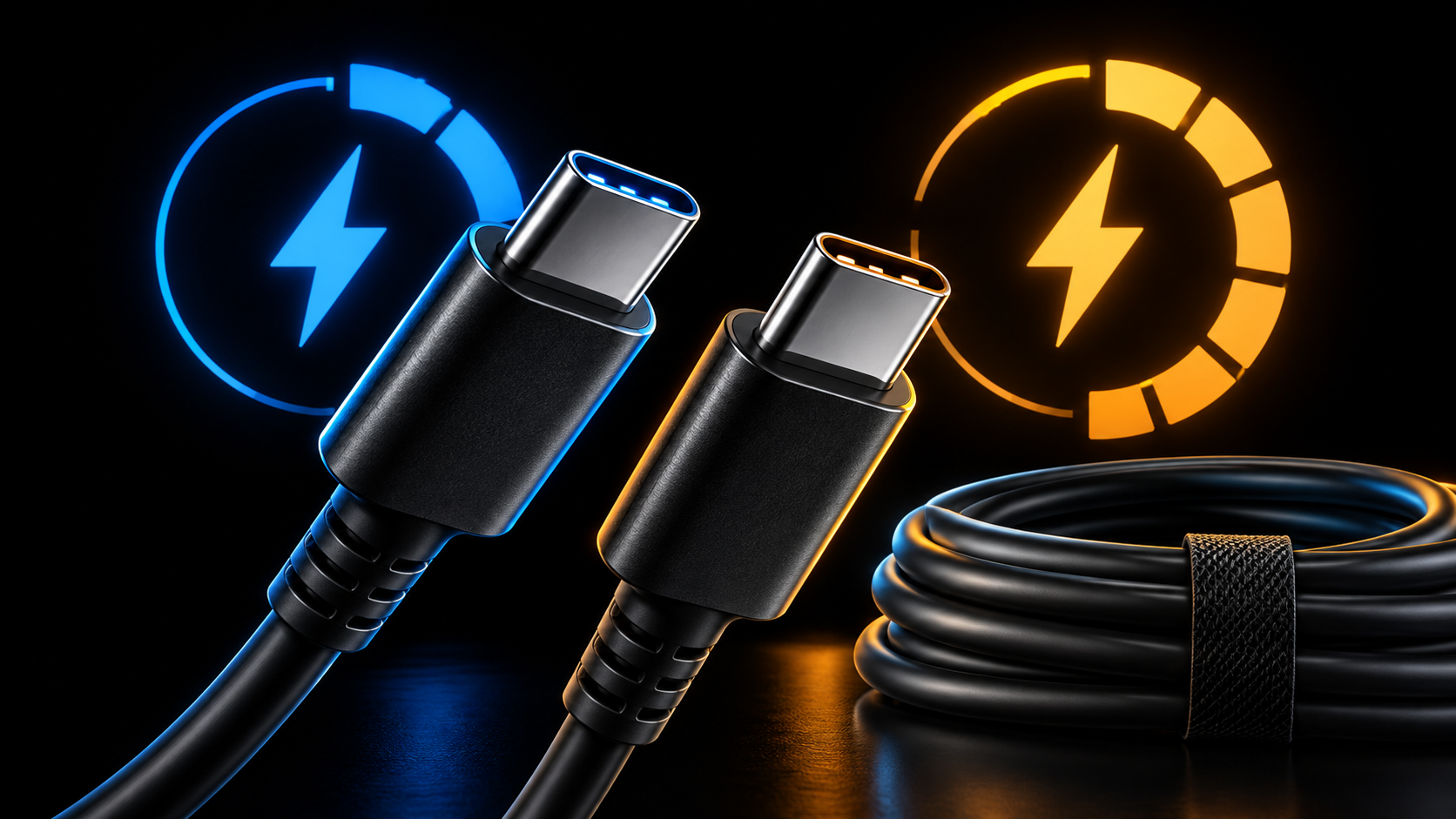
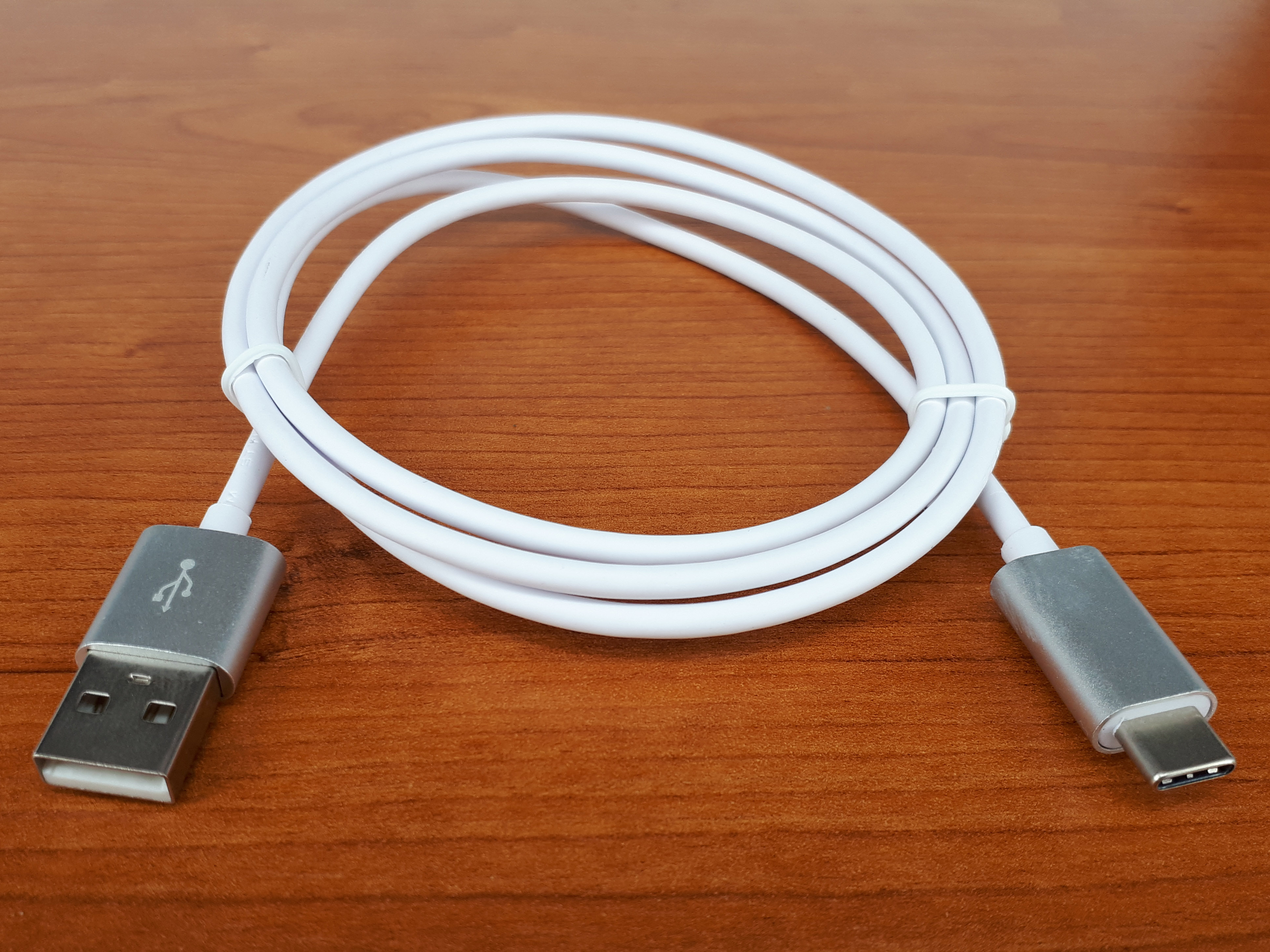
Cables are where the shared connector most often gets mistaken for shared capability. Two USB-C to USB-C cables can have the same ends, fit the same devices and still be made for different purposes. USB-IF says plainly that all cables do not have the same capabilities. Its certification programme covers cables for different purposes, and it says users must select a certified cable with the capabilities needed for their particular USB environment.
The most useful thing to remember is that a cable has at least two separate questions attached to it: power capability and data capability. The first asks whether it is marked and designed for the required charging power. The second asks what data rate it supports. A cable may suit one question better than the other. The plug shape cannot answer either question by itself.
USB-IF’s current USB-C to USB-C logo requirements make the power side easier to read for compliant cables. To pass through the USB-IF Compliance Program, all USB-C to USB-C cable categories must be labelled with either a 60W or 240W power capability using the appropriate power icon or logo. These labels refer to the cable’s compliant power capability. They do not announce the wattage that a laptop will always consume, the power that a particular charger will always output, or the data speed of the cable.
That means a 60W mark is not a verdict that the cable is “basic” in every sense, and a 240W mark is not a guarantee of a 240W charging session. The mark tells a buyer which of the two compliant cable power-capability categories it belongs to. The actual session still depends on the charger, the laptop and the negotiated USB PD arrangement. If the source cannot offer more power, the cable cannot invent it. If the laptop does not request or support the higher capability, the cable cannot make it accept more. The mark is a useful constraint, not a complete outcome forecast.
Data marking follows its own rule. USB-IF says that, except for High-Speed USB 2.0 USB-C to USB-C cables, compliant cables are required to be marked with the appropriate data rate they support. Its example is a USB 20Gbps cable that supports 20V at 3A, marked with a combined 20Gbps/60W logo. That example is a compact warning against assuming that high data speed and high power capacity travel together automatically. The logo can carry both pieces because they are distinct properties.
For a laptop owner, the result is a modest but valuable labeling vocabulary. Look for the power mark when the cable’s job is charging. Look for the data-rate mark when the cable is also expected to carry data. If the purchase is intended to serve both functions, read both labels. Avoid choosing based solely on connector shape, cable thickness, colour, price or a loose description such as “fast.” Those clues may be appealing, but the official compliance marks and the device documentation are more direct evidence.
There is also a certification boundary worth keeping clear. USB-IF says a certified cable does not eliminate the need for certification of USB products and does not augment the capabilities of those products. In everyday language, a good cable can preserve the capability it is built to support. It cannot upgrade a charger, laptop, monitor or dock beyond what that product supports. This is why replacing a cable can be a rational troubleshooting step, but not a magical one.
The EU’s newer ecodesign framework reinforces the value of cable labeling. The Commission says Regulation (EU) 2025/2052 applies from 14 December 2028 and will require USB Type-C cables with USB-C plugs at both ends to meet official USB specifications, including an electrical-resistance limit and a maximum permitted voltage drop. It also says those cables must be marked at their plugs with a 60W or 240W power rating. The date matters. It is a future ecodesign requirement, not something to relabel as the legal basis for the April 2026 laptop deadline.
A careful drawer can therefore be organised without guessing. Keep cables with their visible 60W or 240W power markings legible. Keep a cable’s data marking legible if data use matters. Store the cable with a note of its intended role if the original packaging had important details. Replace a cable when you cannot identify it and need a known capability for an important task. This is not about building a museum of cords. It is about retaining evidence when the connector has stopped being evidence enough.
🧭 Read the whole charging path
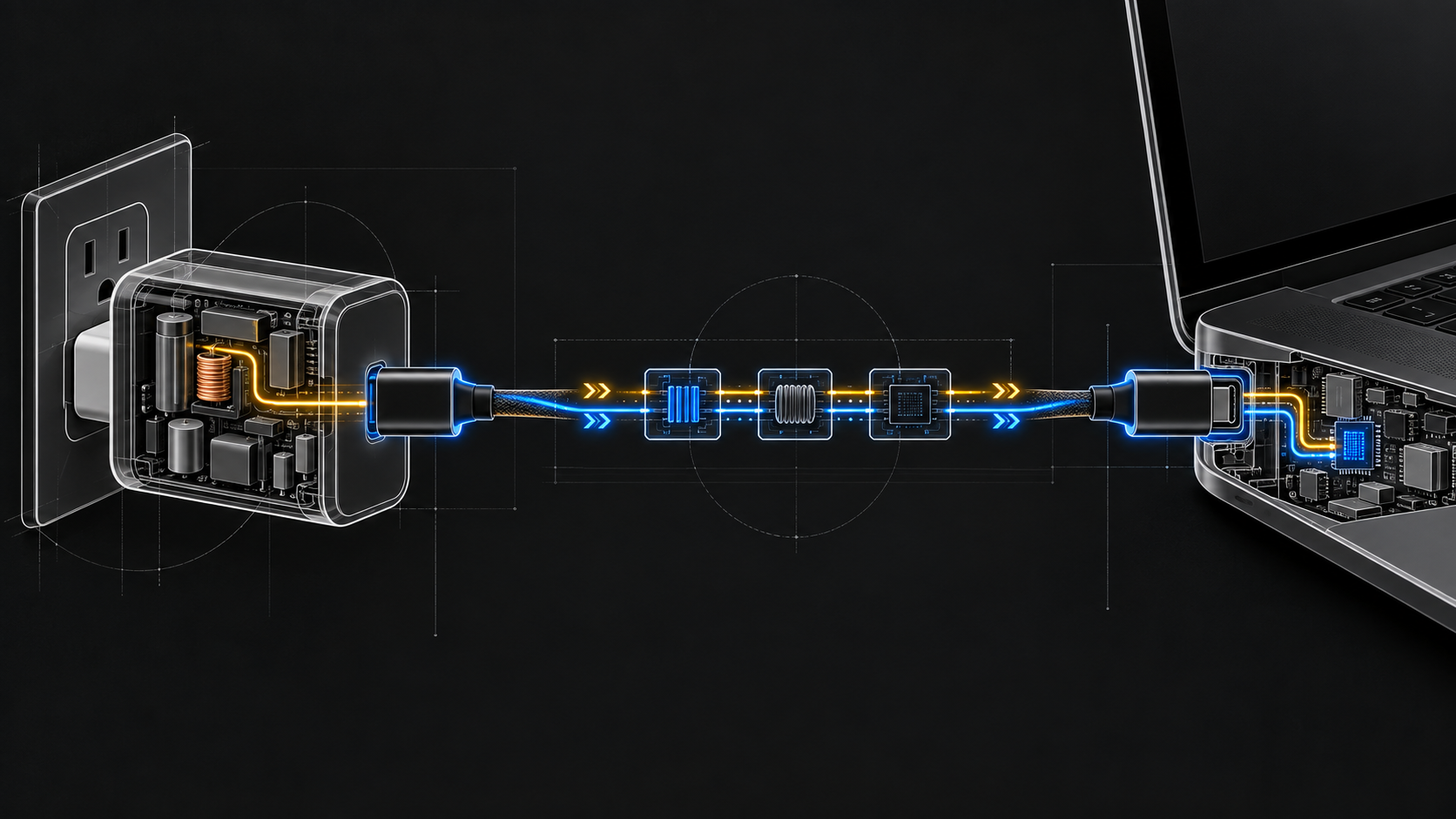
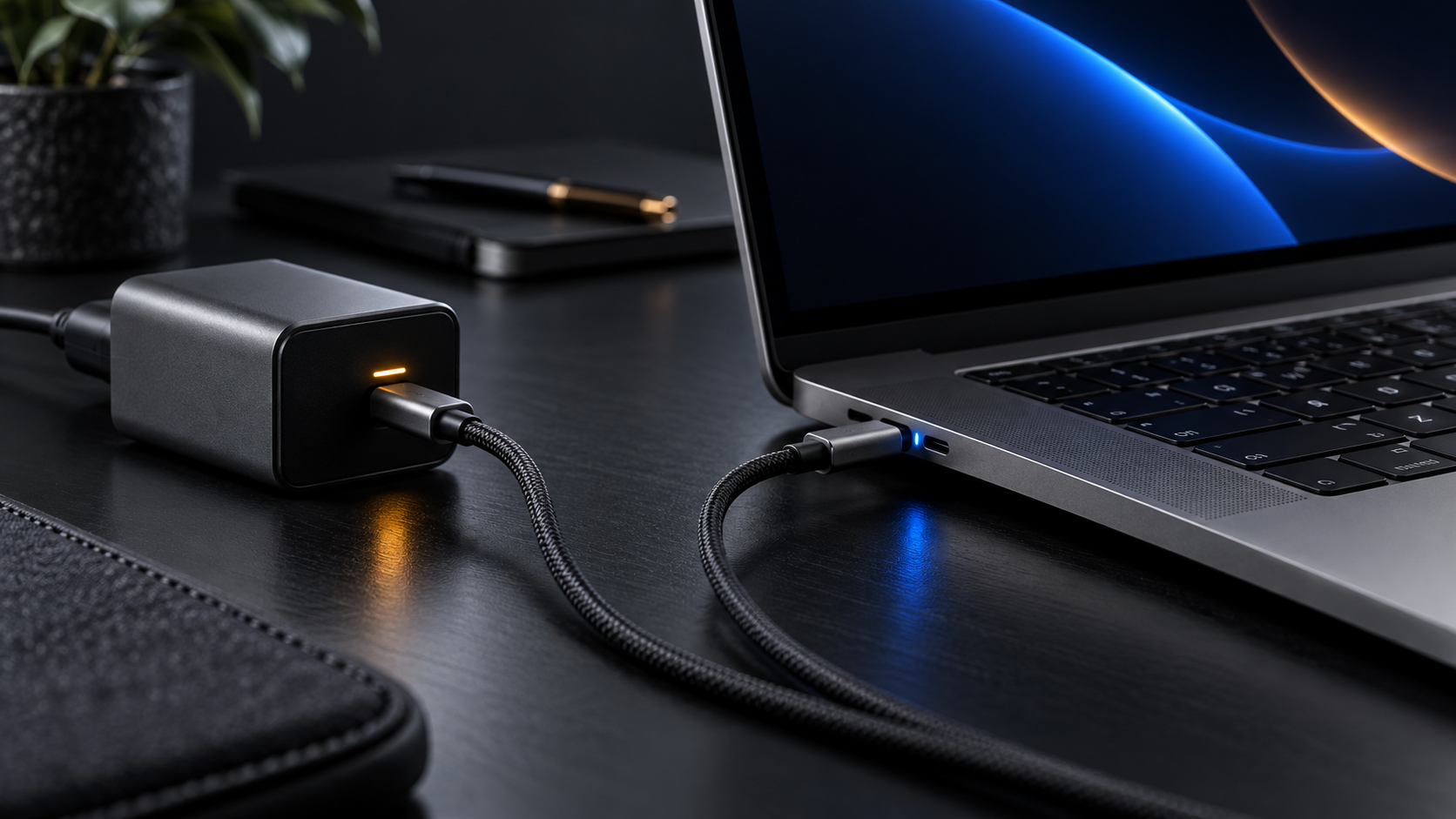
A laptop charging setup is a path, not a pair. The path runs from wall power to external power supply, through a chosen USB-C output port, along a cable, and into the laptop. If a display, dock or hub sits between those points, it is part of the path too. USB PD’s flexibility is useful precisely because power and data can share a cable and because power direction is not always fixed. It also means the path should be read end to end.
Begin at the laptop. Find the charging information supplied by its producer. The EU guidance describes the common-charger information requirements as a way for end users to learn whether their existing charging devices meet a new device’s requirements and to select a compatible charging device. The Commission’s common-charger page says the information includes the power the device requires and whether it supports fast charging. Write down or photograph the relevant stated values before comparing accessories.
Next, identify the charger’s relevant USB-C port. Do not assume that every port on a multi-port device is identical just because the outer shell has several matching openings. The Commission’s external-power-supply page says the power value on the Common Charger logo represents the maximum power a single USB Type-C port can provide. That does not tell you the allocation for every possible combination of connected devices. For that, use the charger’s own written information. A charger described with a maximum value should be read alongside the port description and any instructions for simultaneous use.
Third, identify the cable. A USB-C to USB-C cable that has a 60W or 240W compliant power mark gives you a useful piece of evidence about its rated power capability. If data is involved, check the data-rate marking too. This is especially relevant when a laptop is connected through a monitor or hub and the same cable is expected to charge the computer and carry display or peripheral traffic. The USB-IF cable guidance establishes that different cables have different capabilities and that certified cables must be chosen for the specific environment.
Fourth, identify any device in the middle. USB-IF gives a clear example: a monitor with wall supply can power or charge a laptop while displaying. It also notes that USB power bricks can pass power through a laptop’s USB ports. These examples show why a display or computer can change the question from “what is printed on my charger?” to “which product is supplying power in this connection?” A dock or monitor may be part of the charging path even if the laptop is connected with only one cable.
This approach is deliberately slower than plugging in whatever is nearby. It is also easier to repeat. A small record can prevent the drawer from turning into folklore:
- Laptop: record its stated charging requirement and whether its information identifies fast charging.
- Power source: record the specific USB-C port intended for the laptop and the stated output information for that port.
- Cable: record the visible 60W or 240W mark, plus any data-rate mark needed for the setup.
- Intermediate product: record whether a monitor, hub or other device is intended to provide power and what its documentation says about that use.
- Arrangement: note whether other devices are connected to the charger when the laptop is being charged.
This is a troubleshooting map, not an attempt to calculate a theoretical maximum. The official sources establish labels, port capability, device information and the USB PD feature set. They do not provide a universal table that predicts every laptop, charger, cable and dock combination. Where the documents do not specify a product’s behaviour, the product documentation has to do the work.
A useful diagnostic sequence follows from the map. If the laptop is not charging as expected, first check that the connection uses the intended USB-C charging port on the laptop, if the manufacturer identifies one. Then compare its stated requirement with the charger port’s stated capability. Then replace the uncertain cable with one whose power marking is known and suitable for the requirement. If a monitor, dock or hub is involved, test the direct charger-to-laptop path when the product documentation allows it. Each step isolates a component rather than assuming that the connector format has proved the entire system compatible.
Avoid making speed claims you cannot verify. The Commission’s objective is that charging speed be the same when a compatible charger is used for a device. That does not make an unidentified charger compatible, nor does it let a reader infer a charging time from a USB-C port. “It connects” and “it meets the device’s stated charging characteristics” are different observations. Keeping that difference intact is the difference between a practical guide and a new layer of drawer confusion.
🧾 What the label can tell you, and what it cannot
Labels turn an accessory drawer into evidence, but each label answers a narrow question. On a covered laptop, the producer’s charging information is the place to find the power the device requires and whether it supports fast charging. On a charger, the output information must be read by port. The Commission explains that the power number associated with the Common Charger logo represents the maximum that one USB-C port can provide. On a compliant USB-C to USB-C cable, a 60W or 240W marking identifies the cable’s power-capability category. A data-rate mark addresses a separate data question.
None of those statements substitutes for the other. A 240W cable marking does not report the capability of a charger. A charger’s large total figure does not state how its ports behave when several devices are attached. A laptop’s USB-C receptacle does not say which data modes are available. A fast-charging reference does not give a universal charging-time estimate. The useful reading order is device requirement, chosen charger port, then cable power and data markings.
The labels are also not an invitation to reverse-engineer every electrical detail. They exist so that consumers can select a compatible charging device with less guesswork. If a product page gives only a connector shape and broad advertising language, it has not supplied enough information to prove the job is appropriate. Keep the source information, especially for a charger that will be used as a primary laptop power supply or inside a one-cable desk arrangement.
🛒 Buy for the job, not for the connector
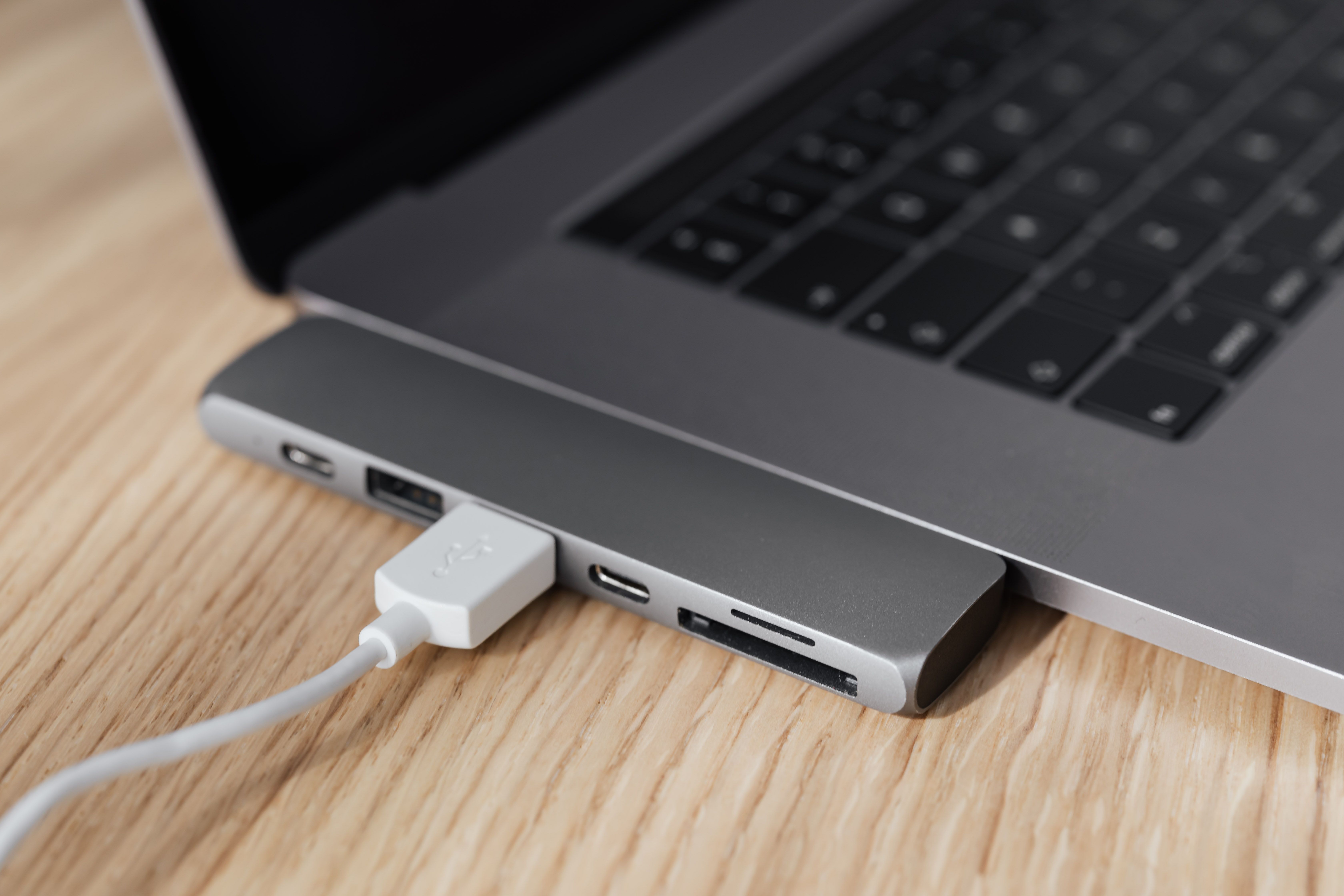
For a cable, separate charging from data before buying. If the cable will be used primarily to charge, the 60W or 240W compliant power mark is the obvious starting point. If the same cable is expected to carry data, check its marked data-rate capability as well. USB-IF’s example of a 20Gbps/60W cable is a reminder that these values need to be read together rather than ranked as one universal “better” figure.
For a single-cable desk, map the products in the path. A wall-powered monitor can charge a laptop while displaying, according to USB-IF’s examples. That does not mean every monitor does so, or that every USB-C port on a monitor is the charging port. Read the monitor’s documentation, identify the intended port, compare its stated capability with the laptop requirement and then choose a cable whose marked power and data capability fits the intended use.
🧪 Test carefully when the paperwork runs out
Product information is the first tool. A controlled test is the next one when it is safe, ordinary and needed. The point of testing is not to force a charging setup beyond its documented capability. It is to confirm whether an identified, apparently suitable path behaves as expected for the equipment in hand.
Start with the least complicated connection. Use the laptop’s intended USB-C charging connection where the producer identifies one. Connect it directly to the selected charger with a cable whose 60W or 240W marking is known and appropriate to the laptop’s stated requirement. Leave any monitor, hub or other intermediate device out of the first check. This isolates the charger, cable and laptop from the extra variables of a larger desk arrangement.
Observe only what you can honestly observe. Does the laptop indicate that it is receiving power? Does its own supplied information or interface report a condition that helps identify the connection? Do not turn an observation into a wattage claim without a source that reports wattage. A charging icon is evidence of a connection state, not evidence that the system has reached a specific power level. The official materials here do not supply a universal consumer measurement method for every laptop, so this guide should not pretend otherwise.
If the direct path does not behave as expected, use the map from earlier sections. Recheck the laptop’s stated requirement. Recheck the charger’s relevant port. Recheck the cable mark. If another known, suitable USB-C to USB-C cable is available, testing it can help distinguish an uncertain cable from the rest of the chain. Keep the replacement cable within the stated requirement and its documented power capability. USB-IF’s guidance makes clear that cables differ and that a certified cable does not augment a product’s capabilities, so a cable swap can clarify a variable but cannot repair a charger or laptop limitation.
Then add the desk equipment back one component at a time. If the intended setup uses a wall-powered monitor to display and charge the laptop, confirm from the monitor’s documentation that this is its intended function. Connect through the documented port with a cable whose power and data markings suit the job. If the result differs from the direct setup, the monitor or the cable’s data-and-power role has become part of the evidence to inspect. That conclusion is narrower and more useful than blaming “USB-C.”
A short test record helps when a setup changes later. Note the laptop model, the charger port used, the cable’s visible 60W or 240W mark, any data-rate mark, and whether an intermediate product was used. This is not bureaucratic excess. USB-C equipment is visually similar enough that memory becomes unreliable. A five-line note can stop a known-good cable from disappearing into the unmarked pile.
There are clear limits to this method. It cannot certify equipment. It cannot prove that a third-party product meets a specification. It cannot establish a precise charge rate unless the relevant product provides reliable information. It cannot make a setup safe if the product documentation says not to use it in that way. It cannot settle questions that only a manufacturer, an authorised service provider or formal compliance testing can answer.
It also should not be used to infer legal status. The Commission’s guidance is interpretative guidance for the Common Charger Directive, and the Commission’s EPS page notes that legally binding interpretation of EU law is for the Court of Justice of the European Union. A consumer’s desk test answers a practical question about their own arrangement. It is not a legal finding about whether a product belongs within a regulation or complies with every relevant requirement.
That honesty is a feature of the common-charger transition. The goal is less waste and more usable compatibility, not a new ritual of buying and testing every accessory. When documentation and marks are clear, reuse the equipment that matches the job. When they are unclear, isolate the uncertainty, choose a clearly marked replacement if needed, and avoid claims that go beyond the evidence.
🧠 The honest promise of a common charger
The EU laptop deadline changes the default question. For new covered laptops sold in the EU since 28 April 2026, the charging receptacle is USB-C. That removes a major physical barrier and supports the wider policy of charger reuse, unbundled sales and clearer charging information. It is a substantial improvement over a drawer organised around incompatible proprietary tips.
The remaining complexity is real, but it is manageable because it is structured. USB-C names the connector. USB PD names a specification for flexible power delivery. PD 3.1 can reach up to 240W when the complete hardware supports it. A cable’s 60W or 240W compliant label relates to that cable’s power capability. A data-rate mark addresses a different capability. A charger’s Common Charger logo power value represents the maximum power from a single USB-C port. A laptop’s supplied information identifies the power it requires and whether it supports fast charging.
Put those statements together and the drawer stops being a collection of lookalikes. It becomes a small set of components that can be matched to a job. The question is no longer “Which brand plug fits?” It is “Does this documented charger port, this marked cable and this laptop’s stated requirement form an appropriate path?” That is a more detailed question, but it is answerable without treating marketing shorthand as physics.
The limits should remain visible. The EU rules harmonise charging for covered devices, not every product that happens to use USB-C. USB-C does not guarantee USB PD. USB-C does not guarantee the same wattage. USB-C does not guarantee the same data capability. A 240W cable does not turn a lower-capability charger or laptop into a 240W system. A common port is a shared starting point, not an unconditional promise that any accessory will do every task.
That is still a good deal. Buy fewer chargers when existing equipment demonstrably meets the requirement. Keep the cable markings readable. Check data labels when data matters. Read the charging information that the EU rules require producers to provide. Let an unknown cable remain unknown until there is evidence for its use. The common charger is most useful when it encourages this kind of ordinary, evidence-first maintenance rather than a new round of confident guessing.
*Sources: European Commission, The EU common charger; European Commission, EU common charger rules; USB-IF, USB Power Delivery and Cables and Connectors; EUR-Lex, Commission Notice C/2024/2997; European Commission, EPS Regulation 2025/2052.*