
WordPress 7.1 arrived with changes that affect the part of a website visitors actually touch: how pages adapt to small screens, how media is processed, and how people review content together. For an Indonesian business site, those are not cosmetic upgrades. They are a reason to check whether a theme, plugin stack, and publishing routine still behave as expected before making a production update.
This is not a case for pressing Update immediately on every site. WordPress 7.0.4, released as a security update, addressed an authenticated Author-or-higher remote-code-execution issue involving malicious file uploads on sites that use Imagick and Ghostscript. WordPress says the security fix was backported as well. That makes the immediate priority clear: establish the version and update status of every production site, then test the move to 7.1 in a copy of the site rather than treating a major release as a maintenance click.
- Patch the known security path, then test the major release in staging.
- Review real pages at phone, tablet, and desktop widths, including keyboard focus.
- Treat custom blocks, media uploads, forms, and publishing permissions as separate checks.
- Keep a restorable backup and a named rollback decision before production changes.
🧭 The practical change in WordPress 7.1
WordPress 7.1 is code-named “Mary Lou”, after pianist, arranger, and composer Mary Lou Williams. The release combines authoring and design changes: responsive block styling, richer Notes and mentions, Playlist and Tabs blocks, a public SVG Icon API, an always-iframed post editor, and changes to media handling. The official release announcement also describes native handling for AVIF, HEIC, and HDR gain maps.
For a small company, the important question is narrower. Which of those changes can affect the public site, the editorial workflow, or a custom block? Responsive styles can alter generated CSS. An iframed editor can expose assumptions inside a custom block or editor integration. Browser-side image processing may change where a media-upload problem appears. Notes can change who sees a comment in a review flow.
A sound release process separates those questions. It does not ask the owner to become a WordPress engineer. It asks the person responsible for the site to make a small, recorded decision: what will be tested, who will sign off, and how the previous version will be restored if a real fault appears.
📌 What to check before touching production
Start with a compact inventory. Record the current WordPress version, PHP version, active theme, child theme if one exists, active plugins, caching layer, image-optimization plugin, hosting backup method, and the people who can access the administrator account. Take a backup that can actually be restored, including both files and database. A backup advertised by a hosting plan is useful only after its restore path and retention period are understood.
Then choose a representative set of pages. Include the homepage, a contact or checkout form, the latest article, a landing page with several blocks, a page with a gallery or large image, and a page that uses the site’s most customized template. On a service-business site, test a real contact submission to a controlled inbox. On a store, test browsing, cart behavior, checkout in the permitted payment test mode, order emails, and stock or booking rules without sending a live customer order.
The aim is not exhaustive automation in one afternoon. It is to cover the routes where a broken template, styling rule, cache, or integration would cost the business a lead, a sale, or trust. Take screenshots at desktop and mobile widths before the update. They are much more useful than memory when someone says a button used to have different spacing.
📱 Responsive styles are useful, but they change the review job
WordPress 7.1 adds responsive style states for tablet and mobile viewports. The developer documentation says styles may be set in Global Styles by block type or on individual blocks. In theme.json, mobile and tablet overrides sit under @mobile and @tablet; the default remains the desktop style. The documented default breakpoints are 480px for mobile and 782px for tablet, and themes can set values through settings.viewport using non-negative px, em, or rem lengths.
That is good news for teams that previously reached for custom CSS to make a button, group, spacing value, or layout behave on smaller screens. But it also means the review should inspect more than a single browser window. A block can look correct on a large monitor and still create a cramped heading, a clipped card, or an awkward gap at a phone width.
Make the test explicit. Review the chosen pages at a narrow phone width, at a typical tablet width, and at desktop. Use real content, especially the longest product title, a lengthy customer name, an image with a vertical crop, and a multi-line button label if the site permits one. Check keyboard focus, not just mouse hover. The 7.1 developer update says pseudo-state styling for :hover, :focus, :focus-visible, and :active is available for Button and Navigation Link blocks. A brand team may be pleased by a new hover state, but visitors who use a keyboard need the focus state to remain obvious.
Do not assume an existing theme automatically gains a finished mobile design because Core now exposes controls. Standard block supports receive responsive styles, while blocks with custom style controls may not. A custom block deserves its own small compatibility check. If it uses bespoke controls, the correct result may be “no new responsive control yet,” not an improvised change in production.
🖼️ Media changes deserve a deliberate upload test
The 7.1 release notes say image compression, resizing, and thumbnail generation now happen in the browser, reducing server load and avoiding PHP memory limits or upload timeouts. They also list native support for AVIF, HEIC, and HDR gain maps. Those statements describe capabilities, not a guarantee that every existing theme, image optimizer, CDN, or older browser workflow will behave identically after an update.
Use a staging site to upload three files that resemble the material the business really publishes: a phone photo, a wide banner, and a large JPEG or PNG from a designer. If the team receives HEIC files from iPhones or AVIF from a camera or supplier, include a controlled sample. Check the original upload, the WordPress-generated sizes, the crop used in the featured image, the appearance on the front end, the image in a social preview tool if one is part of the workflow, and the result after the cache is cleared.
Avoid turning this into a file-format chase. If a site never receives HEIC and its audience is served reliable JPEG and WebP derivatives, there is no business need to change the editorial supply chain because 7.1 supports another format. The useful improvement is a documented path for the images that staff already upload. Keep an original source file. Give it a readable filename. Add alt text that describes the image’s role, not a pile of search keywords. Verify that any optimization plugin does not duplicate, replace, or fail to serve the image sizes the theme requests.
A notable security context sits beside this media work. WordPress 7.0.4 identifies the affected condition as authenticated Author+ remote code execution through a malicious file upload on sites using Imagick and Ghostscript. The safest operational lesson is not to panic about every image. It is to apply the security release, restrict author accounts to people who need them, and avoid treating an upload permission as harmless.
🧩 The editor is now consistently isolated
WordPress 7.1 makes the post editor always iframed, according to the WordPress Developer Blog. Earlier behavior could vary based on theme type, block API versions, or blocks placed in the content. The change removes that conditional mode, including for sites that register legacy meta boxes.
This matters most for developers and agencies maintaining custom editor experiences. A plugin sidebar, a block’s editor stylesheet, a script that queries the document, or an integration that relies on inherited styles may behave differently when the content lives inside an iframe. The public page may be fine while the editing screen becomes confusing or broken for staff.
The practical boundary is worth understanding. An iframe has its own document and window. Code that reaches for the global document to manipulate the editing canvas may now be pointing at the administrator page rather than the canvas. The WordPress developer guidance advises obtaining the canvas document from an element inside it through ownerDocument and defaultView, then attaching and cleaning up listeners against the correct element. That is work for the maintainer of the block or integration, but a site owner can still ask a useful question: has this exact editor workflow been tested on the version we intend to run?
Check extensions that touch post-list tables too. The developer roundup says the primary row header moved from the checkbox column to the title column, an accessibility improvement that can affect CSS or JavaScript written around the older table structure. A dashboard customization that looks minor can slow down editorial work if it hides row actions or depends on a selector that has changed. Open the post list, switch to its narrow responsive view, use bulk selection where the team uses it, and confirm custom actions still appear.
Test the editorial tasks, not only the finished page. Open an existing post. Create a draft. Add a paragraph, heading, image, button, embed, reusable pattern, and any custom block. Edit a post with a legacy meta box if the site still uses one. Preview, save as draft, schedule if scheduling is used, update, then confirm that the front-end result matches the editor’s intended structure. Look for missing editor styles, unusable controls, console errors, strange selection behavior, and dialogs that appear behind the editor.
If a plugin vendor says it supports 7.1, capture the version and support note in the change record. If it does not, that does not automatically mean the plugin is unsafe. It means the site owner should decide whether the staging result is adequate, whether to wait for an update, or whether the plugin is important enough to replace. “Compatible” is evidence when tied to the exact plugin version and test, not a label copied from a marketplace page.
🗣️ Notes, mentions, and collaboration need rules
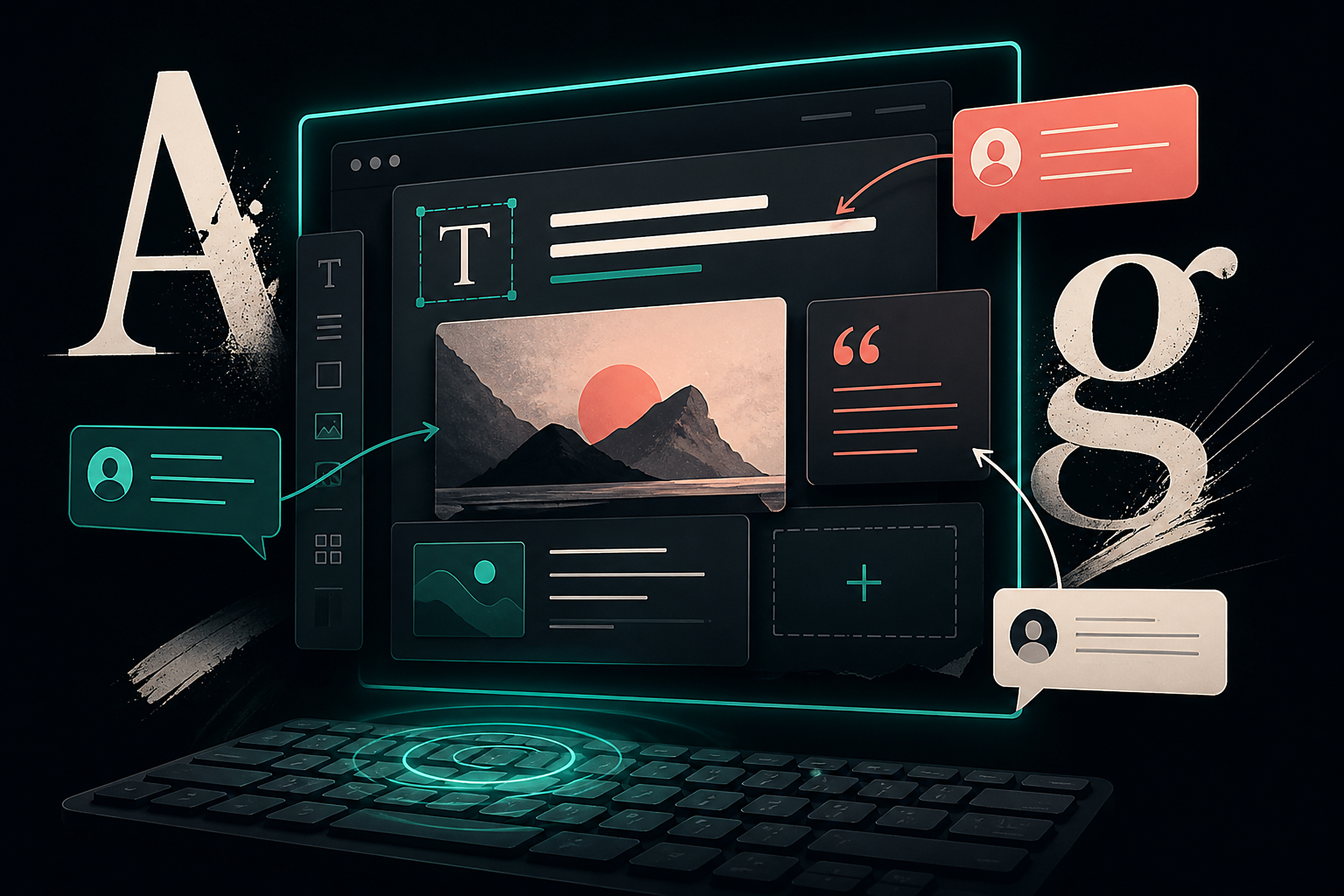
The release adds rich text support and @mentions to Notes, while the release-candidate announcement lists email notifications for @mentions and shareable revisions among changes introduced during the 7.1 cycle. These features can make content review quicker. They can also create a small but real governance problem if a client, freelancer, or former staff account still has access.
Before enabling a new review habit, list who can create, edit, publish, and comment. Remove accounts that no longer need access. Require individual accounts rather than a shared administrator login. Use the lowest role that permits the job. An author who writes an article does not necessarily need plugin installation or theme access. A reviewer who only approves copy may need a different route entirely.
Define one simple convention for notes. For example: use a mention only when a response is required; write the page URL or post title in the note; state the decision requested; and resolve the note after the change is published or rejected. This prevents an editorial thread from becoming an unsearchable record of half-decisions.
The collaboration feature is not a substitute for backups or publishing checks. A shared revision can aid review, but it should not be treated as proof that a page was tested on mobile, a form works, or a customer-facing statement has been approved. Those are different responsibilities.
🎨 New design tools should protect the system, not bypass it
WordPress 7.1 brings an SVG Icon API that lets plugins register icon collections and icons. The developer blog notes a conservative sanitization allowlist for registered SVGs, and warns that a standalone wp_get_icon() call may render with its own black fill unless CSS is supplied. The release also includes Playlist and Tabs blocks.
These are helpful additions, but a business site becomes inconsistent when each new page invents its own button shape, icon treatment, breakpoint, and tab interaction. Treat the update as a chance to define a small system: approved logo and icon sources, text alternatives, button styles, spacing values, heading hierarchy, and the pages where Tabs genuinely help people compare information.
Tabs are not automatically a better way to organize a service page. They can conceal important content from quick scanners, complicate keyboard navigation, and make it harder to link directly to a detail. Use them where the alternatives are genuinely parallel, such as specifications for related packages, and keep the default panel useful. A simple stacked section is often clearer when content has a natural reading order.
For SVGs, do not paste arbitrary code found through image search into the editor. Use icons from a controlled source, retain the license information, and test their color contrast, accessible label, and appearance at small sizes. The API’s sanitization is a security measure; it is not a design review.
🔐 Security work comes before feature exploration
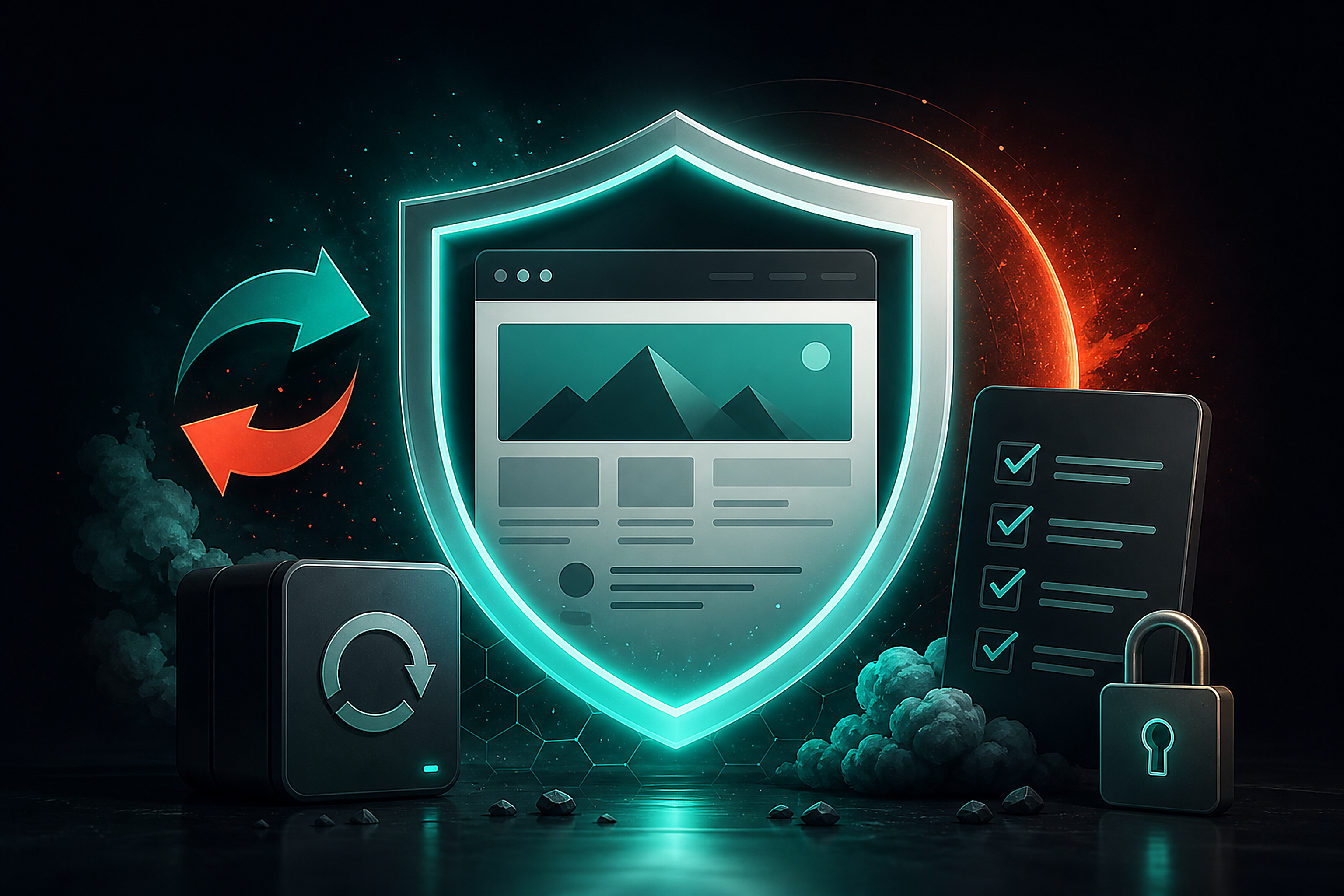
The first decision is version hygiene. WordPress explicitly recommends immediate updating for 7.0.4 because it fixes a security issue. The security advisory identifies the issue as CVE-2026-65640 and links the corresponding GitHub advisory. WordPress also says only the most recent version is actively supported in its 7.0.4 announcement.
For a site that has missed multiple updates, do not jump straight from an unknown state into a large release during a busy sales period. First identify the current version, PHP support, critical plugins, and whether automatic background updates have been disabled. Apply the vendor-recommended security update path in a maintenance window after a restore point is confirmed. Then test 7.1 in staging with the site’s actual theme and integrations.
Security maintenance also includes habits Core cannot provide: unique passwords, multi-factor authentication where available, limited administrator accounts, plugin and theme review, removal of unused software, and a monitored backup. A staging site should not expose production customer data publicly. If production data must be copied for testing, restrict it and follow the business’s privacy obligations.
A short weekly check beats a dramatic annual cleanup. Review update notices. Check that backups completed. Confirm that the public homepage and contact flow load. Read security notices from WordPress and critical plugin vendors. Record the date, the person responsible, and the result. That turns website maintenance into an operating routine rather than an emergency response.
🧪 A release-day plan that a small team can sustain
A practical rollout can fit into one structured session. First, create or refresh staging from a known production state. Second, update the test copy and clear only the staging cache. Third, run the page and workflow checklist: public pages, responsive layout, forms, media upload, editor tasks, search if used, commerce or booking flow if used, and custom blocks. Fourth, collect defects with a screenshot, URL, browser, viewport, and reproducible steps.
Fifth, decide. If a defect touches checkout, contact capture, account access, a core page, or data integrity, do not promote the update until it is understood or a rollback is ready. If the issue is limited to a noncritical visual detail, fix it in staging or schedule a defined follow-up, but make that decision visible. Sixth, schedule the production change during a low-risk period, put the restore procedure and contacts in one place, and tell the team what may be briefly affected.
After production updates, repeat the short public check instead of assuming the staging result transferred perfectly. Caches, CDN rules, environment variables, email delivery, and payment services can differ. Confirm the deployed version, homepage, a representative mobile page, form delivery, and the business-critical conversion route. Keep the monitoring window open long enough to catch a problem reported by staff or a customer.
This plan does not promise zero risk. It gives a small team a way to find important risks when they are cheap to fix.
⚠️ Where the release does not solve the problem
WordPress 7.1 cannot repair an unsupported plugin, a host without a tested backup, a theme built around brittle overrides, or a publishing process with unclear ownership. Responsive controls do not make content concise. New media handling does not supply image rights or meaningful alt text. Notes do not decide who has authority to publish.
There are also scope limits in the official materials. The 7.1 field guide says real-time collaboration was not enabled in this release, the proposal to hide the Classic block from the inserter was reverted, React 19 did not land, and other planned work remains in progress. Teams should avoid creating roadmaps around features that are not shipping.
A site can also reasonably wait. If a campaign, enrollment period, or major checkout change is underway, the right move may be to complete the security update, preserve the current stable configuration, and schedule the feature release test after the critical period. Delay should be deliberate and recorded, not an indefinite habit.
✅ The useful outcome for a business website
WordPress 7.1 gives teams more control over responsive styling, media workflows, editor consistency, and review. The value is not the number of new controls visible in the dashboard. The value is a page that remains readable on a phone, an editor that staff can trust, an image workflow that does not fail under normal use, and an update routine that puts security before novelty.
Begin with a version inventory and a restorable backup. Patch the security release path. Test 7.1 with the real theme, real plugins, and real customer journeys in staging. Review mobile and keyboard behavior with actual content. Only then decide whether production is ready.
For a web studio or business owner, that discipline is the release feature worth keeping. It makes the next update less dramatic because the team has already practiced the work that matters. The release can then improve a working publishing system instead of testing the business’s luck.
Sources: WordPress 7.1 “Mary Lou” release announcement, WordPress 7.0.4 security release, WordPress 7.1 Field Guide and developer roundup, WordPress 7.1 RC1 announcement, and WordPress licensing documentation.


