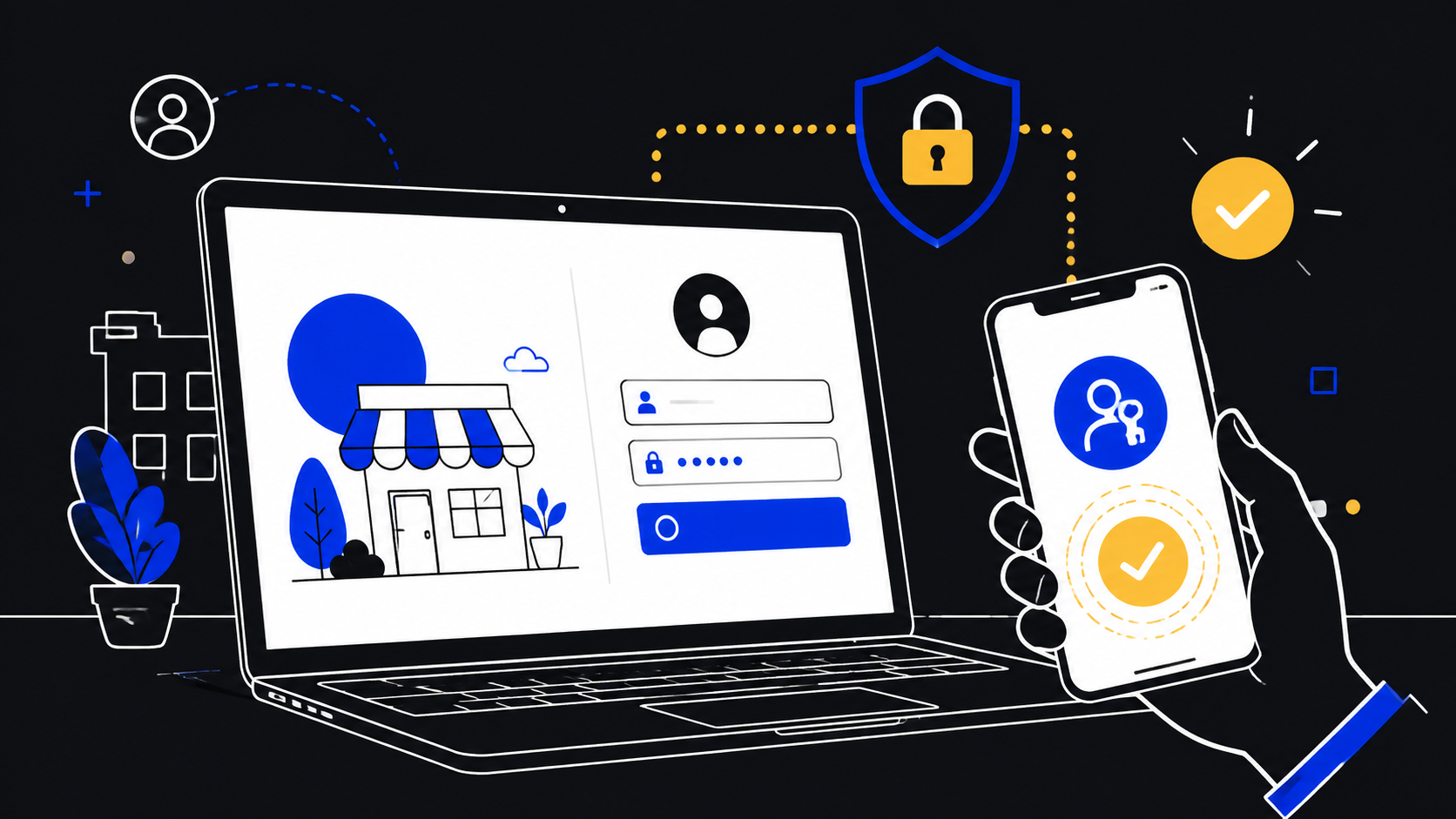
🔑 The login screen is now part of the product decision

A small business can treat passkeys as a button added to a sign in page, or it can treat them as a decision about how customers and staff prove that they are dealing with the real website. The second view is more useful. A passkey changes the relationship between the account, the device, and the site that asks for authentication. It therefore affects account creation, recovery, customer support, staff access, device policy, and the language used in emails about security.
The practical point is not that every business should remove passwords tomorrow. It is that a business should decide which accounts deserve a passkey route, what the fallback will be, and how people will recognise that route as legitimate. That is a website and service-design decision before it is a login feature.
The FIDO Alliance describes a passkey as an authentication credential based on FIDO standards, tied to a user account on a website or application. It may be stored on a phone, computer, or hardware security key. Instead of entering a username, password, and additional factor, the person approves the sign in using the process used to unlock their device, such as a biometric, PIN, or pattern. FIDO Alliance also says passkeys are built on FIDO2 specifications.
That description matters for a small business because the visible interaction happens in the customer’s device environment, but the decision to offer it is made by the website owner. A checkout site, booking service, client portal, membership area, or internal dashboard all ask different things of an account. A passkey invitation should make sense in that context. It should not appear as an unexplained new security ritual.
The useful starting principle is simple: decide where a stronger, simpler way to sign in improves a real journey, then design the operational boundaries around it. Do not begin with a promise to become “passwordless” everywhere. Begin with a named account journey and a clear outcome.
Compact takeaways
- Start with one account journey where sign in is frequent, consequential, or a source of support friction.
- Keep an explicit recovery path and test it before encouraging passkey enrolment.
- Explain that the website supports passkeys, while the user chooses an eligible device or security key to save one.
- Preserve phishing education. A safer authentication method does not make every message, link, device, or account-recovery request trustworthy.
- Measure support patterns and completion quality in a pilot, not deployment volume.
A passkey decision is ultimately a trust decision. The business is telling people which account events it will ask them to approve, which devices it will recognise, and how it will help when the ordinary path is unavailable. Clear choices make that promise credible. Vague choices turn a security improvement into a new reason for customers to abandon a task or call support.
“Passkeys are a replacement for passwords.”
FIDO Alliance, “Passkeys overview”
📍 Map the accounts before selecting the technology path
Do not start with browsers, operating systems, or vendor checklists. Start with the accounts your business already operates. List each customer and staff account area, what it enables, who uses it, and what happens if somebody cannot sign in. A booking customer who needs to confirm an appointment has a different need from an administrator who can change payments, customer records, or staff permissions.
A small-business inventory can be short and still be decisive. Include the public website account, customer portal, ecommerce account, support platform, marketing tools, financial systems, domain and hosting control panels, and any shared operational application. Mark whether each account contains customer information, permits a purchase or refund, changes public content, controls business communications, or can create further users. This is not an exercise in producing a perfect risk score. It is a way to stop treating every login as equivalent.
Next, map the people. Customers may use a mix of phones, personal computers, family devices, and workplace devices. Employees may use managed business equipment, their own phone, or a hardware security key. Contractors may be temporary users whose access should end when their work ends. Each group affects the right invitation, fallback, and support script.
The source material gives useful boundaries for that map. Apple says passkeys can be created and saved for websites and apps that support them, and that if a passkey option is absent, the website or app does not currently support passkeys. Apple also says that a person can have both a passkey and password for the same website or app. That makes a staged customer rollout possible: offer a passkey for a supported account without claiming that all existing sign in routes have disappeared. Apple Support
Google similarly states that adding a passkey to a Google Account does not change or remove existing authentication or recovery factors. The lesson for a business is not that every account will work exactly like Google’s. It is that a passkey introduction should be accompanied by an explicit statement of what remains in place. Customers should know whether their password still works, whether their existing recovery method is unchanged, and where to manage account security.
For each account area, write down five answers in plain language:
- What task is the person trying to finish after signing in?
- What information or authority does the account expose?
- Which people are likely to use phones, computers, or hardware keys?
- What existing recovery and support route is available?
- What would make a passkey invitation understandable rather than disruptive?
This map should lead to a small first scope. A sensible first scope is an account area owned by the business, supported by the selected authentication service, and familiar to a limited group. Avoid starting with the account that has the largest blast radius if recovery has not been rehearsed. Avoid starting with the least-used account merely because it is technically easy. The pilot should provide useful evidence about real account journeys.
🧭 Choose the journey, the account holder, and the fallback

A passkey rollout needs a visible choice architecture. The account holder should understand three separate things: whether the site supports passkeys, where a passkey can be saved, and what to do if that device is unavailable. Collapsing those ideas into a single button labelled “secure your account” creates avoidable confusion.
At enrolment, state the account name or email address and the website domain clearly. Explain that the user is creating a passkey for that particular account. The FIDO Alliance says passkeys are cryptographic credentials tied to a user’s account on a website or application. The wording on the page should mirror that relationship. A customer should not have to infer whether the prompt applies to the business account, a payment account, or a different service opened in another tab.
For a customer-facing service, make passkey enrolment an invitation after a successful, conventional sign in or inside account security settings. Apple’s guidance for an existing account follows that familiar pattern: sign in with the account name and password, go to account settings or management, and continue when offered the option to save a passkey. The exact interface will vary by provider, browser, website, or app, as Apple notes, but the sequence is instructive. Build from an already authenticated, understandable moment.
A customer should also be able to defer. “Not now” is not a security failure. It is a recognition that someone may be on a borrowed device, may not have their usual device available, or may simply want to understand the change before approving it. The business can present the option again at a later, appropriate account event without turning the login process into a campaign.
The fallback must be named before launch. It should answer the ordinary question: “I cannot use the passkey I normally use, so how do I get back into my account?” NIST’s Digital Identity Guidelines treat account recovery as an authenticator event and say a recovery event causes one or more notifications to be sent to the subscriber to help detect fraudulent use of recovery. NIST also says recovery methods must be based on risk analysis and documented for credential service providers in its scope. A small business may not be operating under NIST’s federal requirements, but the operational lesson is sound: recovery is part of authentication, not an afterthought. NIST SP 800-63B
Write the fallback as a customer journey, not merely a technical contingency. Specify where customers go, what information they need, how long support may take, and how the business communicates a completed recovery. Do not tell customers to respond to unexpected security messages. Direct them to sign in through the known website address or to use a published support channel.
For staff accounts, the choice is narrower and should be more deliberate. The business can define which accounts require a passkey-capable device or a hardware security key and who can approve exceptions. FIDO says a passkey can be stored in a hardware security key. Apple also notes that a passkey may be saved to a hardware security key where that option is available. This makes a physical-key option worth considering for roles with valuable administrative authority, provided the business can document custody, replacement, and recovery.
The decision is not “passkey or password” in the abstract. It is “which person, carrying out which task, on which account, can use which approved sign in route, with which recovery boundary?” A small business that answers that question will produce a clearer website than one that merely adds a new icon to a form.
🧱 Build the website decision into clear account design
Once the first journey is chosen, make the website express the decision consistently. The account settings page, sign in page, confirmation message, help centre, and support scripts should use the same terms. Use “passkey” rather than a mixture of vendor labels. The FIDO Alliance calls passkey a cross-platform general-use term and says it is not tied to a specific platform. Consistent language helps a person recognise that the account is talking about the same feature on a phone, computer, or security key.
The account settings page is the centre of the design. It should show that a passkey exists as an account sign in method, provide a way to add one where supported, and direct people to recovery help. It should not expose sensitive technical detail merely to prove that the system is sophisticated. The reader needs a reliable action, not an implementation lecture.
Keep the explanation accurate. Google says biometric data used for fingerprint or face unlock stays on the device and is never shared with Google. Apple says passkeys are encrypted and stored in iCloud Keychain, where they are not visible to anyone, including Apple. Those statements apply to the respective platforms and services, not automatically to every passkey implementation. A business should not copy them into its own policy as universal claims. It can instead say what it knows: the site supports passkeys, the person approves use of their device’s unlock method, and device or platform questions should be described with platform-specific links.
Compatibility language needs the same restraint. Google lists supported device and browser requirements for passkeys in Google Accounts, including specific minimum operating systems and browser versions, and notes that some environments may not allow creating or using passkeys in Incognito mode. Those details demonstrate why a website should avoid a blanket statement that passkeys work everywhere. State the actual support conditions of the chosen service, test the paths that matter to the pilot, and provide a conventional route when the passkey option is unavailable.
The invitation itself should be short and concrete. For example: “Add a passkey to sign in to your Studio account using your phone, computer, or security key when supported.” Follow it with a link that explains recovery. Do not claim that it removes all account risk. Do not tell people that an unexpected pop-up or email is safe because it mentions passkeys.
For existing accounts, avoid surprise. A confirmation message after a passkey is added should say which account changed and what the person can do next. A separate account-security page can explain how to review available sign in methods and reach support. If your service can send change notifications, ensure their wording identifies the action but does not push readers toward embedded links as their only route back to the account.
Finally, include accessibility and support in the design review. A device unlock flow may use a PIN, pattern, or biometric process, according to the FIDO Alliance. A business should not assume every customer prefers or can use the same interaction. The website’s surrounding copy, help route, and fallback need to remain usable regardless of which device-unlock option a customer uses.
🧪 Pilot the full journey, including the awkward cases
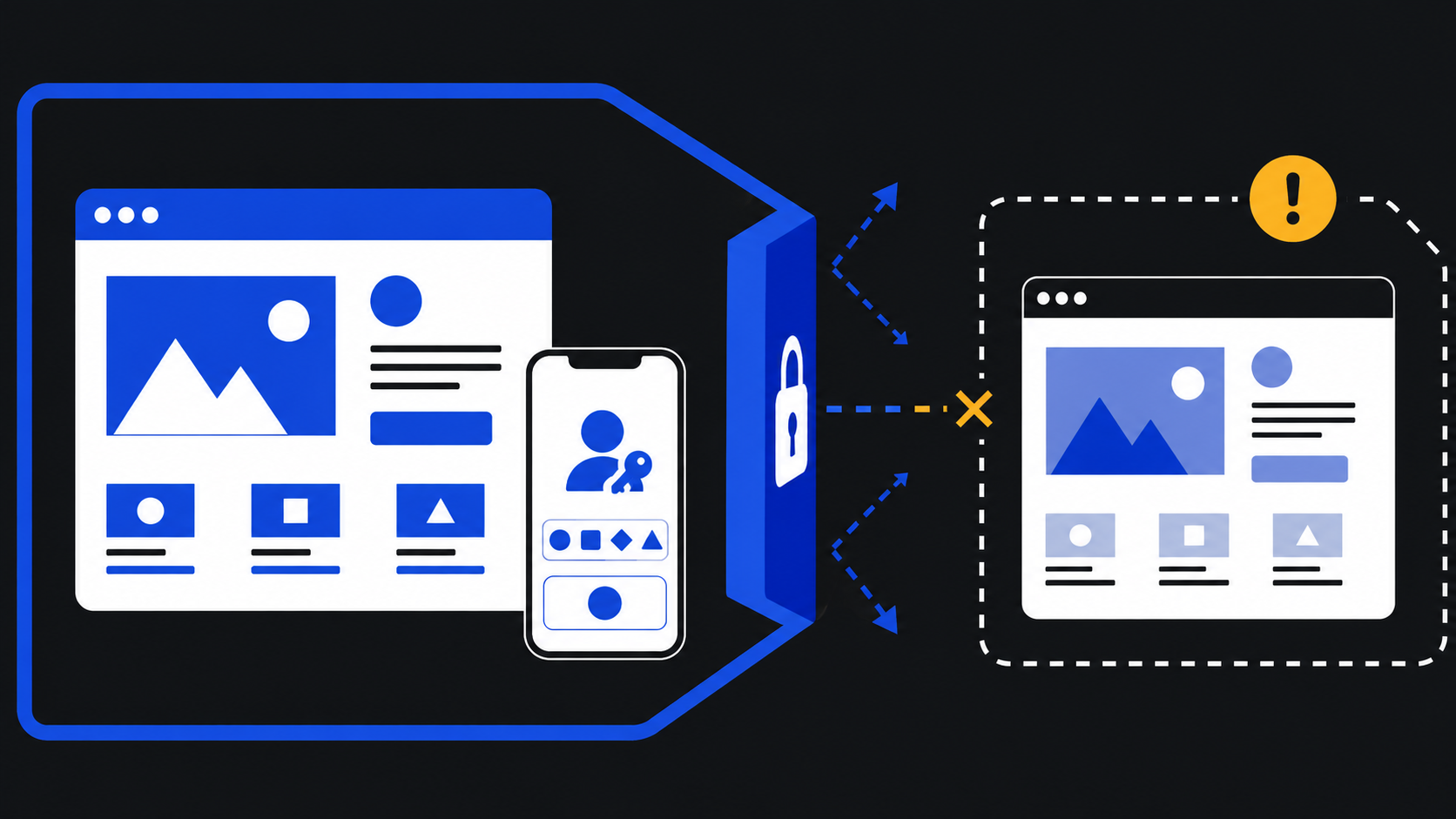
A pilot is not a launch announcement with a smaller audience. It is a controlled test of the whole service promise. Before inviting customers, use a small set of staff or trusted test accounts to walk through enrolment, ordinary sign in, sign in on another available device, account settings, loss of the usual device, and support contact. Record what happens, what the person sees, and where they hesitate.
Test supported journeys rather than assuming equivalence across platforms. Apple says passkeys work for supported websites and apps and that the instructions can vary by app, website, or browser. Google’s guidance includes separate requirements for devices, browsers, phone screen lock, Bluetooth for signing in to another computer from a phone, and iCloud Keychain for Apple devices. These are practical reminders that user experience is assembled from several components. A polished path on one test device does not prove that every customer path is ready.
Give testers tasks, not a technical briefing. Ask them to create a passkey for a known account, return later to sign in, find the account-security information, and explain what they would do if their usual device were unavailable. If a tester cannot describe the recovery path after reading the page, the page is not ready. If a support person cannot tell the difference between a passkey sign in issue and a suspicious-message report, the operating procedure is incomplete.
Decide in advance what the pilot will evaluate. Useful indicators include whether people finish enrolment, whether they can return to the account without unnecessary help, which devices or browsers present problems, what customers ask in plain language, and whether the recovery guidance is understood. Do not use the absence of complaints as proof that the flow is sound. Look for silent exits, repeated attempts, and support contacts that describe uncertainty rather than outright failure.
Keep the pilot reversible. Continue to offer the existing supported route for the defined test group unless the account’s risk and policy require otherwise. Make it easy to pause new invitations if a compatibility or recovery problem emerges. A pause is not a failure; it is evidence that the business is treating authentication as a service responsibility.
The awkward cases deserve explicit testing. What does a customer see when the website supports passkeys but their current environment does not? What happens when a person has a passkey and password listed for the same account, a possibility Apple documents? Can staff distinguish a request to add a passkey from a request to recover an account? Does a confirmation message lead people to a known site rather than train them to click a security link? These questions are ordinary operations, not edge cases.
Use the pilot findings to revise language, help content, and escalation paths before broadening the invitation. The technology should remain in the background. The customer should experience a familiar account that has gained a clearer way to sign in.
🛡️ Set the security boundary around phishing, recovery, and sessions
Passkeys can reduce a major weakness associated with passwords, but they do not eliminate the need for security judgment. The FIDO Alliance says FIDO standards use public-key cryptography techniques to provide phishing-resistant authentication, and Google says passkeys cannot be shared, copied, written down, or accidentally given to someone else, making them more secure against phishing. Those are meaningful properties. They are not a reason to ignore every other path through which a criminal may seek access.
CISA describes phishing as criminals trying to get people to open harmful links, emails, or attachments that may request personal information or infect devices. It says phishing messages can arrive by email, text, social-media direct message, or phone call and are often made to look as though they come from a trusted person or organisation. CISA advises people to look for urgent or emotionally appealing language, requests for personal or financial information, untrusted shortened URLs, and incorrect email addresses or links. CISA also warns that perfect grammar and spelling are no longer reliable signs that a message is genuine.
That guidance should be visible in your operating boundary. Teach customers and staff that the business will not ask them to disclose a device PIN, password, or recovery information through an unsolicited message. Encourage them to open the known website themselves or use independently verified contact details when a message seems suspicious. CISA specifically recommends going to the company website for contact information or otherwise contacting the person through another known route rather than clicking a suspicious link or calling a number in the message.
Recovery is the boundary most likely to undo a careful sign in design. A passkey route can be strong, but an account can still be endangered if recovery becomes easy to manipulate. Write down which team can approve recovery, which account signals it may use, how exceptions are handled, and how the account holder is notified. NIST says that, after recovery, a subscriber can bind one or more new authenticators to the account. Treat that moment as security-sensitive. Review it like an access change, not a routine password reset.
Session handling also belongs in the boundary. NIST says authenticated sessions must not fall back from HTTPS to insecure transport and says sessions should provide a readily accessible way for subscribers to terminate a session when their interaction is complete. Small businesses should translate those principles into plain product checks: keep authenticated pages on secure transport, provide a visible sign-out route, and decide when an account must authenticate again for a sensitive action. The precise session policy depends on the service, but it should be documented and understandable to the team operating it.
For staff, separate routine access from high-impact actions. An employee may sign in successfully yet still need a deliberate confirmation step before changing payment details, ownership information, or account recovery data. This is not a claim that passkeys are insufficient. It is recognition that authentication, authorisation, recovery, and session control are different decisions.
A security boundary should also say what you cannot promise. You cannot promise a customer will never lose a device, receive a convincing fraudulent message, share access to a device, or need help with an account. You can promise that your site will offer a clear sign in path, communicate account changes through recognised channels, provide a recovery process, and direct suspicious-message reports to a real support route.
👥 Give staff a rollout they can explain and operate

Customers judge a security change partly by what happens when they ask for help. Staff therefore need a short, usable rollout before a public invitation. This does not require turning every employee into an authentication specialist. It requires giving the right people accurate language, defined limits, and an escalation path.
Begin with a one-page internal brief. Define passkeys using the FIDO Alliance’s account-tied credential description. Explain that a user may approve sign in with the method used to unlock a device, such as a biometric, PIN, or pattern. State that staff must not ask customers to reveal passwords, device PINs, biometric information, or codes from unexpected messages. Explain the difference between adding a passkey, using one, replacing a device, and recovering an account.
Support staff need answers to predictable questions. Can a customer still use the existing sign in route during the pilot? Where can they add a passkey? What should they do when the passkey option is missing? Apple’s answer is direct for its environment: the website or app may not currently support passkeys. Staff can use that principle without guessing. They should verify the service and environment, then direct the customer to the supported alternative or help page rather than promising compatibility.
Give staff a phishing-response script grounded in CISA’s advice. If a person reports a suspicious message, tell them not to click its links or attachments. Ask them to navigate to the known website or use the business’s published contact channel. Do not use the same suspicious message as the source of truth. This keeps the support interaction aligned with the public security advice rather than accidentally reinforcing unsafe behaviour.
Assign ownership. One person or role should own the account journey, another should own support documentation, and an authorised technical contact should own the configuration with the chosen authentication provider. In a very small company, one person may hold several roles, but the responsibilities should still be written down. When an account issue arises, the team should know who can change settings, who can communicate with the customer, and who can approve a recovery exception.
Train staff with scenarios. Use a customer on a new phone, a customer who does not see a passkey option, a customer who receives a suspicious “security alert,” and a staff member who has lost access to their ordinary device. Ask the team to follow the written path. Revise the path where people make reasonable but unsafe assumptions.
Avoid a culture of bypasses. The phrase “just disable it for them” is a warning sign in account security. Support should be able to help people, but the help process must not become an undocumented alternate login. Recovery decisions should have a record, a defined authority, and appropriate account notification. NIST’s treatment of recovery notifications offers a useful standard of care: people should be able to detect that recovery has been used on their account.
Finally, set a review rhythm. Review pilot feedback, suspicious-message reports, recovery cases, and unresolved compatibility questions at a regular interval. This is how a small business converts a feature launch into a maintained service. The staff experience often reveals whether the website decision is clear enough for customers.
⚖️ Make an honest decision about scope, limits, and vendor dependence
Passkeys are not a universal instruction to remove every password, recovery route, or human support process. The source material itself shows dependencies and limits. Apple says passkeys can be used for supported websites and apps, and Google publishes device, browser, and configuration requirements for its own account service. A business must therefore distinguish between the general concept of passkeys and the particular capabilities of the service it chooses to operate.
This is where scope discipline matters. Decide whether the first release is customer-only, staff-only, or limited to a particular portal. Decide whether it is opt-in, required for selected roles, or available after a conventional sign in. Decide which existing methods remain and when the decision will be revisited. Put those decisions in a small internal policy that staff can find.
Vendor dependence should be named plainly. The website may rely on an identity provider, commerce platform, membership service, or custom development stack to present and manage passkeys. Do not promise a capability based on marketing language alone. Confirm what the chosen platform supports, what the account-management controls show, how recovery works, and what audit or notification options are available. If a limitation cannot be explained to a customer or support worker, it has not been operationally understood.
Privacy language also needs care. Google’s statement that biometric data remains on the device is specifically about Google Account passkeys. Apple’s statement about encrypted storage in iCloud Keychain is specifically about Apple’s environment. Those are useful references for people using those services, but a small business should not generalise them into claims about every device, browser, synchronisation service, or security key. Link to the relevant platform guidance when it affects the user’s choice.
Accessibility and shared-device situations need an honest route as well. Passkeys rely on a device or security key that the person can use to complete the required approval. A customer on a shared computer, someone using an unsupported environment, or someone without their usual device may need the existing supported option or recovery assistance. A good rollout does not shame that person for failing to use the preferred path.
The legal and policy context may also differ by sector and location. NIST SP 800-63B is a technical guideline for remote user authentication at defined assurance levels, not a universal small-business checklist. Use it as a source of disciplined concepts, particularly around phishing resistance, authenticator binding, recovery, and sessions. Seek appropriate legal, regulatory, or contractual advice where your business handles regulated information or has specific compliance obligations.
The decision test is practical: can the business describe the passkey experience, its supported scope, its fallback, and its support boundary without exaggeration? If yes, it is ready for a controlled rollout. If no, the next task is not more promotional copy. It is clarification.
✅ Commit to a staged adoption plan and keep the promise visible
A workable small-business adoption plan can fit into a short sequence.
First, select one account journey using the account map. Prefer a journey where the business can control the website experience and provide support. Define the user group and the point at which the passkey invitation appears.
Second, write the account promise. Say that the site supports passkeys for the named account journey, describe the familiar device approval in plain language, state what existing options remain, and link to recovery help. Use platform-specific explanations only where they are accurate for the platform involved.
Third, define recovery, notifications, and support ownership before enrolment begins. A customer who loses the usual device should encounter a known process, not an improvised conversation. A suspicious-message report should lead to a known site or published contact channel, following CISA’s advice to avoid clicking links in suspect messages.
Fourth, test the complete journey with a small cohort. Test enrolment, return sign in, unsupported or unavailable conditions, account management, recovery, and support handling. Test the words as much as the screens. A customer who understands the path is less likely to make a risky guess.
Fifth, review findings and expand only when the service is stable enough to support. Update help content and staff scripts. Keep the option to pause invitations when a material issue appears. Maintain the distinction between a passkey sign in, a recovery event, and a suspicious-message report.
The decisive shift is this: passkeys belong in the business’s account strategy. They affect how the website signals legitimacy, how customers choose a device, how staff handle exceptions, and how the business protects the recovery route. Treating them as a minor login enhancement leaves those questions unanswered. Treating them as a website decision creates room for a safer, clearer account experience without making promises the service cannot keep.
A small business does not need a grand declaration to begin. It needs one well-chosen journey, honest language, a tested fallback, and a team that can explain the boundary. That is enough to make passkeys useful rather than merely available.
Sources: https://fidoalliance.org/passkeys/ · https://support.google.com/accounts/answer/13548313 · https://support.apple.com/guide/iphone/sign-in-with-passkeys-iphf538ea8d0/ios · https://support.microsoft.com/en-us/windows/use-passkeys-to-sign-in-to-apps-and-websites-4aa7e7f5-e530-4e32-b665-748a8360f9c0 · https://www.cisa.gov/secure-our-world/recognize-and-report-phishing · https://pages.nist.gov/800-63-4/sp800-63b.html


